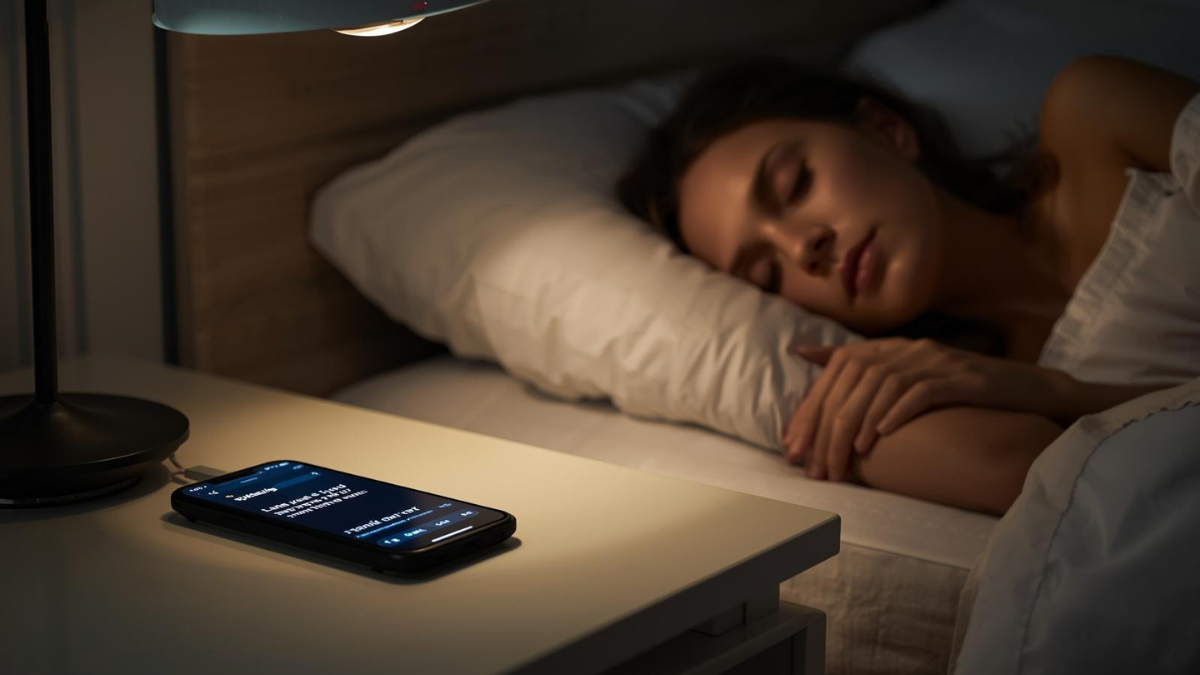
Beauty Biz Boundaries: Why Late-Night DMs Hurt Business
Be honest: you’ve replied “Sure, I can squeeze you in” from bed. It feels helpful. It quietly wrecks your sleep, your schedule, and your authority.
Here’s why late-night DMs hurt—and the calm system that keeps clients happy while you protect your off-hours.
Why midnight replies backfire
You train availability, not respect. Answer once at 11:47pm and that time becomes “normal.”
More mistakes. Tired brains misquote policies, prices, or times. Guess who eats the correction?
Scope creep. Off-hour “quick questions” turn into free consults.
Resentment tax. You start dreading the ping—clients feel that energy.
The boundary that books (and lets you sleep)
Office hours + auto-replies + clear self-serve paths. Clients don’t need 24/7 you—they need 24/7 next steps.
1) Publish real office hours (everywhere)
Website, Google Business Profile, IG bio highlights:
“DMs and admin Mon–Fri 10–6. For bookings/reschedules, use the link.”
2) Set platform auto-replies (steal these)
Instagram DM (after-hours):
“Thanks for reaching out! I’m offline now. For the fastest answer, book or reschedule here: [link]. I reply to DMs Mon–Fri 10–6.”
Email (evenings/weekends):
“Got your note 🙌 I handle messages Mon–Fri 10–6. Need an appointment sooner? Book/reschedule here: [link]. Aftercare info: [link].”
SMS (if you use it):
“Hey! This line isn’t monitored 24/7. Tap to book or move an appointment: [link]. I reply during business hours.”
3) Make self-serve irresistible
Booking link must do book + reschedule + deposits/card-on-file.
One FAQ/aftercare hub answers the top five questions (prep, policies, prices, return windows).
A waitlist form fills last-minute gaps without you juggling texts.
4) Use “daytime scripts” that close loops fast
Price shopper: “I price by total time and products. Most first visits fit [Service]. If you prefer a lighter option, I have a streamlined version. Book either here → [link].”
Policy push: “To keep evenings fair, I require a card on file. You can choose any time here → [link].”
Overflow consults: “Happy to map a plan at your appointment; here are two times I can hold: Wed 4:30 or Thu 6:15.”
5) Guard peak hours without playing cop
Toggle auto-confirm only for non-peak slots; require acceptance for weekends/evenings.
Add a checkout note: “Next messages answered Mon–Fri 10–6. For changes, use the link anytime.”
When you’re tempted to reply at 12:03am
Use the Draft & Delay rule: write it, schedule send for 10:01am. You keep momentum without moving the boundary.
Fix the leaks (a 7-day boundary reset)
Day 1: Write and publish office hours.
Day 2: Turn on auto-replies (IG, email, SMS) with booking + FAQ links.
Day 3: Add waitlist + reschedule to your booking flow.
Day 4: Build an aftercare/FAQ page; link it in reminders.
Day 5: Save three quick-reply scripts (price, policy, consult).
Day 6: Move notifications out of the bedroom; set Do Not Disturb.
Day 7: Review DMs: what repeats? Add one line to your FAQ or confirmations.
Worried you’ll lose clients?
You’ll lose the ones who need 2am answers. You’ll gain the ones who respect process—and they refer people like them. Boundaries are a filter, not a fence.


