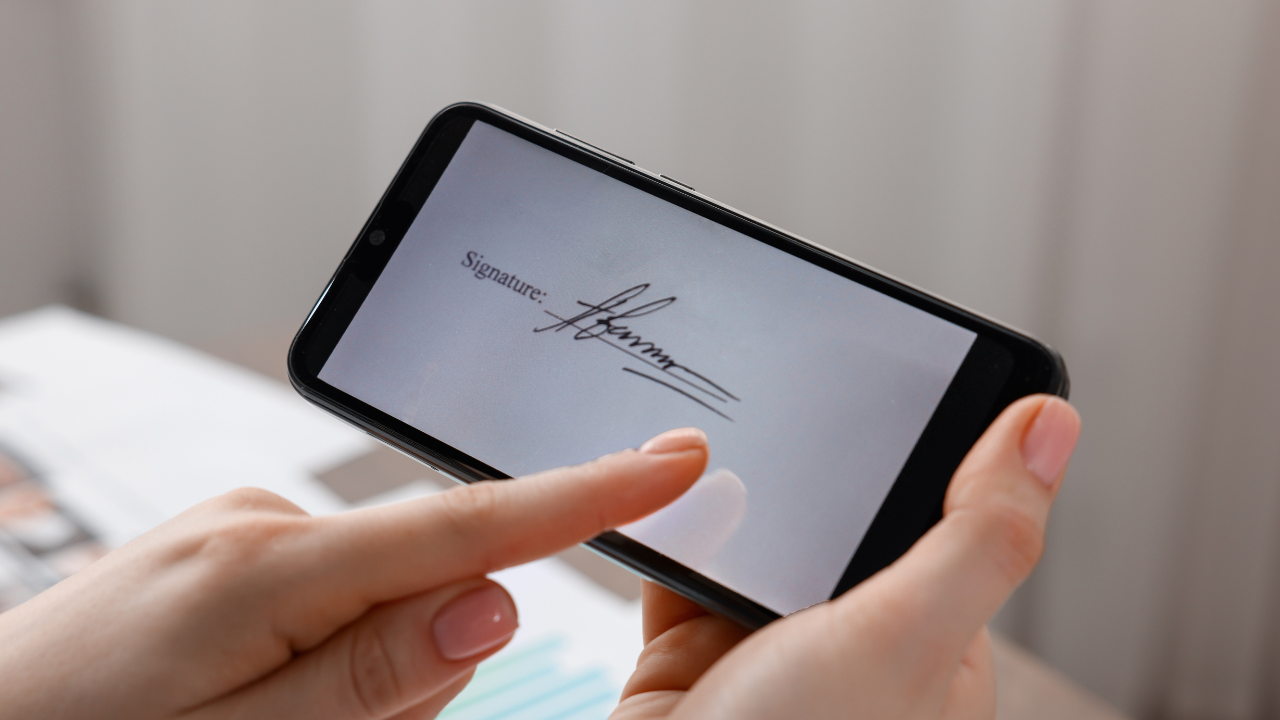
Why Digital Signatures Are Safer Than You Think
Someone asks for “a real, handwritten signature.”
Cute. Also risky.
Paper signatures can be unreadable, misplaced, or quietly edited. A good digital signature leaves footprints—who signed, what they saw, and when—and screams if anything changes after the fact.
Here’s the straight talk on why digital beats ink for salons and studios, and how Glow Forms handles the boring-but-critical parts.
What makes a digital signature safer
1) Tamper-evident copies
After signing, the form is locked. If someone tries to edit it, the system flags the change and preserves the original. Paper can’t do that.
2) Time, device, and intent
Each signature stores a timestamp, signer details (email/IP/device), and an explicit action (tap, draw, or click) next to “I agree.” That trail matters when memories get fuzzy.
3) The exact text they saw
The signed file includes the version of the consent shown at the moment of signing. No “that line wasn’t there” arguments.
4) One record, not five folders
Signatures live with photos, products/settings, and aftercare in the client record. When a question appears, you export the whole story in one go.
5) Access control + backups
Role-based access means only the right people can view or export records. Encrypted backups reduce the “our laptop died” panic.
“But are digital signatures legal?”
Short answer: in most places, yes—when you can prove identity, intent, and integrity of the document. Glow Forms captures all three: who signed, what they agreed to, and that it hasn’t been altered. If your insurer or region requires wet signatures for a specific service, note it and collect one—otherwise, digital is usually the stronger receipt.
Where this helps in real life
Same-day cancel: You open the signed policy with your fee amounts. Exact client, exact time, exact wording—conversation stays short.
Post-treatment question: You export consent + photos + settings + aftercare with one click. No hunting in email threads.
Staff handoff: New team member sees the signed risks and patch-test history in seconds. Service stays consistent.
How Glow Forms implements this (no tech degree needed)
Locked PDFs with audit data attached to each submission.
Time-stamped signatures placed immediately after the risk list and policy blocks.
Versioning: update a form without overwriting old, signed copies.
Searchable client records: find a signature by name, date, service, or keyword.
Export bundle: consent, photos, notes, settings, aftercare, and policies—download as one package.
Scripts for nervous clients (steal these)
“You’ll sign on your phone; it’s time-stamped and stored with your record so we can look back if needed.”
“If anything changes later, the system keeps the original—nothing can be quietly edited.”
“You’ll get an emailed copy right after you sign.”
Quick setup checklist (5 minutes)
Put the signature directly under risks and policy numbers.
Keep health questions required (allergies, meds, pregnancy, recent procedures).
Add aftercare acknowledgment as its own signed checklist.
Turn on Photo/Video Release if you publish results—separate yes/no.
Make sure links go out in confirmations + reminders; keep one QR at the desk.
Tiny Tuesday story
We replaced paper consent for peels with Glow Forms. A month later, a client DM’d about redness. We exported the bundle: consent (with the exact risk bullets she saw), time-stamped signature, products/settings, and the signed aftercare. The reply was calm, specific, and fast. Case closed—no binders, no guesswork.
Digital signatures aren’t “less real.” They’re more provable. And when things get noisy, proof beats pretty every time.


