How to Create a Photo and Video Consent Form for Salons, Med Spas, and Beauty Studios
A strong photo and video consent form for salons helps you document client permission before you snap a before-and-after photo, film a treatment clip, or post content online. In beauty businesses, images are often part of service records, progress tracking, and marketing. But permission should be clear, specific, and documented before you use any client photo or video. This guide walks you through what to include in a practical form. It is not legal advice, but it will help you build a better process.
Why photo and video consent matters in beauty businesses
Salons, med spas, and beauty studios capture images for many reasons. You might take before-and-after photos for lash fills, PMU touch-ups, skin progress, injectables, or color corrections. You might also record quick clips for Instagram, TikTok, your website gallery, or staff education.
The key is that different uses need different levels of permission. A client may be comfortable with treatment documentation in their file, but not with a public post. That is why a simple verbal “yes” or one broad checkbox on intake is often not enough.
What is a photo and video consent form?
A salon photo consent form is a document that explains what images or recordings you want to capture, how you plan to use them, and what the client agrees to.
That can include:
- Internal treatment records
- Before-and-after documentation
- Staff training
- Website use
- Social media content
- Print marketing
- Paid ads
A beauty studio photo release form should make those uses easy to understand. Internal records and public marketing are not the same thing. If your form bundles everything together, clients may feel pressured into an all-or-nothing decision.
It also helps to keep permissions stored in one searchable place. When a client asks what they approved, your team should be able to find the answer quickly.
Who needs a photo and video consent form?
If you work in beauty, you likely need one. That includes:
- Salon owners and front-desk teams
- Estheticians
- Lash and brow artists
- Nail techs
- PMU artists
- Injectors
- Massage practices
- Med spas
Common use cases include treatment progress photos, testimonials, website galleries, ads, and social content. A med spa photo consent form is especially helpful when services involve visible treatment areas and detailed documentation.
And this is not just for larger businesses. Even if you work solo, a repeatable process protects the client experience and keeps your records organized.
When should you collect photo and video consent?
Collect consent before any photos or videos are taken. The best time is during digital intake or pre-appointment paperwork.
Timing matters. Clients are usually more comfortable when expectations are clear before the service begins. If you decide during the appointment to film something new for marketing, ask again verbally and make sure that new use is covered in your form.
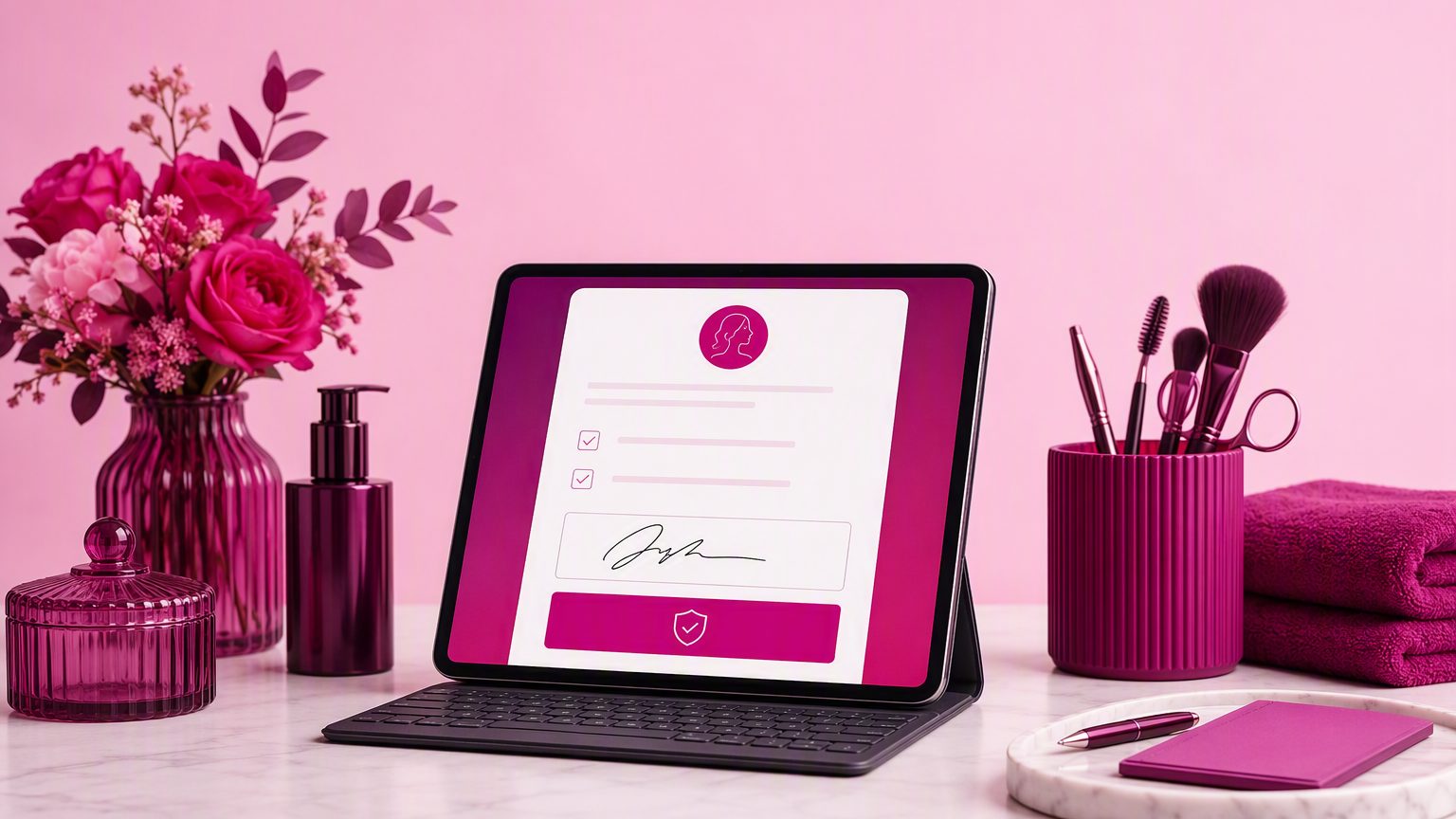
A digital consent form for salons works especially well because clients can review it on their phone before they arrive.
What to include in a photo and video consent form
A useful client photo release form salon should be specific, not vague. Include:
Client and appointment details
- Full name
- Date
- Appointment or treatment reference
What will be captured
- Photo
- Video
- Audio
- Before-and-after images
Purpose of use
Let clients opt in by category, such as:
- Internal records
- Treatment documentation
- Staff training
- Website
- Social media
- Print marketing
- Paid ads
- Other specified use
Identification preferences
State whether the content may include:
- Full name
- First name only
- Tagged social profile
- No identifying information
Treatment area and storage
If relevant, note the area being photographed or recorded. Also explain how long you plan to store the images and consent record.
Updates and signatures
Include:
- How the client can withdraw or update consent going forward
- Business contact details for questions
- Client signature and date
- Staff acknowledgment, if your process requires it
Separate internal documentation from marketing permission
This is one of the most important parts of a before and after photo consent form. Internal treatment documentation should not be bundled together with public marketing approval.
Use separate sections or checkboxes for:
- Images kept in the client record
- Images used publicly for promotion
This gives clients more control and often builds trust at check-in. It also helps your team avoid using content in ways the client never approved.
Sensitive areas, minors, and med spa use cases
Use extra care when images involve sensitive treatment areas or more private client situations. A photo release form for med spa marketing may need clearer language around what is shown, where it appears, and whether the client can be identified.
For minors, get parent or guardian authorization. Your form should include the signer’s name and relationship to the minor.
If you run a med spa or injector practice, keep image permissions especially organized. These images may sit close to medical-history-adjacent records, so clarity and controlled access matter. It is also wise to check local and state rules when your services involve added privacy or consent requirements.
Sample structure you can copy
You do not need a complicated form. A plain-language structure works best:
Section 1: Client details
Name, date, service, provider
Section 2: What will be captured
Photo, video, audio, before-and-after images
Section 3: Approved uses
Checkboxes for internal records, training, website, social media, ads, print
Section 4: Identification preferences
Named, first name only, anonymous, tagged account, no tag
Section 5: Opt-out and withdrawal
How to decline or change permissions later
Section 6: Signature
Client signature, date, and staff acknowledgment if needed
Simple wording is usually better than dense legal language. If you need state-specific wording, have your final version reviewed by your legal advisor.
Common mistakes beauty businesses make
Many consent problems come from process, not bad intent. Watch for these common issues:
- One vague checkbox for every possible use
- No separation between records and marketing
- Missing signature or date
- Relying only on verbal approval
- Never updating consent when usage changes
- Storing images without linking them to the signed form
- Making forms hard to read on mobile
A social media consent form for beauty businesses should be especially clear because online use can be broader than clients expect.
Paper vs digital photo and video consent forms
Paper forms can work, but they are harder to search, store, and retrieve. A digital form is easier to send before the appointment, easier for clients to complete on mobile, and easier for staff to keep attached to the right client profile.
That matters on busy days. If a front-desk team needs to confirm whether a client approved website use but declined social media, searchable digital records save time and reduce mistakes. The same applies to beauty client intake forms more broadly: when records are organized, your team works more smoothly.
Best practices for storing signed consent forms
Keep each signed consent form attached to the client file. Organize records by date and version so your team knows which permission is current.
Searchable records matter when a client asks what they approved or when a staff member wants to use an image. Access should also be limited to the appropriate team members, especially when images involve sensitive areas or med spa services.
A consistent digital workflow reduces confusion and makes image use easier to manage responsibly.
Make consent collection easier with GlowForms
If you want a simpler way to collect a photo and video consent form for salons, GlowForms helps you build mobile-friendly forms, collect signatures, and keep permissions organized alongside your client records. If you are ready to replace scattered paperwork with a cleaner digital process, try GlowForms for beauty intake and consent management.