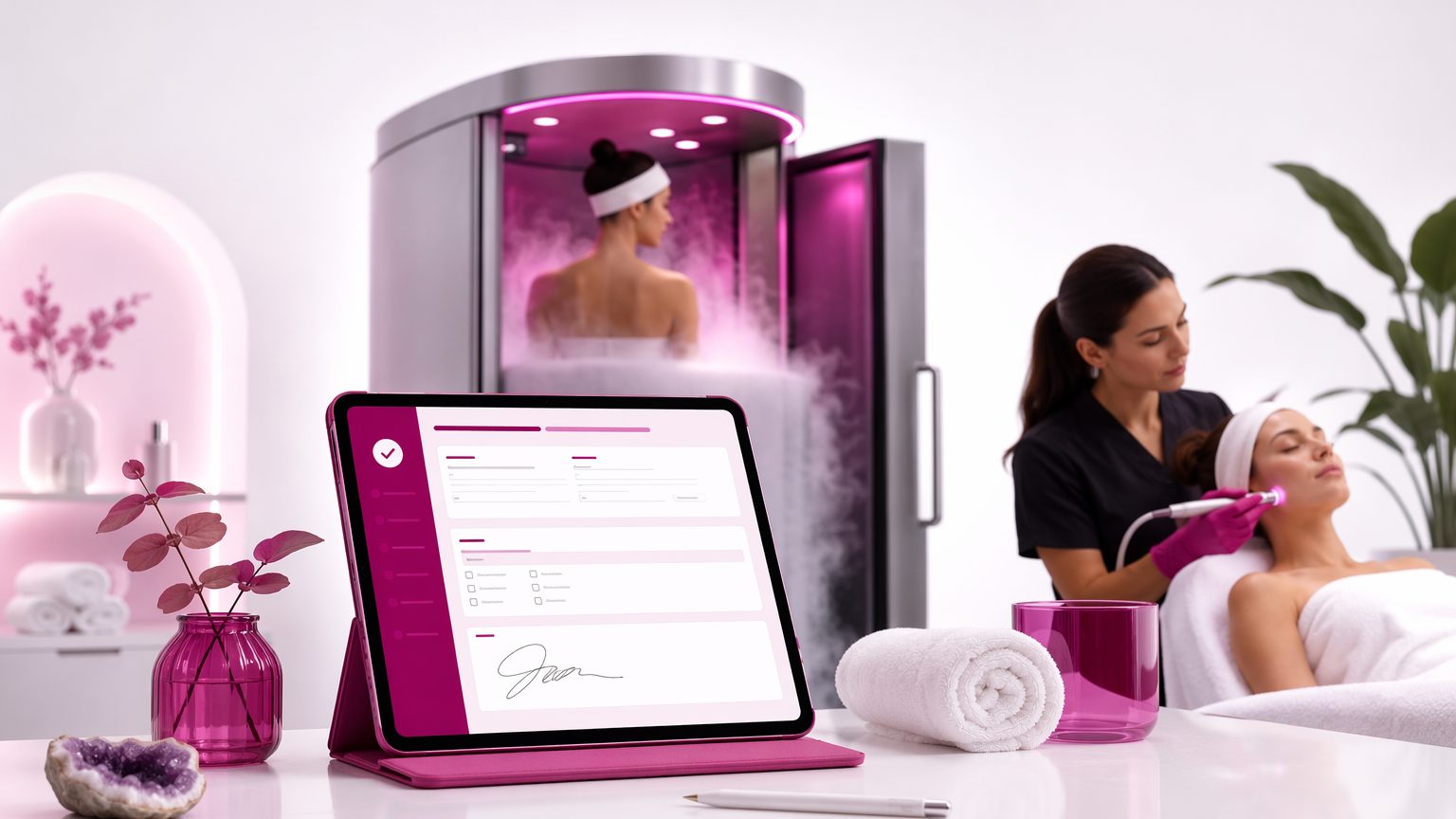
How to Create a Client Intake Form for Cryotherapy and Cryo Facial Services
A strong client intake form for cryotherapy helps you do more than collect names and phone numbers. It gives you a smoother check-in process, gathers important background details before treatment starts, and documents consent in one organized place. In a busy salon, spa, or cryotherapy studio, that matters. The goal is simple: make it easier for clients to complete paperwork, easier for staff to review it, and easier for your business to keep clear records that support informed service decisions.
What is a client intake form for cryotherapy?
A cryotherapy client intake form is a treatment-ready form used before cryotherapy or cryo facial services. It usually combines:
- client contact details
- relevant health history
- service-specific questions
- consent language
- signatures
That is very different from a basic contact form. A contact form just helps someone inquire or book. A treatment intake form helps you prepare for the appointment itself.
Your setup may also vary by service. A whole-body or localized cryotherapy provider may focus more on general health and cold exposure questions, while a cryo facial intake form may need more detail about skin condition, active products, and recent facial treatments.
When to send the form
Whenever possible, send the form before the appointment. Mobile-friendly digital intake forms for spa and wellness businesses make that easy.
If a client gets the form by text or email the day before, they can fill it out on their phone while at home instead of standing at the front desk trying to remember dates, medications, or skincare products. That usually means:
- shorter check-in time
- fewer skipped questions
- cleaner, more readable records
For example, if a client is booked for a lunchtime cryo facial, they can complete the form on the way to work and arrive ready for review. For same-day bookings or walk-ins, keep an in-studio backup option available on a tablet or phone.
Core sections every form should include
Every client intake form for spa services should cover the basics clearly. For cryotherapy, include:
- full legal name
- phone number
- email address
- date of birth
- emergency contact
- appointment date
- service selected
- provider name
Also add a space for notes, updates, and repeat-visit changes. A short statement should remind the client to answer honestly and let you know if anything changes before future appointments. If your business uses confirmations or reminders, you can also include an optional preferred communication field.
Health history questions to consider
A cryotherapy health history form should be structured and easy to scan. Use yes/no questions with room for explanation rather than long open text fields.
For cryotherapy services, consider questions about:
- general medical conditions
- medications
- allergies
- skin sensitivities
- circulation-related concerns
- prior reactions to cold-based or similar services
For cryo facials, separate general wellness questions from skin-related questions. That makes the form easier for clients to understand and easier for staff to review quickly.
The exact questions you include should fit your services and location. Review what is relevant for your business, and make sure the form supports informed decisions without drifting into treatment claims.
Service-specific questions for cryo facial appointments
A cryo facial intake form often needs more skin-detail questions than a general cryotherapy intake.
Ask about:
- current skincare products
- active ingredients being used at home
- recent exfoliation, peels, or waxing
- other recent facial treatments
- skin sensitivity, redness, irritation, or breakouts
- recent changes in skin condition
- whether the client has had a cryo facial before
- whether they experienced discomfort or reactions
It also helps to include a short provider-only note field to document observed skin condition at the appointment.
Consent language: keep it clear
Your cryotherapy consent form should be written in plain language, not dense legal wording clients rush past.
Include acknowledgment that the client:
- understands the nature of the service
- had the chance to ask questions
- is voluntarily agreeing to proceed
- understands there may be temporary effects or discomfort
- confirms their answers are accurate to the best of their knowledge
If you use a cryotherapy waiver form or cryo facial consent form, make sure the wording matches the specific service being provided. It is wise to review your wording based on your business needs and location, but avoid implying that a template alone guarantees compliance.
Keep photo release separate from treatment consent
If you take before-and-after photos, do not bundle media permission into the main treatment consent as one forced agreement.
Instead, create a separate release section with clear options such as:
- internal record only
- educational use
- marketing use
A client should be able to agree to clinical documentation without automatically agreeing to social posts or promotions. That separation creates a clearer client experience and cleaner records.
Signatures, dates, and staff review
Every completed cryotherapy consent form should include the client signature and date. If your business serves minors and local rules allow those services, add guardian or parent signature fields where needed.
It also helps to include:
- a staff review field
- provider initials or signature
- a form version date
Version dates make it easier to track updates over time. Digital signatures are especially useful because they are faster to collect and easier to store than paper signatures.
Common mistakes to avoid
A lot of intake problems come from forms that are too generic or too hard to use. Common mistakes include:
- using one generic template for all services
- asking too few health questions
- hiding important questions inside long paragraphs
- combining consent, photo release, and marketing permission into one checkbox
- leaving no space for future updates
- using paper forms that are hard to read or misfiled later
- writing vague questions clients may interpret differently
A good client intake form for cryotherapy should feel specific, readable, and easy to complete.
Paper vs digital intake forms
Paper forms can work, but they slow things down. They are easier to misplace, harder to search, and often difficult to read.
Digital and paperless intake forms for beauty businesses offer practical advantages:
- clients can complete them on their phones before arriving
- signatures are collected in the same workflow
- records are easier to store and retrieve
- teams use the same current version of the form
- past answers are easier to find at repeat visits
For a busy spa or cryotherapy studio, that consistency can make daily operations much smoother.
How to organize and update records
The form is only useful if the record stays organized after submission. Keep intake forms, consent records, service notes, and photo releases together so staff can quickly review what matters before the next appointment.
For returning clients, update responses when:
- they book a new service
- there has been a long gap between visits
- they report changes in health, skincare, or preferences
Searchable digital records make repeat appointments easier and give staff more confidence at check-in.
A simple way to build your form
Here is a practical setup process:
- List your services, including cryotherapy and cryo facial options.
- Decide which client details and health history questions are required.
- Write clear consent language in plain English.
- Add separate signature and optional photo-release sections.
- Test the form on a phone.
- Train staff on when to review, update, and store submissions.
- Revisit the form as services or business needs change.
Conclusion: create a form that is clear, easy, and treatment-ready
A well-built client intake form for cryotherapy helps you collect the right details, document consent, and create a better client experience from the moment someone books. The best forms are easy to complete, easy to review, and easy to find later.
If you want to build mobile-friendly forms, collect signatures, and keep client records organized in one searchable place, try GlowForms.


