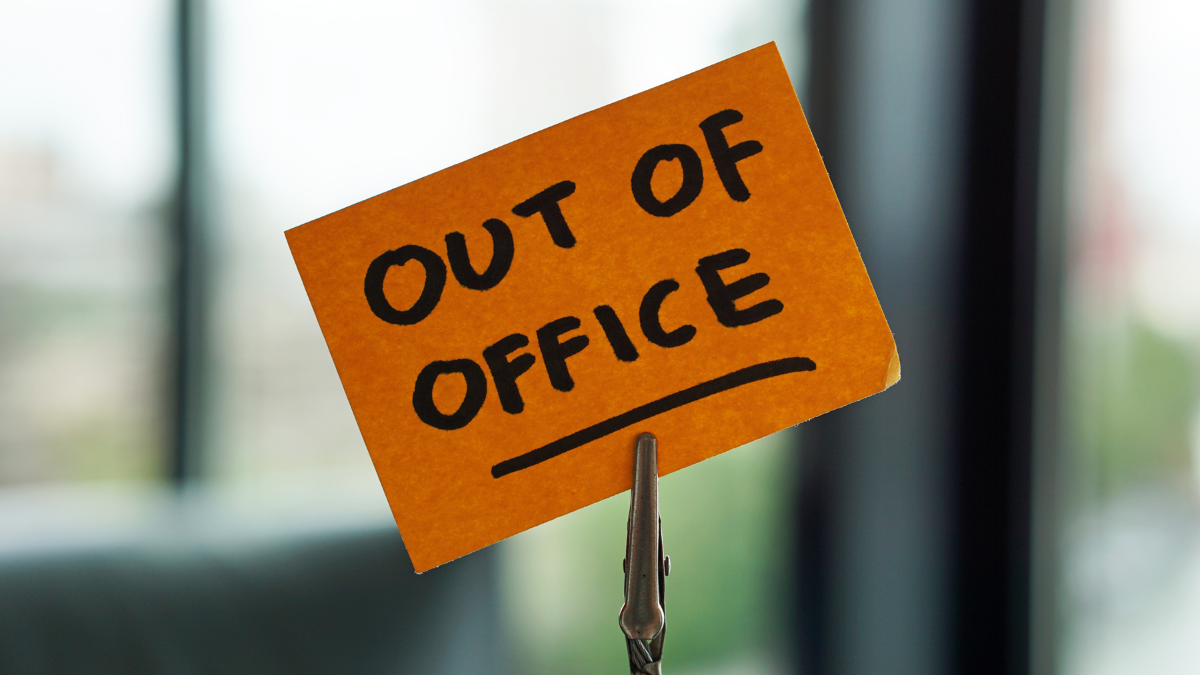
How to Craft a Killer 'Out of Office' Message That Sells
The worst OOO I’ve seen said, “I’m away. Please bear with.” No dates. No backup. No next step. That message didn’t just stall a sale—it made the sender look unreliable.
Let’s write one that quietly sells while you’re off.
What your OOO must do (in this order)
Set expectations: when you’re back and how you’ll respond.
Route urgent stuff: who to contact for time-sensitive issues.
Offer a next step: a specific action that moves the lead forward.
Show you’re human: one line of context beats robot tone.
Anatomy of a selling OOO
Subject: Automatic reply — back [date]
Opener: One clear sentence: “Thanks for your note — I’m out until [date].”
Availability: “I’ll reply within [timeframe] once I’m back.”
Backup: Name + email/phone for urgent help.
Self-serve path: booking link, FAQs, or a short form that captures what you need.
Soft CTA: one tidy nudge, not a pitch.
Sign-off: warm, brief, on-brand.
Five copy-and-paste templates
Tweak brackets, keep the bones.
1) Lead-friendly (push to book)
Subject: Automatic reply — back [Date]
Hi — I’m out of the studio until [Date]. I’ll reply within [Timeframe] when I’m back.
Need to lock a slot now? Book here: [booking link].
Urgent questions? Contact [Name] at [email/phone].
Thanks for your patience — speak soon,
[Name]
2) Services with intake (gather info while you’re away)
Subject: Automatic reply — back [Date]
Thanks for reaching out. I’m away until [Date] and will reply within [Timeframe].
To speed things up, share a few details here: [short form link].
If it’s urgent, [Name] can help at [email/phone].
Warmly,
[Name]
3) Product orders (set delivery expectations)
Subject: Automatic reply — order timelines
I’m out until [Date]. Orders placed now will ship after [Date].
Need something sooner? See ready-to-ship items here: [collection link].
For urgent issues, contact [Name], [email/phone].
Thanks,
[Name]
4) VIP/press (protect relationships)
Subject: Automatic reply — back [Date]
Appreciate your note. I’m offline until [Date] and will reply within [Timeframe].
Media or partnership requests: please loop [Name] at [email/phone].
If you’re exploring a feature, here’s our press kit: [link].
Best,
[Name]
5) Boundary-friendly (clear, kind, no apologies)
Subject: Automatic reply — back [Date]
I’m unplugged until [Date]. I won’t see messages during this time.
I’ll reply within [Timeframe] once I’m back. For urgent matters, try [Name], [email/phone].
If you’re ready to book, here’s my calendar: [booking link].
Take care,
[Name]
Micro-tweaks that lift conversions
Dates > vague words. “Back Monday 10 March” beats “back soon.”
One CTA only. Booking link or form—don’t stack options.
Timezones matter. Add “UK time” / “Pacific time” if you work across borders.
Short links. Long tracking strings look sketchy in auto-replies.
Tone match. If your brand is breezy in DMs, don’t go courtroom in your OOO.
Real-life scenarios
You’re a solo brow artist: OOO pushes to a consultation form. You return to qualified leads with photos, not mystery emails.
Small team, rotating cover: Your OOO names the week’s on-call contact. No “who’s handling this?” Slack scramble.
E-comm side hustle: OOO states next ship date and links bestsellers. Fewer “where’s my order?” pings.
Common mistakes (skip these)
“I’ll reply ASAP.” That’s not a timeframe.
Hiding the one thing they need—booking link, form, phone—in a paragraph.
Apologizing five times. Be clear, be kind, move them forward.
Multiple CTAs. Choice overload kills action.
Quick build checklist
Subject says Automatic reply and your return date
First line confirms you’re out + states reply timeframe
Backup contact for urgent matters
One clear CTA (book, form, FAQs, or shop)
Links tested and short
Tone that sounds like you, not IT
Write it once, test the links, and let your inbox quietly handle business while you actually rest.


