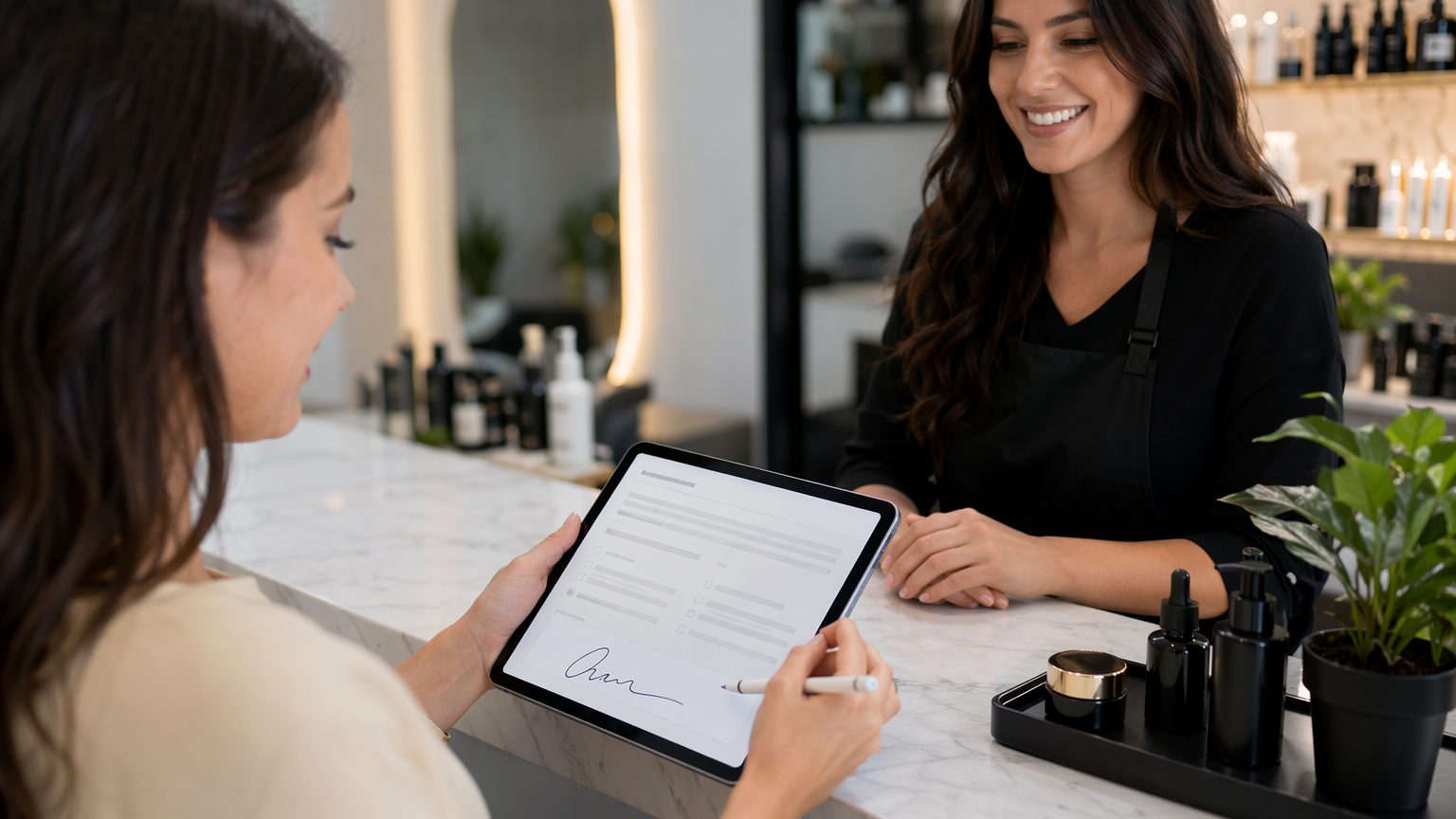
How Beauty Salons Can Collect Client Consent Forms and Signatures Online
Beauty businesses manage more than appointments—they also need reliable records after each service, smoother follow-up processes, and organized information that helps teams stay aligned after each booking. For salons, spas, estheticians, lash artists, and brow studios, improving how service outcomes, aftercare details, and next steps are documented can save time, reduce confusion, and make day-to-day operations easier to manage over the long term. Here’s how beauty salons can use digital forms to standardize post-service records and follow-up workflows.
Why Beauty Salons Need Better Post-Service Workflows Across Staff and Services
A great service experience depends on more than what happens in the chair. In many beauty businesses, the quality of follow-up and recordkeeping after the appointment plays an important role in the overall client experience. Teams may need to record products used, service outcomes, client reactions, aftercare instructions shared, retail recommendations, patch test outcomes, contraindications, or notes that help guide the next check-in or future visit.
For beauty businesses, digital forms can do more than handle first-visit paperwork. They help teams capture service records in a repeatable format that supports clearer communication and more organized follow-up. Instead of relying on scattered text messages, handwritten notes, or memory, salons can collect outcome details in a structured way and keep them easy to review later.
Using online forms also creates a clearer workflow. Instead of every provider documenting details differently, salons can build a standard process for recording treatment results, aftercare guidance, client concerns, and next-step notes across staff members, services, and locations. That means fewer missed details, better team alignment, and a more dependable experience for both clients and providers.
Digital forms also make it faster to review what happened between appointments. Rather than guessing what happened after the service, salons can check completed records and see what products were recommended, what aftercare instructions were given, and what concerns need to be tracked. That helps staff deliver a more informed, consistent experience over time.
What Information a Beauty Salon Post-Service Form Should Include
Effective beauty salon forms can be adapted for recordkeeping after appointments by gathering details that help teams stay aligned and support better follow-up communication.
Essential appointment record details
Start with the basics:
- Full name
- Phone number and email
- Date of appointment
- Service received
These details help match follow-up documentation to the correct client and appointment.
Service outcome and aftercare notes
Depending on the service, your salon forms may also need to record:
- Products used during the appointment
- Immediate results observed after the service
- Skin sensitivity or visible reactions after treatment
- Lash retention, brow finish, or customization outcomes
- Areas treated or avoided
- Aftercare instructions provided
- Recommended products or maintenance steps
For estheticians and spas, questions should be tailored to service type, provider workflow, and the kind of information that will be useful if the client follows up, returns, or reports concerns later.
Follow-up actions and future-reference notes
Every form should clearly cover any details worth documenting for later reference, such as:
- What the client said about the final result
- Concerns raised before leaving
- Recommendations for the next visit
- Whether follow-up outreach is needed
- Any service-specific notes the business chooses to record
Be sure to collect the date and any staff notes, and include a signature or acknowledgment field only if it fits your process. These details help salons maintain stronger records after appointments and reduce confusion when clients return for future services.
Benefits of Moving Salon Post-Service Documentation Online
Moving to digital forms offers clear benefits across the business.
First, digital forms make documentation faster to manage. Staff spend less time searching through notebooks, text threads, or paper files and more time working from clear records in one format. For salons using GlowForms, that means digital records stay organized, searchable, and easy to pull up when staff need them.
Second, forms can be completed the same way every time. When staff document service outcomes digitally, salons can capture the same core details across services and providers, making it easier to maintain quality standards and avoid gaps in records.
Third, digital systems make submissions easier to review. Teams can quickly check service history, product recommendations, aftercare instructions, client concerns, and follow-up notes without digging through disconnected systems. Searchable client records support stronger continuity across appointments and staff members.
Finally, the client experience is smoother. Mobile-friendly forms feel polished and convenient, helping salons create a professional experience while keeping documentation simple for staff to complete and reference.
How a Standardized Digital Follow-Up Workflow Works in a Salon
Most beauty businesses follow a simple digital workflow:
1. Create forms by service category
Using a drag-and-drop builder, salons can create customized forms for different recordkeeping needs while still keeping information organized. This makes it easy to build separate forms for facials, waxing services, lash appointments, brow shaping, or chemical treatments.
2. Complete the right form at checkout or shortly after the appointment
Forms can be filled out by staff as part of the closing workflow, depending on how the salon manages follow-up and recordkeeping. In GlowForms, teams can keep this process consistent by using standardized digital templates instead of ad hoc notes.
3. Store responses in a structured format
Staff complete the form digitally, answer required questions, and add a signature or acknowledgment field if needed for the record. This helps salons capture complete service information in a consistent format without relying on handwritten notes or fragmented systems.
4. Review records before follow-up outreach or the next visit
Once submitted, the completed form is available for staff to review later so they can reference the client’s service outcome, aftercare instructions, concerns, and next-step notes before the next follow-up or appointment.
Best Practices for Creating Beauty Salon Post-Service Forms
To get the most value from your beauty business forms, keep your process simple and useful.
Focus on action-oriented fields
Every salon should decide which details actually help the team support clients after appointments and maintain accurate records. A clear baseline makes follow-up easier and keeps documentation efficient.
Customize by service
A single generic follow-up form is rarely enough. Different treatments involve different products, expected outcomes, reactions, aftercare instructions, and recordkeeping needs. Build forms by service category when possible.
Keep forms concise
Ask only what is needed to support better documentation, team coordination, and a smoother follow-up process. Shorter forms are quicker to complete and easier for teams to use consistently.
Make mobile completion easy
Because many providers document appointments from tablets or phones, test every form for mobile usability. A strong digital paperwork solution should make the process fast and seamless on smaller screens.
How Digital Post-Service Forms Improve Salon Operations
Standardized digital forms improve salon operations by helping teams capture useful service details after clients leave, across follow-up touchpoints, and between future appointments. They give staff access to clear records in a consistent format, helping them review what happened, avoid repeated questions, and understand what should be monitored or repeated at the next visit without relying on scattered notes.
This also improves continuity across teams or multiple locations. When every form, note, acknowledgment, and follow-up record is easy to find and review, it becomes easier to maintain documentation standards and deliver a more uniform client experience.
Just as importantly, digital forms support better day-to-day coordination. Front-desk staff, service providers, and managers can all work from the same up-to-date information rather than relying on paper handoffs, missed updates, or incomplete verbal communication. That’s especially useful when records are stored in one searchable system built for beauty businesses rather than spread across generic tools.
Common Challenges With Informal Follow-Up Methods
Manual documentation creates avoidable friction. Paper notes can be hard to read, records may be incomplete, and important service details are easy to miss. Tracking client information across clipboards, notebooks, and staff members also takes time.
Informal systems often lead to fragmented records, especially when clients have reactions later, ask aftercare questions, or book multiple services over time. They can also make follow-up uneven, since important details may be buried in conversations or unavailable when someone needs them.
By contrast, digital systems centralize information and make it easy to review past forms, notes, acknowledgments, and service records whenever needed. That’s why many salons are moving beyond basic paperwork and using online forms as part of a more reliable, organized documentation and follow-up process.
Choosing the Right Digital Intake Software for a Beauty Salon
Not every form tool is built for beauty service workflows. When evaluating software, look for:
- A drag-and-drop form builder
- Signature collection, if needed for your process
- Mobile-friendly completion
- Searchable client profiles and records
- Easy sending by text or email
The best option is a platform designed for beauty businesses, not just a generic online form app. A system like GlowForms can better support organized records, consistent communication, and easy access to client history.
How GlowForms Helps Beauty Salons Manage Post-Service Records and Follow-Up Coordination
GlowForms is a digital client intake and records platform built for beauty businesses such as salons and similar service providers. It helps teams create professional forms with an easy drag-and-drop builder, send them quickly, collect signatures when needed, and keep every response organized in one searchable place.
For salons looking for a smarter digital paperwork solution, GlowForms supports a more efficient workflow—from client intake forms and service records to organized follow-up documentation and easy record retrieval later. The result is less admin time, faster access to information, and a smoother mobile-friendly experience for both staff and clients.
Final Tips for Building a Better Salon Follow-Up Process
Start with your highest-volume or most detail-sensitive services first. Decide which fields help your team document outcomes clearly, train staff on when to complete forms and how to review records, and make sure every completed form is easy to access before follow-up outreach or the next appointment. Update questions and wording as services evolve, and encourage staff to document services digitally so records stay useful.
If you’re ready to improve your salon’s documentation workflow and create a smoother process for service records and follow-up coordination, GlowForms can help you streamline your paperwork with less hassle and more confidence.


