Glow Forms vs Google Forms: Real Consent Forms for Salons
A new facial client is in the chair and mentions she started a retinoid last month. You remember she filled out your Google Form. So you open Google Sheets on your phone, scroll sideways through 40 columns, and try to find her row with serum on your gloves.
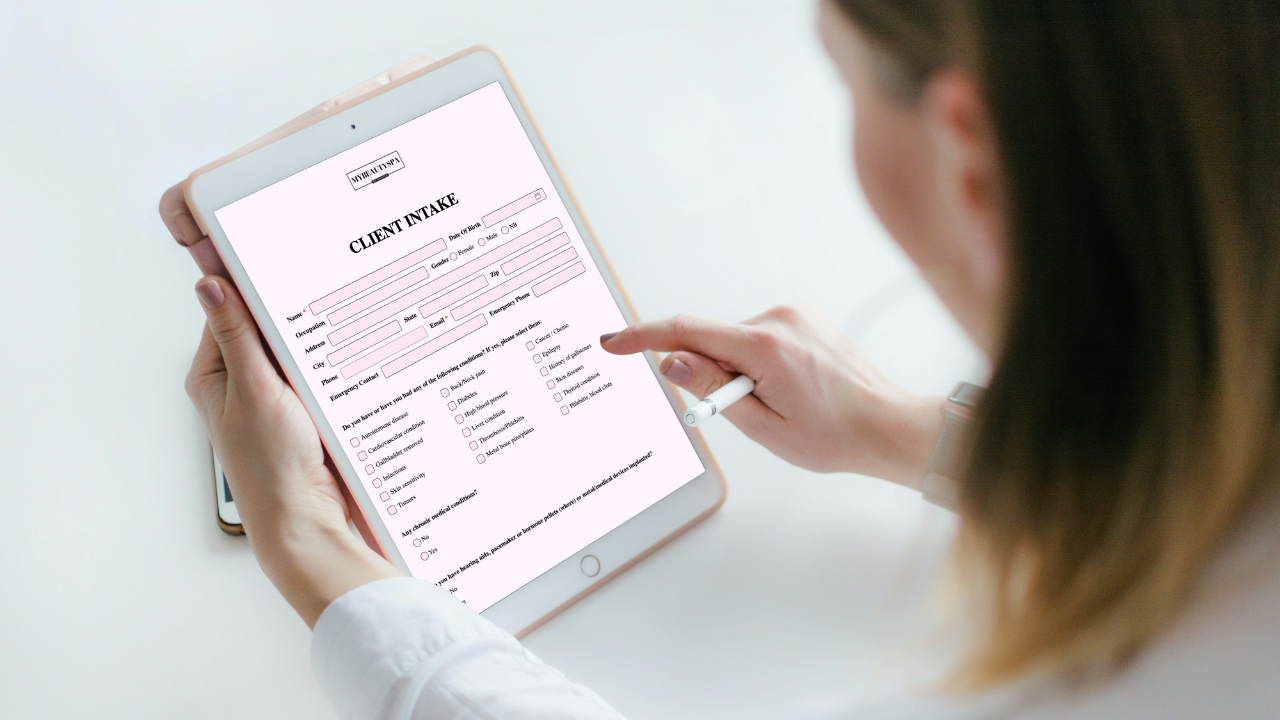
Google Forms is free and familiar, and it is a fine tool for surveys and sign-up sheets. But a consent form is not a survey. It needs a signature, it needs to look like your studio, and it needs to be findable in seconds when a client is in front of you. That is the gap Glow Forms is built to close.
Bottom line up front
Keep Google Forms for what it does well: quick polls, feedback surveys, event sign-ups.
Use Glow Forms for anything a client signs or that belongs in their history: consent, intake, medical history, aftercare and treatment notes.
Keep your current scheduler if you have one. You only add a link and a QR code.
Where Google Forms falls short for beauty pros
1) No built-in signature
Google Forms has no signature field. The usual workarounds are a checkbox, a typed name or a third-party add-on.
For a chemical peel, lash lift or PMU session, you want a real signed consent stored with the record.
2) Answers land in a spreadsheet, not a client record
Every response becomes a row in Google Sheets. One client who filled out three forms is three rows in three different sheets.
There is no client profile, no timeline and no quick way to see everything about one person.
3) You build every form from scratch
Google Forms has no beauty templates. You write every question, policy and contraindication yourself.
It is easy to forget the one question that matters, such as a patch test date or a recent medication.
4) It looks like Google, not like your studio
You can change the header image, colors and fonts, and that is about it.
Clients still see a generic Google form, which can feel less professional for medical-style questions.
5) Privacy takes extra work
Health questions are sensitive data. A free personal Google account is not set up for that out of the box.
You end up managing sharing settings, sheet access and backups yourself.
Where Glow Forms wins
1) Signed consent, stored properly
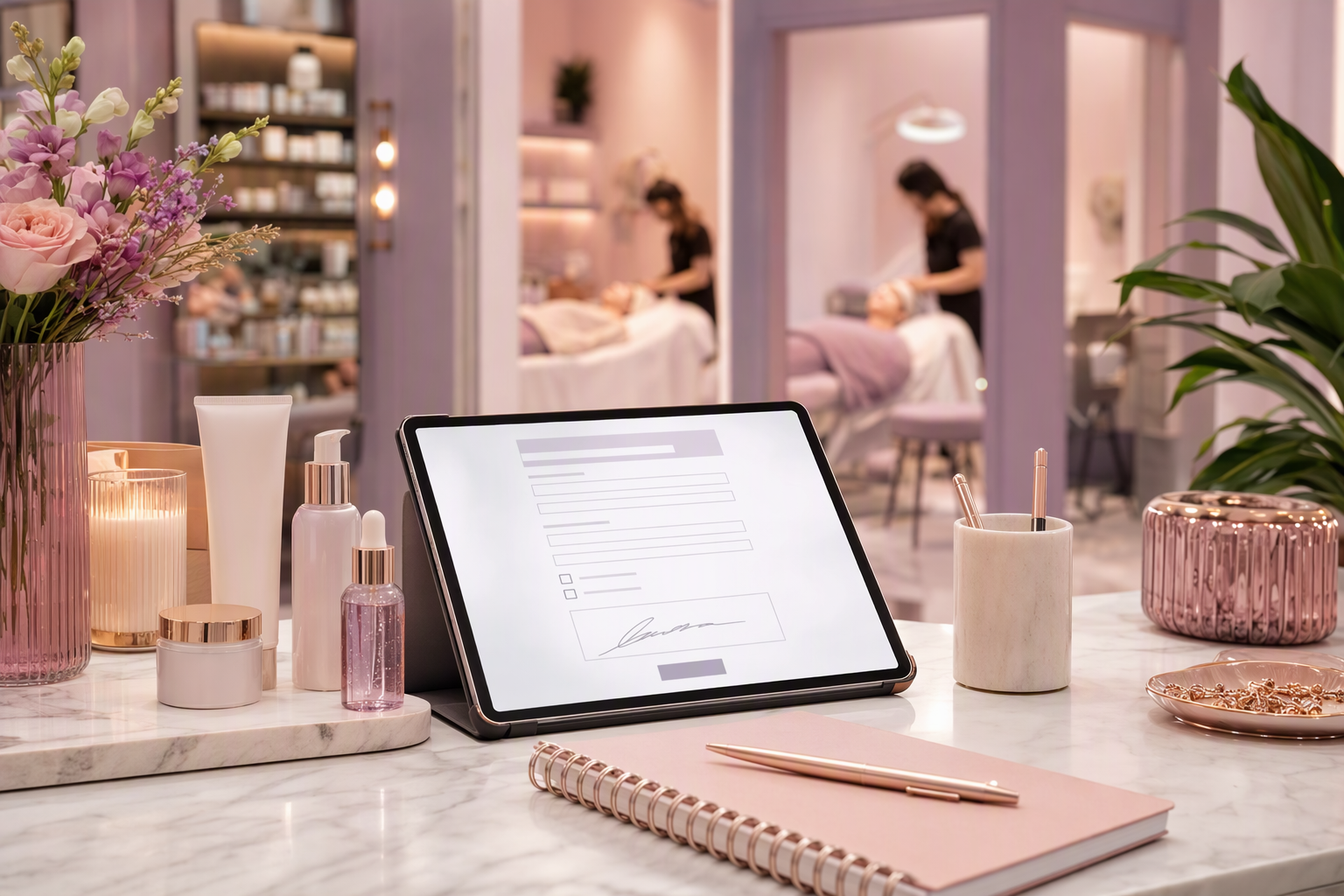
Clients sign on their phone, and the signature stays with the form.
Every client, every form and every signature is organized and searchable.
2) Real client records
Each submission files into the client’s own record, next to their treatment notes and history.
Pull up allergies, past reactions or the last session in seconds, on any device.
3) 150+ ready-made beauty templates
Client intake, consent, medical history, patch test, Fitzpatrick assessment, pre-care and post-care advice, cancellation policy, photo and video release.
Pick a template, adjust the wording, and you are ready the same day.
4) Your brand, not a generic form
Add your logo and colors so every form feels like your studio.
A consistent look across services builds trust before the client even arrives.
5) More than forms
Session and SOAP records, client management and a Booking Manager are included on every plan.
Share forms by email, QR code, landing page or website embed.
Quick comparison
Price: Google Forms is free. Glow Forms starts at $7.65 a month paid yearly, with a one-month free trial.
Signatures: Google Forms needs a workaround. Glow Forms has them built in.
Templates: Google Forms is a blank page. Glow Forms has 150+ beauty-specific templates.
Client records: Google Forms gives you spreadsheet rows. Glow Forms gives you a searchable client history.
Branding: Google Forms offers a header image and colors. Glow Forms carries your logo and brand colors.
Treatment notes: Google Forms has none. Glow Forms includes session and SOAP records.
How to move from Google Forms in an afternoon
List the forms you use today
Most studios have three or four: intake, consent, medical history and aftercare.Pick the matching Glow Forms templates
Choose one per service and copy over any wording you want to keep.Add your logo and colors
Two minutes, and every form looks like yours.Swap the links
Replace the Google Forms link in your booking confirmations, Instagram bio and website with your Glow Forms link.Print a QR code for reception
Walk-ins scan, fill in and sign on their own phone.Import your client list
Bring existing clients across so their records start in one place.
A tiny Friday story
A new client books a lash lift on Wednesday night.
Her confirmation includes your Glow Forms link. She completes intake and signs consent from her sofa.
Friday 10:55 AM: you open her record, see the patch test note and a sensitivity she flagged, and adjust your plan.
After the appointment you send post-care advice in one click.
No spreadsheet. No scrolling. No “hang on, let me find your form.”
Common worries (and real answers)
“Google Forms is free. Why pay?”
Free is great until you need a signature or a record during an appointment. Glow Forms costs less than one retail product a month, and you can try it free for a month with no credit card.“I already built my forms in Google.”
You do not need to rebuild them. Start from a template and paste in your own policies.“Will my clients find it harder?”
No. They tap a link or scan a QR code and fill it in on their phone, with no account or login.“I’m not good with computers.”
If you can make a Google Form, you can use Glow Forms. Click, type, save.
Google Forms collects answers. Glow Forms keeps client records. If your forms involve a signature, a health question or a treatment, that difference is the whole point. Start your one-month free trial and move your first form across today.
Comparing other tools? Read Glow Forms vs Jotform and Glow Forms vs Square.