Glow Forms vs Jotform: better consent for PMU & lashes
She’s in the chair for a brow touch-up and asks, “Did I react last time?”
You open your files. PDFs, screenshots, a Jotform export somewhere… not helpful with pigment on a microblade.
Here’s the uncomfortable truth: generic form builders collect answers, but they rarely give you clean, findable client records during a service. For PMU, lashes, and aesthetics, the moment you need history is mid-appointment—not after a download.
Glow Forms fixes that without making you switch calendars or teach clients a new portal.
Bottom line up front
Keep your current scheduler (Acuity, Square, Fresha—whatever).
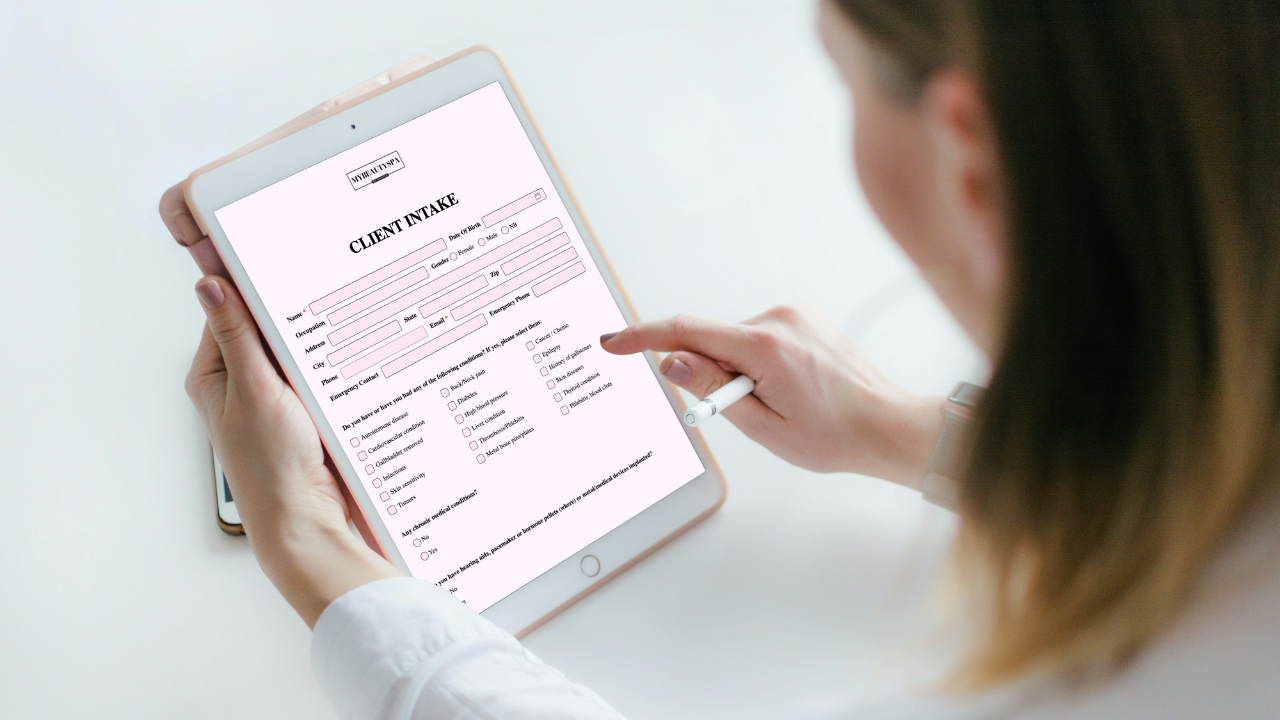
Use Glow Forms for consent, medical, aftercare, and treatment notes—all branded forms that match your studio and file into one tidy client timeline.
If you’re on Jotform, it can work, but you’ll do more fiddling (widgets, PDFs, data cleanup) to get the same outcome.
Where Glow Forms wins for PMU, lashes, aesthetics
1) Service-specific, not generic
Templates use beauty language (patch tests, contraindications, lamination, chemical peels).
Short forms per service → better answers, faster check-in.
2) Real client records
Every submission becomes part of a searchable client history with dates, signatures, photos, and notes—no exporting.
Pull up allergies or last pigment blend in seconds when a client is in the chair. That’s the difference between “form software” and client records.
3) Brand, not bland
Logo, colors, tone—branded forms that feel like your studio, not a hospital clipboard.
Consistent look across services builds trust and reduces “is this legit?” vibes.
4) Photos + signatures without gymnastics
Attach before/after photos right in the treatment note.
Time-stamped signatures and policy acknowledgments live with the record.
5) Links and QR codes everywhere
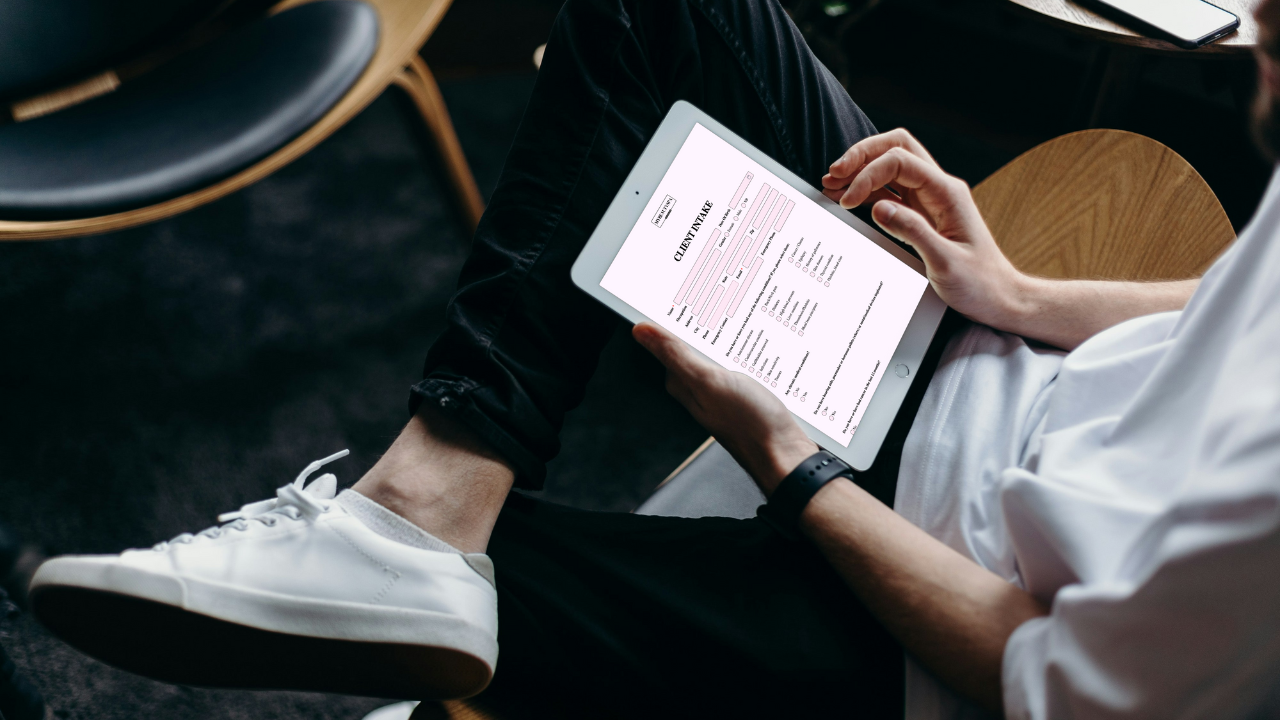
Drop links into confirmations/reminders, add a QR at reception, and put a “Forms & Policies” button on your site.
Clients complete on their phone; you review on any device.
Where Jotform is fine—but fussy
General-purpose builder: Powerful, but you’ll configure lots of fields and logic to fit beauty workflows.
Branding: Possible, but easy to end up with mismatched styles across forms.
Records: Often land as PDFs or spreadsheets; finding “that one allergy note” can turn into a hunt.
Photos: Works, but file handling and storage organization take manual effort.
Compliance feel: You can set it up right, but you’re stitching parts together. With PMU or acids, you want fewer moving pieces.
Quick setup recipe (15–30 minutes)
Pick your Glow Forms templates per service (PMU, lashes, peels).
Brand them with your logo/colors; add your exact policies.
Link them inside booking confirmations and reminders.
Print a QR for walk-ins/new clients at reception.
Test the flow once as a “new client” and once as a “repeat.”
Search a client to feel how fast history appears—this is the payoff.
A tiny Thursday story
A lash client books a fill. The reminder includes your Glow Forms health check link.
She updates medications; the system flags a possible contraindication.
You skim her client records on your iPad: last patch-test date, adhesive used, aftercare acknowledged.
You adjust the plan confidently—no rummaging through exports.
What to avoid (learned the hard way)
One giant catch-all form. Make branded forms per service; short wins.
Optional allergy questions. Make them required.
Photos living in your camera roll. Attach them inside the treatment note so they’re in the right record.
Quick comparison
If you need fast, in-chair history and beauty-specific templates → Glow Forms.
If you love deep DIY builder controls and don’t mind wrangling PDFs/exports → Jotform.
You don’t have to rebuild your calendar. Just upgrade the part that actually protects your work: the consent, the notes, the searchable client records.