Creating a Branded Client Welcome Packet
That first visit is loud—parking, nerves, “do you need anything from me?” A clean, branded welcome packet quiets the room and makes you look like you’ve done this a thousand times.
Here’s the no-fluff version: what to include, how to brand it, and the exact files to print or send.
What a welcome packet actually does
Reduces micro-stress: clients know where to go, what to expect, and what to avoid.
Sets friendly boundaries: policies are clear before there’s a problem.
Protects results: aftercare lands in their hands (and phone).
Books the next visit: a visible nudge to rebook now, not “later.”
The five pieces (keep it tight)
Hello card (1 page): Your logo, tone, and a 2-line promise.
“Calm, careful, on time. You’ll leave knowing what we did and what’s next.”
First-visit guide (1 page): Parking, arrival, what to wear/bring, how long it really takes.
Policies mini-sheet (half page): Late/cancel/no-show, deposits, redo window—plain language.
Aftercare snapshot (1 page max): Big headings, 3 bullets, timing windows (what to do, what to avoid, when it’s normal to feel X).
Next-steps card (business-card size): Two QR codes—Book/Reschedule and Reviews—plus your handle.
That’s it. Anything more becomes homework.
Print vs digital (use both on purpose)
Digital packet (PDF + links): Send automatically in the booking confirmation and in the 48-hour reminder.
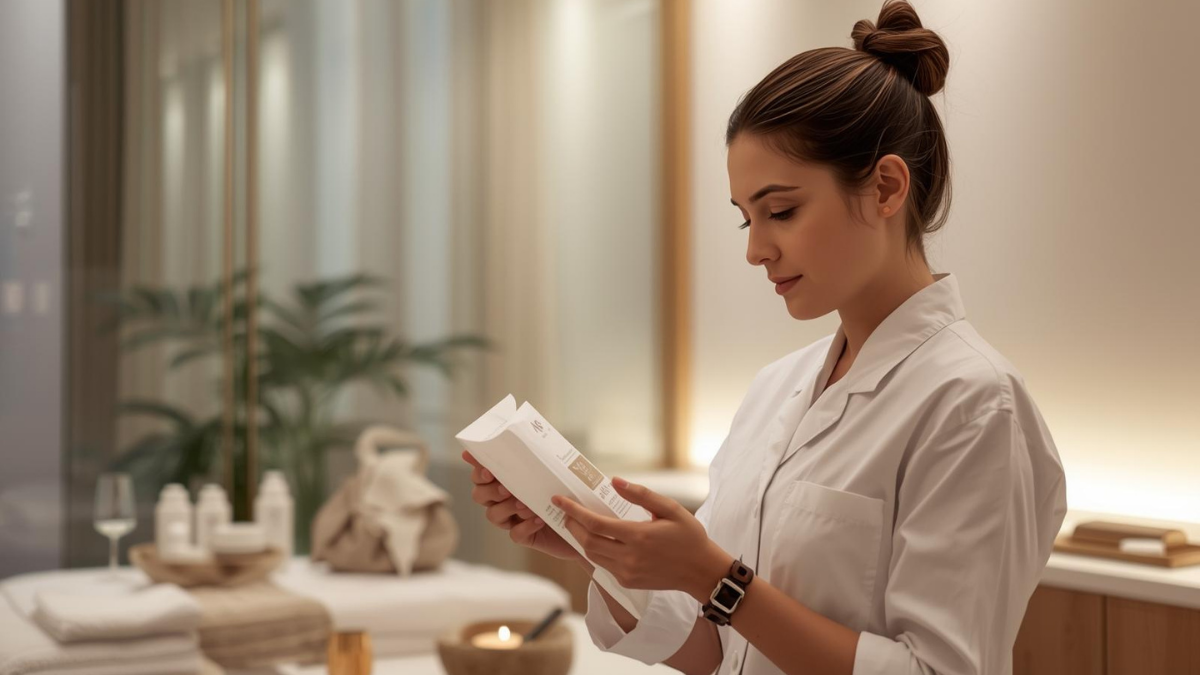
Print light: Keep one tri-fold or two sheets in a clear sleeve for first-timers who prefer paper. Hand it over with a smile, not a lecture.
Brand it without overdoing it
Palette: base neutral + one accent. Repeat the accent on headings and icons only.
Type: one readable sans for body, a bolder weight for headings. No font soup.
Photos: 2–3 of your space/results in consistent lighting.
Voice: short, human lines. If a sentence only sounds smart, delete it.
Exactly what to write (steal this)
Parking & arrival (guide):
“Street parking on Oak Ave. If full, turn into the lot behind 122 Oak. Come 5 minutes early; there’s a QR at reception to check in.”
Policies (mini-sheet):
“Reschedule/cancel up to 24h to keep your deposit. Missed/late cancels lose the deposit—keeps prime times fair. If we reschedule you, it moves with you.”
Aftercare (snapshot):
Today we: calmed barrier.
Do: gentle cleanse PM, SPF AM.
Avoid 48h: heat/sauna/retinoids.
Normal: light redness up to 24h.
Not normal: swelling, stinging—message link here → [QR].
Next steps (card):
“To maintain today’s result, rebook in 4–6 weeks. Hold Wed 4:30 or Thu 6:15 here.” → Book QR
Where people usually mess it up
Wall of text: clients won’t read it; they’ll DM you later.
Hidden policies: unclear rules become arguments.
No booking path: beautiful packet, zero next step. Always add the Book QR.
Scripts to hand it over (zero awkward)
At check-in: “Here’s your quick guide—parking, policies, aftercare, and a Book QR. Two minutes tops.”
At the mirror: “This card has the Book link. To keep today’s result, I recommend four weeks—want Wed 4:30 or Thu 6:15?”
7-day packet sprint
Day 1: Draft your 2-line promise + tone.
Day 2: Write the first-visit guide (parking, arrival, timing).
Day 3: Policies into three one-liners; add checkboxes to your consent.
Day 4: Aftercare snapshot for your top service.
Day 5: Create the Next-steps card with Book/Review QRs.
Day 6: Drop photos, set fonts/colors, export PDFs.
Day 7: Load links into confirmations + reminders; print 25 copies.
Make the packet do the talking so you don’t have to. Clients feel cared for, you stay on time, and rebooks stop relying on memory.


