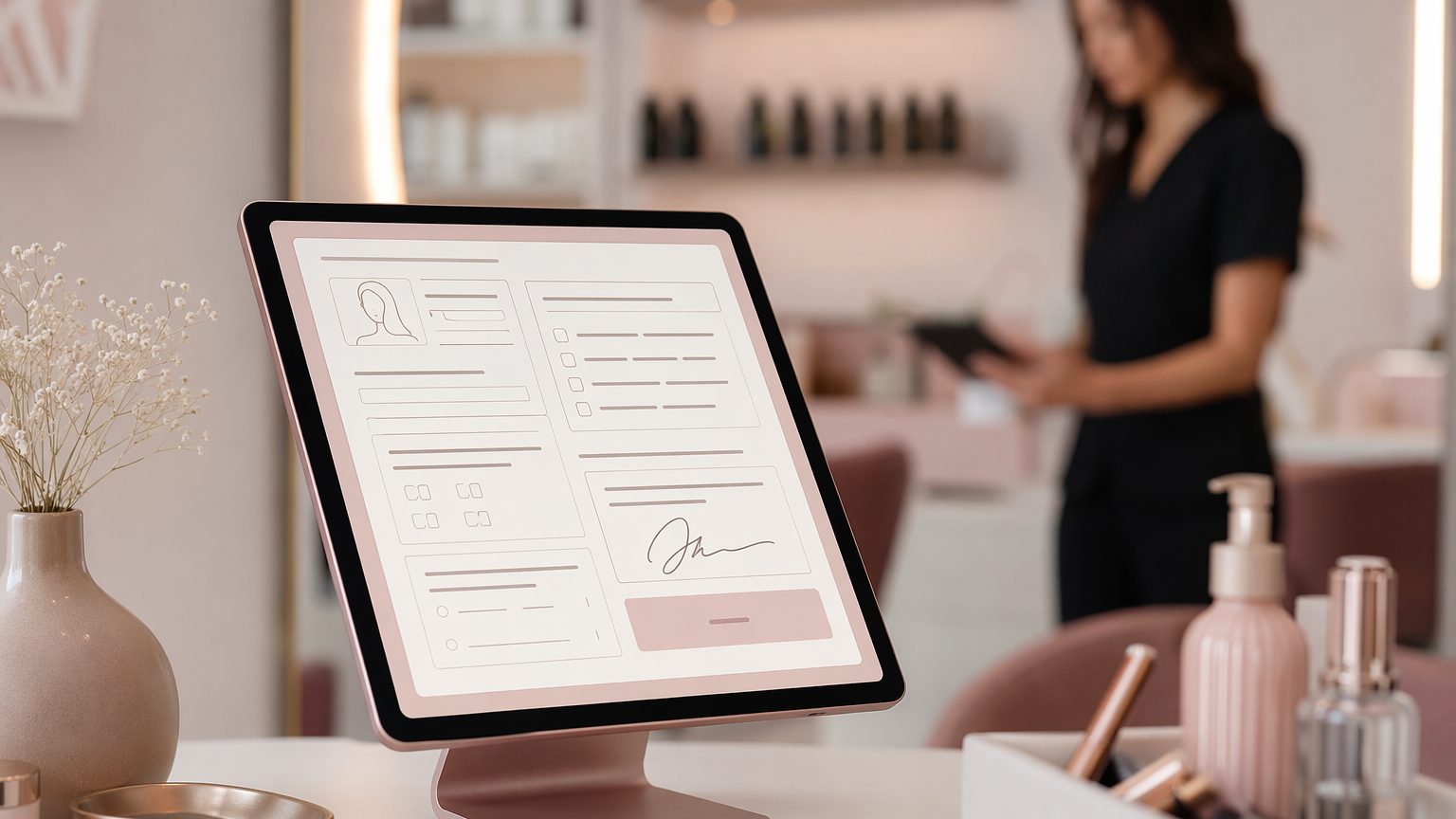
How to Streamline Your Salon's Bookings
Paper clipboards and handwritten waivers still show up in many salons, but they create avoidable friction. Digital client intake forms for salons replace scattered paperwork with simple, mobile-friendly forms clients can complete before they arrive. The result is faster check-in, clearer records, fewer missing signatures, and a smoother salon booking workflow.
They also match what clients expect. People want booking and check-in to feel easy, contactless, and professional. With the right online intake forms for salons, your team can collect the details they need in advance, prepare for each service, and deliver a more polished experience from the first appointment onward.
What Is a Salon Client Intake Form?
A salon client intake form is a digital form used to gather client details before or at booking. Clients can open it from a text, email, or tablet and submit their information electronically, including digital signatures when needed.
Most digital salon forms include a mix of:
- Salon consultation forms
- Salon consent forms
- Treatment history
- Patch test questions
- Aftercare acknowledgments
- Update forms for returning clients
Unlike generic online forms, beauty salon client intake forms need to capture service-specific information. A haircut form may only need preferences and contact details, while color, waxing, lash, or skincare services often require allergy history, previous reactions, medications, or other safety disclosures. The best tools store everything in searchable salon client records so staff can review and update information over time.
Why Digital Intake Matters
When clients complete forms before they arrive, your front desk spends less time chasing basic information. That helps reduce delays, shorten check-in, and keep appointments running on time.
Digital intake can also help salons:
- Review service risks before the visit
- Schedule the right amount of time
- Assign the right stylist, esthetician, or provider
- Improve consistency across staff
- Create a more professional first impression
For services involving chemicals, adhesives, exfoliation, or tint, intake is not just about convenience. It supports safer service and better preparation. It can also improve retention by making repeat visits feel organized and personalized.
What Every Salon Intake Form Should Include
A strong salon intake form starts with the essentials. Keep these questions short and easy to complete on a phone.
Client details
Include:
- Full name
- Phone number
- Email address
- Date of birth
- Preferred contact method
Appointment details
Add fields for:
- Service type or appointment selection
- New or returning client
- Preferred provider, if applicable
For some services, it may also make sense to include an emergency contact.
Health and Safety Questions
Good beauty business intake forms go beyond contact details. They should ask only what is relevant to the selected service, especially when treatment risks are involved.
Common questions include:
- Allergies or sensitivities to dye, wax, fragrance, latex, adhesives, or skincare ingredients
- Current medications
- Skin, scalp, or nail conditions
- Previous reactions to color, waxing, facials, peels, lash services, or extensions
- Pregnancy or recent cosmetic procedures
- Retinoid use or other treatment-specific disclosures
- Patch test history for tint, color, or chemical services
These questions are especially important in esthetician intake forms and any service involving active ingredients or adhesives.
Consent and Legal Sections to Include
Many salons ask about preferences but forget the legal side of intake. That can create unnecessary risk.
Your salon consent forms should clearly cover:
- Consent to treatment after reviewing risks and expectations
- Liability acknowledgment in plain language
- Photo or media consent for before-and-after images
- Cancellation, lateness, and no-show policy acknowledgment
- Digital signature and date
A digital process makes these records easier to capture, store, and retrieve later if needed.
Questions That Improve Personalization
The best digital client intake forms for salons do more than protect your business. They also improve consultations and help your team tailor each service.
Useful questions may include:
- Hair, skin, brow, lash, or nail goals
- Current products or maintenance routine
- Comfort or style preferences
- Scent sensitivity or pressure preferences
- Budget or maintenance frequency
- Open-ended notes or concerns
These questions can make appointments feel more personal without adding extra time in the chair.
How to Build a Form Clients Will Finish
A form should feel quick and clear, not overwhelming. That is why mobile-friendly salon forms matter.
Follow these best practices:
Keep it short
Only ask for information that supports booking, safety, consent, or personalization.
Use conditional logic
Show questions based on the selected service. A haircut client should not see peel-related disclosures.
Organize sections clearly
Use headings such as:
- Personal details
- Service history
- Health and safety
- Consent
- Signature
Write in plain language
Avoid jargon. Every question should be easy to understand at a glance.
Best Practices for Sending Intake Forms
How you send forms matters just as much as what is on them. To improve your salon booking workflow:
- Send the form immediately after booking by text or email.
- If appropriate, require completion before the appointment is confirmed.
- Send reminders for incomplete forms.
- Offer tablet-based completion for walk-ins or last-minute bookings.
- Explain the benefit to clients: faster check-in, safer service, and better personalization.
This process helps reduce bottlenecks, avoid surprises, and keep your day on schedule.
What to Look for in Client Intake Software for Salons
If you are evaluating client intake software for salons, look for tools designed for service businesses rather than generic form builders.
Important features include:
- Drag-and-drop form builder
- Digital signatures
- Searchable salon client records
- Mobile-friendly form experience
- Salon or skincare templates
- Automated sending and reminders
- Status tracking
- Organized access for team members
These features support both day-to-day efficiency and better record keeping.
Common Mistakes to Avoid
Even digital systems can create friction if they are poorly designed. Common issues include:
- Asking too many questions before booking
- Using generic forms that miss service-specific risks
- Forgetting signatures or policy acknowledgment
- Failing to review responses before the appointment
- Storing records across disconnected systems
The goal is not simply to digitize paperwork. It is to create a smoother process that supports speed, safety, and consistency.
A Simple Workflow From Booking to Check-In
An efficient intake process often looks like this:
- A client books online.
- A confirmation message sends the intake form automatically.
- The client completes the form and signs digitally before arrival.
- Staff reviews responses and prepares for the service.
- At check-in, the client confirms details instead of filling out paperwork.
- The form is saved for future visits and easy updates.
That is where online intake forms for salons have the biggest impact: less admin at the front desk and more readiness in the treatment room.
Final Thoughts
The best digital client intake forms for salons collect the right information without slowing clients down. They include contact details, service history, health disclosures, consultation questions, policy acknowledgments, and signatures in one clear flow.
If your salon still relies on paper forms or disconnected notes, upgrading your intake process can improve both operations and client experience. With well-designed digital salon forms, stronger salon client records, and a smoother salon booking workflow, your team can save time, reduce risk, and make every appointment feel more professional from the start.


