Best Digital Client Intake Forms for Salons - How to Go Paperless
Salons are moving away from clipboards, paper packets, and overstuffed filing cabinets. Digital client intake forms for salons replace handwritten paperwork with forms clients can complete on their phone, tablet, or computer before an appointment. For salons, estheticians, skincare studios, and other beauty service providers, that shift means faster check-ins, better records, and a smoother client experience.
In this guide, you’ll learn what to include in salon intake forms, why paperless salon forms matter, and how to transition your business to a cleaner digital workflow.
What Are Digital Client Intake Forms for Salons?
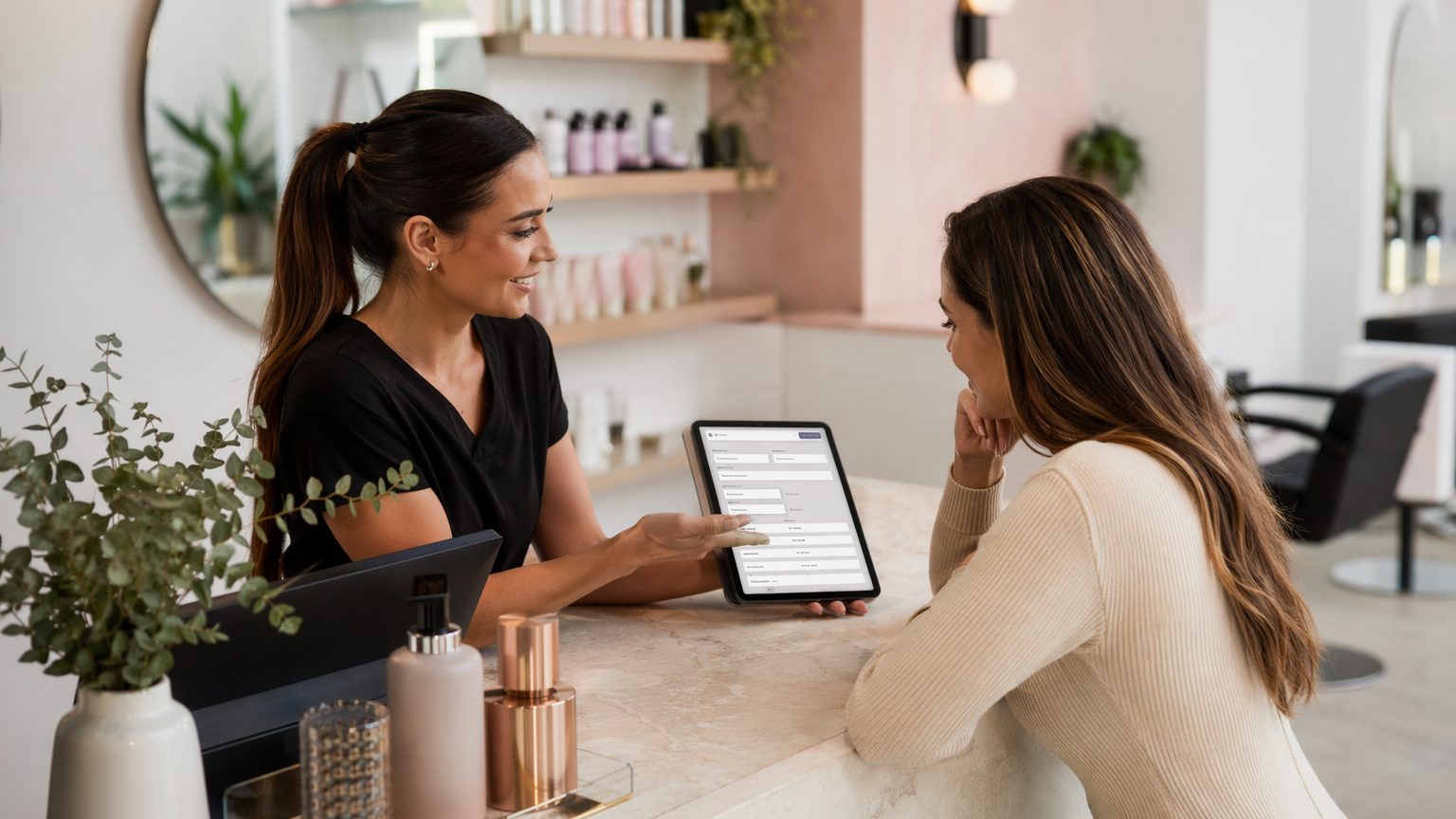
Online salon intake forms collect client information before or during appointments using digital devices. Instead of asking clients to fill out paper forms at the front desk, salons can send a link by text or email, or have clients complete forms in-studio on a tablet.
These forms are used for:
- New client intake
- Salon consent forms
- Treatment history
- Allergy and sensitivity disclosures
- Patch test records
- Aftercare acknowledgment
The biggest difference between a basic online form and true client intake form software for salons is what happens after submission. The best systems connect each form to searchable beauty salon client records, making it easy to review history, signatures, and notes at future appointments.
Why Going Paperless Matters for Beauty Businesses
Paperless client intake for salons saves time in ways that add up quickly. Teams spend less time printing, scanning, filing, and hunting down records between appointments. Digital forms also improve accuracy by using required fields, dropdowns, and digital signatures to reduce missing or hard-to-read information.
For recurring clients, digital intake forms for beauty businesses make long-term documentation easier. Providers can quickly reference prior services, consent history, and client concerns without flipping through folders. That’s especially helpful for treatment plans, color history, skincare progress, and repeat service packages.
There’s also a brand benefit. Salon digital forms help your business look modern, organized, and professional—especially when clients can complete everything on mobile before they arrive. For multi-provider teams or multi-location businesses, centralized digital records create more consistency across staff.
What to Include in a Salon Client Intake Form
Good salon intake forms should be concise but complete. Start with the essentials:
Core client details
- Full name
- Phone number
- Date of birth
- Emergency contact
- Preferred communication method
Appointment and service details
- Requested service
- Provider name
- Appointment date
- First-time or returning client status
Health and safety questions
Ask only what’s relevant to the service. This may include:
- Allergies or sensitivities
- Current medications
- Contraindications
- Pregnancy-related disclosures where applicable
Beauty-specific profile information
Depending on the service, include:
- Skin type and concerns
- Scalp or hair concerns
- Previous treatments
- Product usage
- Home-care routine
- Client goals and expectations
Consent and acknowledgment
Every intake flow should include service-specific consent, policy acknowledgment if needed, and a digital signature with date. Some businesses also add photo release and communication consent.
Service-Specific Sections Salons Should Consider
Not every client should see the same questions. The best mobile-friendly salon forms use conditional logic to tailor the experience.
Hair salons
Include color history, chemical services, scalp sensitivity, extension care, and product allergies.
Estheticians and skincare providers
For esthetician intake forms or skincare client intake forms, ask about skin type, acne history, active breakouts, retinoid use, recent exfoliation, sensitivities, and treatment goals.
Waxing, brow, lash, and related services
Ask about skin reactions, contraindications, recent skincare products, adhesive sensitivities, contact lens use, prior reactions, and aftercare acknowledgment.
Medspa-adjacent beauty services
Where appropriate, include treatment history, medical disclosures, and provider-specific consent language.
Must-Have Features in the Best Digital Intake Forms
When comparing client intake form software for salons, look for features that make forms easy to build, send, complete, and retrieve.
Essential features
- Drag-and-drop form builder
- Mobile-friendly salon forms
- Digital signature capture
- Searchable client records
- Reusable templates by service or provider
- Conditional logic
- Secure document storage
- Easy sharing by text, email, or link
These features turn simple digital beauty business forms into a reliable operating system for daily client intake and documentation.
How Digital Intake Improves the Client Experience
Clients prefer convenience. When they can complete forms before arriving, check-in feels faster and less stressful. Instead of rushing through paperwork in the waiting area, they can answer clearly on their own time.
Digital forms also feel easier to complete than handwritten paperwork. Clean layouts, simple questions, and mobile-first design create a more professional impression. Returning clients benefit too: they can update existing information instead of starting from scratch each visit.
For providers, that means better consultations. Staff can review answers in advance and personalize the appointment based on treatment history, concerns, and goals.
How Digital Forms Help Salon Teams Stay Organized
Paper forms get misplaced, filed inconsistently, or forgotten in stacks at the front desk. Paperless salon forms solve that by centralizing records in one searchable place.
That helps teams:
- Review prior treatments quickly
- Standardize documentation across staff
- Track repeat visits and treatment plans
- Keep front-desk and treatment areas clutter-free
For growing businesses, organized beauty salon client records are not just convenient—they’re operationally essential.
Step-by-Step: How to Go Paperless with Salon Intake Forms
Switching to digital doesn’t have to happen all at once.
1. Audit your current paperwork
List every intake, consent, consultation, patch test, and aftercare form you currently use.
2. Group forms by service
Separate hair, skincare, waxing, lash, and other service categories so each client only sees relevant questions.
3. Convert forms into digital templates
Use a form builder to create branded online salon intake forms with clear sections.
4. Add smart fields
Use required fields, digital signatures, and conditional logic to improve completeness and accuracy.
5. Test on mobile
Review every form on a phone before launch. A poor mobile experience slows clients down.
6. Train your team
Make sure staff know when to send forms, how to review submissions, and where to find client records.
7. Roll out gradually
Start with one or two services, refine the workflow, then expand across the business.
Best Practices and Common Mistakes
Keep forms concise, use simple language, and organize questions logically from contact info to service details to consent. Review them regularly so they match your current services and policies.
Avoid common mistakes such as copying old paper forms word-for-word, asking every client every question, using forms that aren’t phone-friendly, or storing submissions in disconnected systems. Even the best digital intake forms for beauty businesses fail if staff aren’t trained to use them consistently.
How to Choose the Best Software for Your Salon
The best client intake form software for salons should fit the way beauty businesses actually work. Look for beauty-friendly templates, easy customization, and a system that keeps forms and client records together. Prioritize ease of use for both clients and staff, especially if you have multiple providers, services, or locations.
A polished branded experience matters too. Intake is often one of the first interactions clients have with your business, so your forms should feel professional from start to finish.
Why GlowForms Fits Paperless Intake for Salons
GlowForms is built specifically for beauty businesses that want better intake and better records. It gives salons, estheticians, skincare practitioners, and similar service providers a drag-and-drop way to create intake forms, consents, and service documentation without technical hassle.
With GlowForms, teams can send forms easily, collect signatures, and keep searchable client records in one place. That combination helps businesses save time, stay organized, and deliver the smooth mobile-friendly salon forms experience today’s clients expect.
Conclusion: Build Better Salon Intake Forms and Go Paperless with Confidence
The best digital client intake forms for salons do more than replace paper. They speed up check-in, improve documentation, support better consultations, and create a more polished client journey. Strong forms should include client basics, service details, relevant health and safety questions, beauty-specific profile fields, and clear consent with signature capture.
If you’re still relying on clipboards and filing cabinets, start by reviewing your current salon intake forms and simplifying them into a digital process. With the right system, going paperless is practical, professional, and easier than most salons expect.


