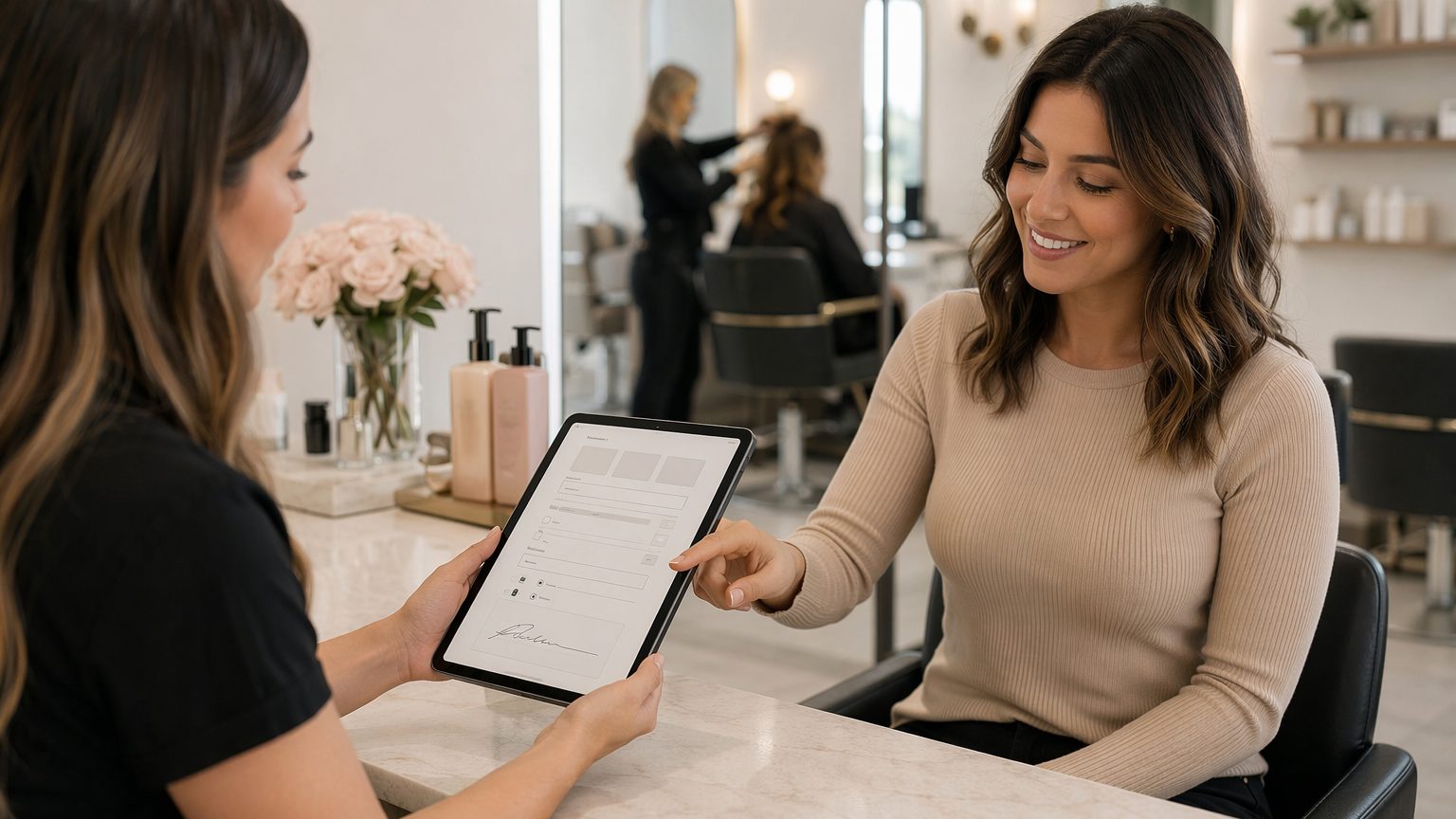
What to Include in Your Intake Forms and How to Send It Online
Paper forms slow down check-in, create clutter, and make salon client records harder to manage. A digital client intake form for salons solves that by letting clients complete forms before they arrive, often from their phones. For salons, estheticians, skincare studios, lash artists, and similar beauty businesses, that means faster appointments, better organization, and a smoother client experience.
Why salons need a digital client intake form
A salon client intake form replaces clipboards at the front desk with a faster, cleaner workflow. Instead of asking clients to arrive early and fill out paperwork in the lobby, you can send intake forms online right after booking.
This helps beauty businesses in several ways:
- Reduces front-desk bottlenecks and check-in delays
- Improves the client experience with mobile-friendly intake forms
- Keeps details, consent, and notes organized in one place
- Makes repeat visits easier because records are easier to retrieve
For busy teams, digital forms for beauty businesses also support better continuity. If a client sees a different stylist or practitioner next time, their information is still easy to find.
What is a digital client intake form for salons?
A digital client intake form for salons is an online form used to collect client details, consent, health information, and service preferences before an appointment.
It helps to separate a few related documents:
- Intake form: basic client details, preferences, and relevant history
- Salon consultation form: service goals, concerns, and recommendations
- Consent form: acknowledgment of risks, policies, and permissions
- Treatment record: notes, products used, outcomes, and follow-up details
Together, these become part of an ongoing client profile. That matters for recurring appointments, where updating existing information is much faster than starting over every visit.
Core information every salon intake form should include
Every client intake form for beauty business use should capture the basics clearly and efficiently:
- Full name, phone number, email address, and preferred contact method
- Emergency contact details when appropriate
- Date of birth and any age-related consent requirements
- Address or location details if needed for operations or compliance
- Preferred stylist, practitioner, or service category if relevant
Keep this section simple. The goal is to collect accurate information without creating unnecessary friction.
Service-specific questions to include
The best beauty client intake form is not one-size-fits-all. It should match the services you actually provide.
Hair salons
Include questions about hair history, color treatments, allergies, scalp sensitivities, and homecare routines.
Estheticians and skincare providers
An esthetician intake form or skincare client intake form should ask about skin type, skin concerns, current products, medications, and past treatments.
Lash, brow, waxing, and similar services
Ask about sensitivities, contraindications, previous reactions, and aftercare awareness.
Customizing by service improves safety, supports better consultations, and makes the form feel more relevant to the client.
Health, safety, and contraindication questions
Health-related questions help support informed service decisions. Depending on the service, ask about:
- Allergies and skin sensitivities
- Relevant medical conditions
- Medications and topical prescriptions
- Pregnancy where applicable
- Recent procedures or treatments that may affect service safety
A smart online salon intake form should use conditional logic so clients only see questions related to their selected service. That keeps forms shorter and easier to complete.
These questions support safer treatment decisions, but they should not replace professional judgment or legal advice.
Consent and signature sections you should never skip
Strong documentation is a must. Your digital consent forms for salons should include:
- Informed consent language tailored to the service
- Photo or video consent for documentation or marketing
- Policy acknowledgments for cancellations, late arrivals, patch tests, refunds, and aftercare
- Secure digital signatures and date stamps
Clear client signature forms for salons help reduce confusion later and create a more reliable record of what the client reviewed and accepted.
How to make your salon intake form easy to complete
A form can be thorough without feeling overwhelming. To improve completion rates:
- Use clear headings and short instructions
- Design for mobile first
- Use dropdowns, checkboxes, and conditional fields
- Only ask for information relevant to the appointment
- Add progress indicators for longer forms
Because many clients complete an online salon intake form on their phones, mobile usability should be a priority, not an afterthought.
Best practices for sending client intake forms online
How you send forms matters almost as much as what you ask. Most salons should offer forms by text, email, or as part of a booking follow-up.
Best practices include:
- Send the form immediately after booking
- Use reminders for incomplete submissions
- Explain why the form matters and how long it takes
- Make sure the link opens easily on mobile without extra steps
If clients understand that the form helps speed up check-in and personalize service, they are more likely to complete it.
When to send the intake form in the client journey
Timing helps reduce stress for both the client and your team.
- New clients: send right after the first booking confirmation
- Returning clients: send update forms when services change or records need refreshing
- Advanced treatments: send earlier to allow review before the appointment
- Pre-appointment reminders: use them to prompt completion without creating a last-minute rush
This approach keeps the intake process proactive instead of reactive.
How to organize and store salon client records digitally
Good beauty salon record keeping goes beyond collecting forms. You also need a clean system for storage and retrieval.
The best setup keeps intake forms, consent forms, consultation notes, and treatment history in one searchable profile. Use standardized naming or tags by service, practitioner, or date so staff can find records quickly.
Well-organized salon client records reduce paperwork loss, support repeat visits, and improve continuity across multiple team members.
Features to look for in the best digital client intake platform for salons
When choosing software, look for tools that fit salon workflows without adding complexity. The best platform should offer:
- Drag-and-drop form building
- Branded, mobile-friendly intake forms
- Digital signatures and secure storage
- Custom fields and conditional logic
- Templates and repeatable workflows for different services
- Simple sharing by text and email
- Easy form updates as policies or services change
These features make digital forms for beauty businesses easier to implement across teams.
Common mistakes salons make with digital intake forms
Many salons switch to digital but still run into workflow issues. Common mistakes include:
- Forms that are too long or repetitive
- Generic questions that ignore service differences
- Missing or unclear consent documentation
- Sending forms too late
- Storing records across disconnected tools
A good salon consultation form should feel relevant, concise, and easy to complete. If the process is confusing, clients may delay or skip it.
How GlowForms helps salons streamline intake and records
GlowForms is built for beauty businesses that want a simpler way to manage forms and records. Teams can create professional intake and consent forms with a drag-and-drop builder, send them easily to clients, and collect digital signatures online.
Because GlowForms keeps salon client records in one searchable place, staff can quickly pull up the right form, note, or signed document when needed. That means less time chasing paperwork and more time focused on service.
For salons, estheticians, and skincare providers, GlowForms supports smoother workflows, better organization, and a more polished mobile experience for clients.
Conclusion: build a better salon intake process online
A strong digital client intake form for salons should include core contact details, service-specific questions, health and safety information, and clear consent with signatures. Just as important, it should be easy to send, complete, sign, and store.
If you want a better intake process, choose a platform that helps your team save time, stay organized, and deliver a smoother client experience. GlowForms makes it easier to build forms, send them online, and keep every client record in one place.


