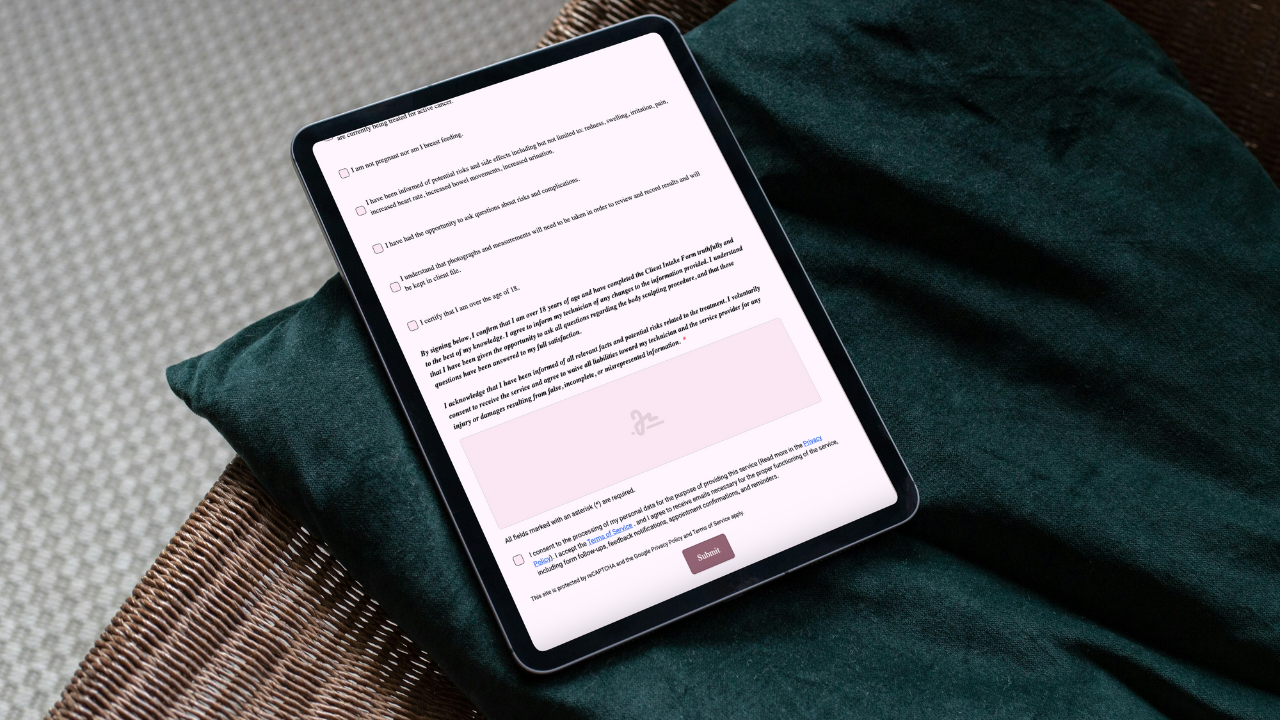
Why are consent forms so important for beauty businesses?
The boring thing that saves you on the worst day? It’s the consent form.
You know the scene: client arrives late, coat half-off, you hand them a clipboard, pen dies, everyone’s annoyed. Then three weeks later there’s a reaction, a refund request, or a “you never told me…” comment. This is exactly where a proper consent process either protects you—or leaves you scrambling through inboxes and memory.
Here’s the plain-English case for consent forms that actually work.
1) They create informed trust (in two minutes, not ten)
Consent isn’t just a signature—it’s a small, clear conversation: what you’ll do, what they should expect, what could go wrong, and how to care afterward. When clients understand the plan, they relax, you work better, and complaints drop. A concise, phone-friendly form forces clarity: no jargon, no guessing.
2) They’re your proof when things get messy
Most beauty businesses will eventually face a complaint, chargeback, or review that stings. A time-stamped consent, linked to the exact aftercare and your treatment notes, can be the difference between “we handled this” and “we have no record.” If you can show what was explained, what was agreed, and what was done, you’re standing on solid ground.
3) They keep health and safety more than a checkbox
Allergies, meds, sensitivities—these aren’t “nice to know.” They change what you do and what you avoid. Good consent forms use conditional questions to surface the right warnings without turning the form into a novel. Example: if a client selects “photosensitivity meds,” the system prompts you to adjust your plan or reschedule. That’s care, not bureaucracy.
4) They standardize your team (so every client gets the same quality)
Without a shared form, each staffer “does it their way.” With standardized consent and intake, the essentials always get covered—no matter who’s on reception or in the chair. It’s calmer for new team members and safer for returning clients.
5) They reduce friction at check-in
Consents people actually complete are:
Short. Only what matters, nothing else.
Mobile-first. Clients fill them on their phone—no pinching PDFs.
Easy to find. QR code at reception; link in booking confirmation.
The result: fewer bottlenecks, fewer awkward waits, more on-time starts.
What to include (and what to skip)
Must-haves
Service overview in plain language
Key risks/contraindications, not a legal wall of text
Photo/media consent separate from treatment consent
Aftercare summary (the version they’ll actually receive)
Time-stamped signature and date
Acknowledge patch test policy (if relevant)
Space for practitioner notes
Nice-to-haves
Conditional logic (show only relevant questions)
Attach photos to the same record (before/after)
Skip
Duplicate questions you’ll never use
Long, generic medical histories that belong in a hospital, not a studio
Common mistakes (and the quick fix)
Mistake: One giant PDF everyone hates on mobile.
Fix: Publish a mobile form with a QR code at eye level and a short link in confirmations.Mistake: Photo consent buried inside treatment consent.
Fix: Separate it. Clients can say yes to service and no to photos without confusion.Mistake: No version control; staff reusing old forms.
Fix: Version your forms. New policy? New version. Old records stay intact.Mistake: Collecting sensitive info into random spreadsheets.
Fix: Keep submissions inside a client record system with permissions.
How to make consent painless with Glow Forms
You don’t need to switch your booking system. Use Glow Forms as the forms layer.
Set up once
Start from a consent + intake template; trim any questions you won’t use.
Add your logo and colors so it feels like your brand.
Publish to get a shareable link and an auto-generated QR code.
Run it every day
Drop the link into booking confirmations.
Put the QR at reception and in treatment rooms (“Scan to check in faster”).
Review the client’s record before you start—notes, sensitivities, last visit.
Capture time-stamped signatures and add quick treatment notes/photos.
If policies change, update the form version; historic consents remain accessible.
Result: faster check-ins, clearer expectations, and records you can actually find.
Tiny scenarios that show the value
Late client, no time for a speech: They scan, sign, and you see “retinoids last week” before you begin. You tweak the plan without drama.
Post-appointment question: Client messages about redness. You open their record and quote the exact aftercare they received—no “uhh, I think we said…”
Refund/chargeback: You export the consent with signature + before/after photos. The conversation gets practical, not emotional.
Quick FAQ
Do clients read consent forms?
If they’re short, clear, and on a phone—yes. If they’re PDFs with tiny text—no.
Aren’t consents a vibe-killer?
Only if they’re confusing. Clear consent is grown-up professionalism. Clients notice.
Paper or digital?
Digital wins for readability, speed, and record-keeping. Paper wins at getting lost.
Here’s the catch: consent forms won’t make your Instagram prettier. But they do make your business sturdier—calmer check-ins, cleaner documentation, fewer “he said / she said.” Put the QR where eyes land, keep the language human, and let the form do the talking.