Success Snapshot: One Salon's Results After Switching to GlowForms
The salon owner told me the breaking point was a single clipboard.
A new client had ticked “no allergies,” then casually mentioned a reaction while the tint was already mixed. The form was smudged. The handwriting was… interpretive. Everyone did that tight smile thing where you’re being polite while silently panicking.
So they switched to GlowForms.
Not for the dopamine hit of “going digital.” For a more boring reason: they wanted first appointments to stop starting with chaos.
Here’s what changed after the switch, and what they did (so you can steal the parts that fit).
What they changed first (and what they didn’t)
They didn’t rebuild their whole business. They did three simple moves:
Put GlowForms in the booking confirmation
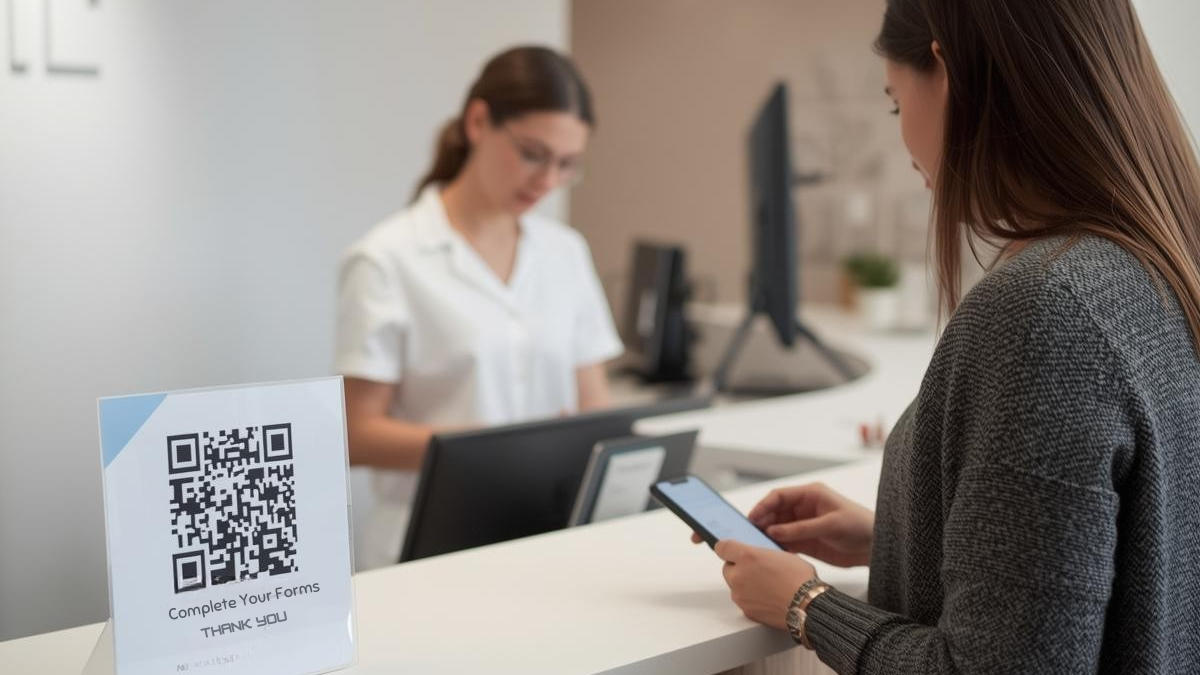
The form link wasn’t tucked under paragraphs of fluff. It was the second line. Short. Obvious. Mobile-first.Added a QR code at reception as the backup
No “Did you fill it in?” interrogation. If it wasn’t done, the client scanned and finished in the waiting area.Made return clients do a one-tap update
Instead of re-filling everything, returning clients saw: “Anything changed since last time?” If yes, the relevant questions appeared. If no, done.
That’s it. Small changes. Big reduction in front-desk friction.
The results they actually felt day-to-day
Check-ins stopped eating appointment time
Before, the first minutes were spent chasing details: allergies, meds, last-minute “Oh by the way…” stuff.
With GlowForms, most of that was handled before the client walked in. The team could start with a quick confirmation, not a paperwork sprint.
The records got cleaner (which made everyone calmer)
Paper forms have a special talent: disappearing exactly when you need them.
With GlowForms, the salon had:
consistent answers in the same format
clearer consent capture
fewer “What did we do last time?” moments
And when a client asked, “Can you remind me what you used?” the team didn’t guess. They checked the record.
Fewer awkward policy conversations
This one surprised them.
Policies didn’t change. The delivery did.
Because key prep and policies lived inside the flow (and the confirmation email), staff weren’t forced into the “I promise we’re not being mean” speech at the desk. Clients arrived more informed, and the salon didn’t have to play bad cop.
Rebooking got easier because the end of the appointment wasn’t rushed
When the appointment ends late, rebooking is the first thing to die.
Once check-ins ran smoother, the end of the service had breathing room. Staff could say, “Want me to hold your usual slot?” without it feeling like a desperate scramble.
What they learned the hard way
A mobile-first form only works if it’s built like one.
They trimmed their intake down to what the team actually uses. If a question didn’t change the treatment, it got cut. If a question mattered, it became clearer and more specific.
A few rules they now swear by:
One column. Big buttons. If someone has to zoom, you’ve already lost.
Examples inside the allergy question. People forget what counts as “an allergy.”
Only ask for details when needed. Progressive questions beat long lists.
Autosave matters. People get interrupted. The form shouldn’t punish them.
The “switch” checklist they’d repeat
If they were doing it again, they’d do exactly this:
Put GlowForms link in the confirmation email (near the top)
Send one reminder only if the form isn’t completed
Add a reception QR as a no-drama backup
Keep the intake lean and phone-friendly
Train one simple line for staff: “Anything changed since last visit?”
No fireworks. Just fewer problems.
And honestly, that’s the best kind of result.