
How to Collect Client Testimonials Without Feeling Pushy
3 min read
We’ve all done the hesitant ask: “Umm… would you mind leaving a review?” Cue the polite nod and radio silence. Good news—you can collect strong testimonials without begging or bribing. Here’s the calm, repeatable system.
Clients write better words when they know what to notice.
In your confirmation, add one line: “If today feels great, I’ll send a quick review link—two sentences helps a lot.”
On your intake form, add a checkbox: “Okay to request a short review or photo?”
Right after the reveal, ask one specific question—then stop talking.
“What feels most different right now?”
“Who do you think this result is perfect for?”
Record their answer (with permission) as a voice note or 10–15s clip. Transcribe it later. Natural > polished.
Mini script:
“Would you be okay if I capture a 10-second reaction for my website? Totally fine to say no.”
Fewer taps = more reviews.
Text the direct link to your preferred platform (Google first).
Offer a gentle prompt: “Two sentences we love: what changed, who it’s for.”
If they don’t reply, send one kind nudge 48 hours later.
Small, branded card with:
QR to your review link
Two prompts (“What changed? Who is this perfect for?”)
Your handle + booking URL
Keep a stack at the mirror. Offer it when they’re smiling.
If a client messages “I love it!” reply:
“So happy! May I quote that on my site/social with first name + initial? Totally fine if not.”
If yes, screenshot, crop the name if requested, and save it to your Testimonials folder.
Some clients want privacy. Options:
No-face angles (back of hair, brow close-up) with their one-line quote.
Audio only: add subtitles over a product shot.
First name + initial or just their neighborhood (“—Jess, Clifton”).
Service pages: one quote per service, above the fold.
Booking page: a rotating banner with 1–2 lines and a star icon.
IG carousel: result photo → 1-line quote → “Book” slide.
Google Business Profile: copy key lines into updates with photos.
Don’t script outcomes you can’t guarantee.
Never edit their meaning—fix typos, keep their voice.
Get written ok (text is fine) for any photos or named quotes.
If results vary, say so briefly on service pages.
Thank-you text (with link):
“Loved today’s result on you. If you have 30 seconds, this link lets you drop two lines. ‘What changed’ + ‘who it’s for’ helps others decide. Thank you!”
48-hour nudge:
“Quick nudge—your two lines really help locals find the right service. Link again: [review link]. Appreciate you either way!”
Caption for a quote post:
“‘My redness finally calmed down—booked again in 4 weeks.’ —Maya K.
If your skin acts finicky, start with the Calm Glow Facial. Book: [link]”
Day 1: Add the seed line to confirmations; add “okay to request review” to intake.
Day 2: Print a review card with QR and two prompts.
Day 3: Set up your Google review short link and save it as a text snippet.
Day 4: Capture three 10–15s mirror reactions (ask permission).
Day 5: Post one quote to your service page and one to social.
Day 6: Create a “Testimonials” folder and save every DM/quote with date + service.
Day 7: Review what worked; refine your one question and your thank-you text.
Do this quietly for a month and your site won’t feel like a brochure—it’ll feel like proof. And proof books.
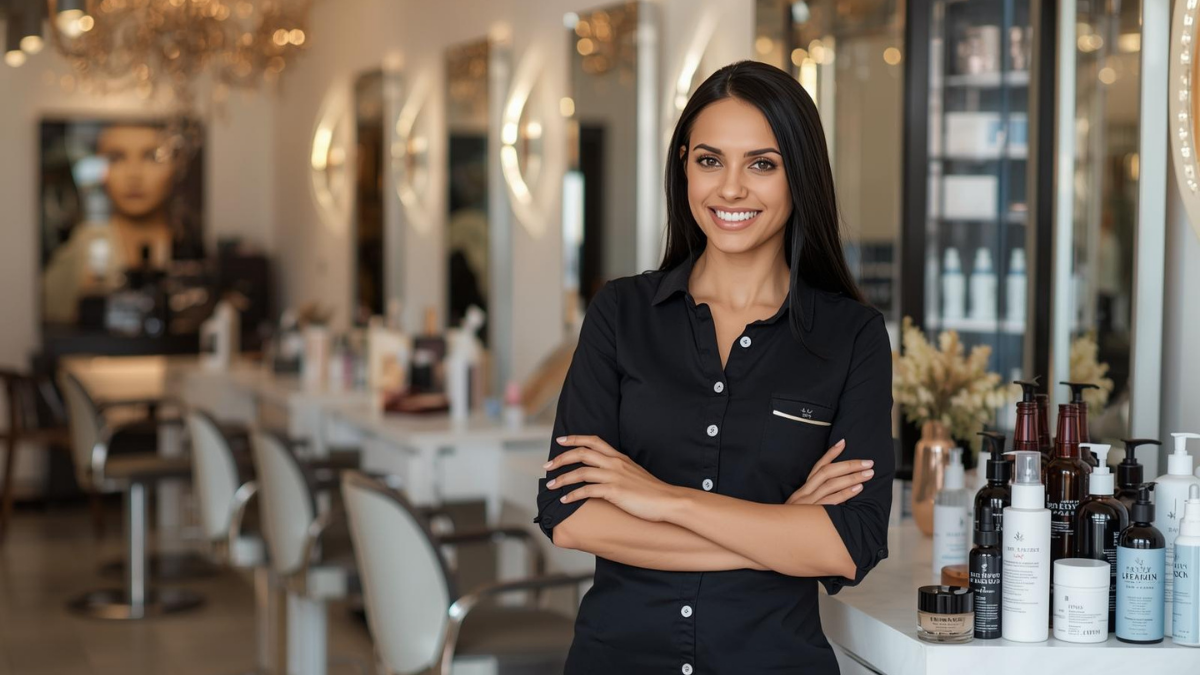
Gifts don’t need bows and big budgets. Use small, thoughtful touches—welcome kits, milestone notes, minis at the mirror—that feel personal and spark rebooks.

The right pre-booking questions save time, prevent mismatched appointments, and help new clients feel clearer, safer, and easier to guide from the start.
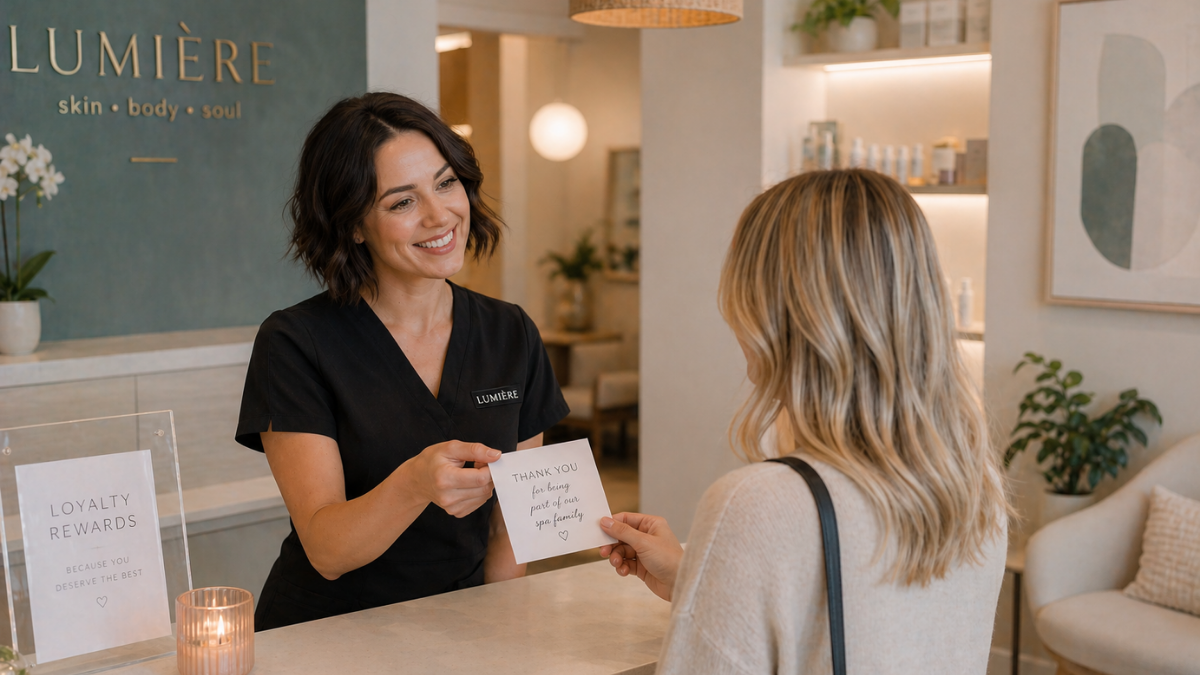
Loyal clients do not stay because you are the cheapest. They stay when the experience feels consistent, personal, professional, and worth coming back for.