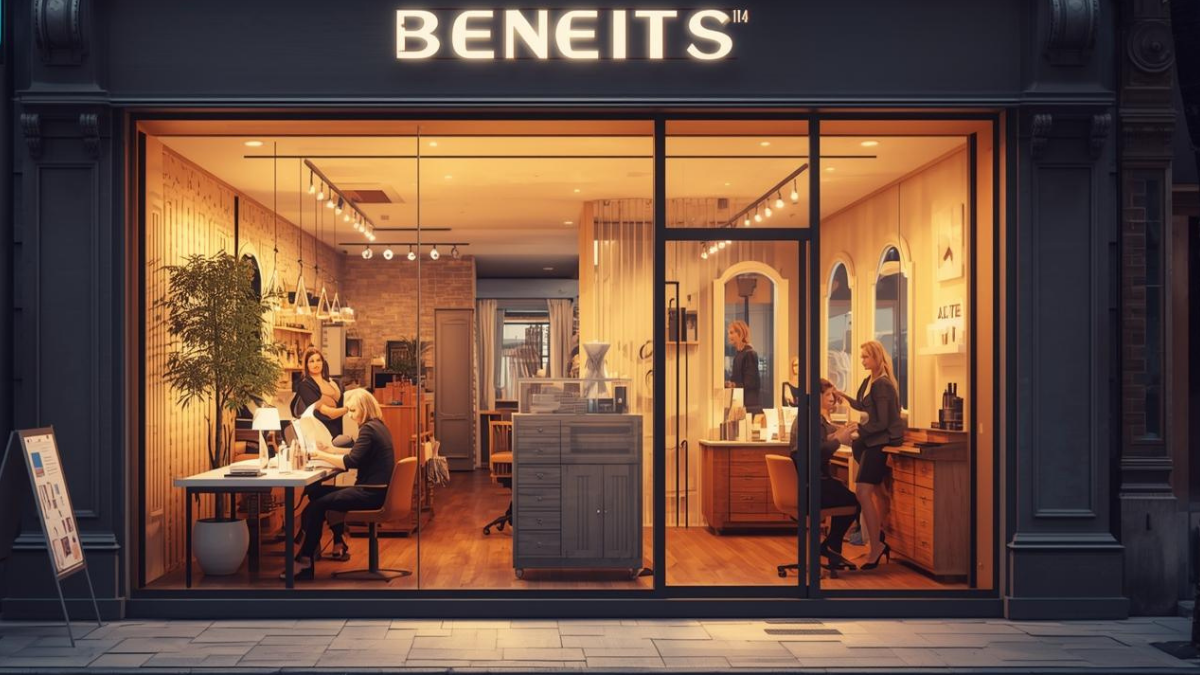
How Branded Forms Create Memorable, Loyal Client Experiences
Your studio looks dialed—then a hospital-looking form shows up and the vibe falls flat. That small mismatch quietly costs you repeat visits.
Branded forms aren’t decoration. They’re how trust is signaled, how answers stay accurate, and how fast check-ins turn into “See you next time.”
Cut the front-desk form chase. Try GlowForms free for a month — no credit card needed — with intake and consent templates, e-signatures and client records.
Why branding on forms = loyalty (not vanity)
Consistency calms people. Same logo, colors, and tone from website → reminder → form tells the brain “you’re in the right place.” Calm people finish—and come back.
Clarity feels like care. Readable fonts, strong contrast, and plain-English questions help clients give better answers. That means safer services and fewer awkward chair-side fixes.
Professionalism shows up in the details. A tidy form that matches your brand says “we’re organized.” People trust organized.
What a loyalty-building form looks like
Your logo in the header (ideally centered), title close by (“Client Intake”).
One action color for buttons, high contrast for text.
Short, service-specific questions; health items required.
Progress (“Step 1 of 3”) and a tiny line up top: “Takes 2 minutes.”
Aftercare summary + email copy on submit.
Every submission lands in searchable client records—not a PDF graveyard.
Tiny Tuesday story
We cloned a studio’s catch-all consent into three branded forms (brows, facials, waxing), added “Takes 2 minutes,” and bumped font sizes. Repeat bookings rose quietly over six weeks. No promo. Just fewer frictions and cleaner client records.
Where salons usually screw it up
One mega form for everything (clients bail; staff skim).
Fancy colors with low contrast (hard to read under salon lighting).
Logos floating in the middle of questions (distracting).
Photos in camera rolls instead of the client records (history goes missing).
Do this in 15 minutes (Glow Forms)
Pick service templates and add your logo/colors once.
Trim to essentials; make allergies, medications, pregnancy, recent treatments required.
Add progress + “Takes 2 minutes.”
Drop the link into confirmations and reminders; print one QR for the counter.
Store photos in Client Records so results live with products, settings
Microcopy that keeps people coming back
At the top: “Takes 2 minutes. We read every answer.”
Near policy: “Deposits apply to your service; reply with questions.”
Aftercare: “We’ve emailed these steps—hit reply if anything feels off.”
Quick checklist (pin this)
Consistent header with logo + form title
Strong contrast; one action color
Short, branded forms per service; required health fields
Progress + clear errors; “Takes 2 minutes”
Photos + aftercare saved in client records
When forms feel like your studio—clear, calm, and organized—clients trust you faster, spend easier, and book again without a discount code.
Make the first impression paperwork-free. Try GlowForms free for a month — no credit card needed — with intake and consent templates, e-signatures and client records.