Handle last-minute cancellations like a pro with Glow Forms
You’re brewing coffee at 8:07 when the text lands: “Can’t make it.”
Now you’re staring at a 90-minute hole you can’t sell.
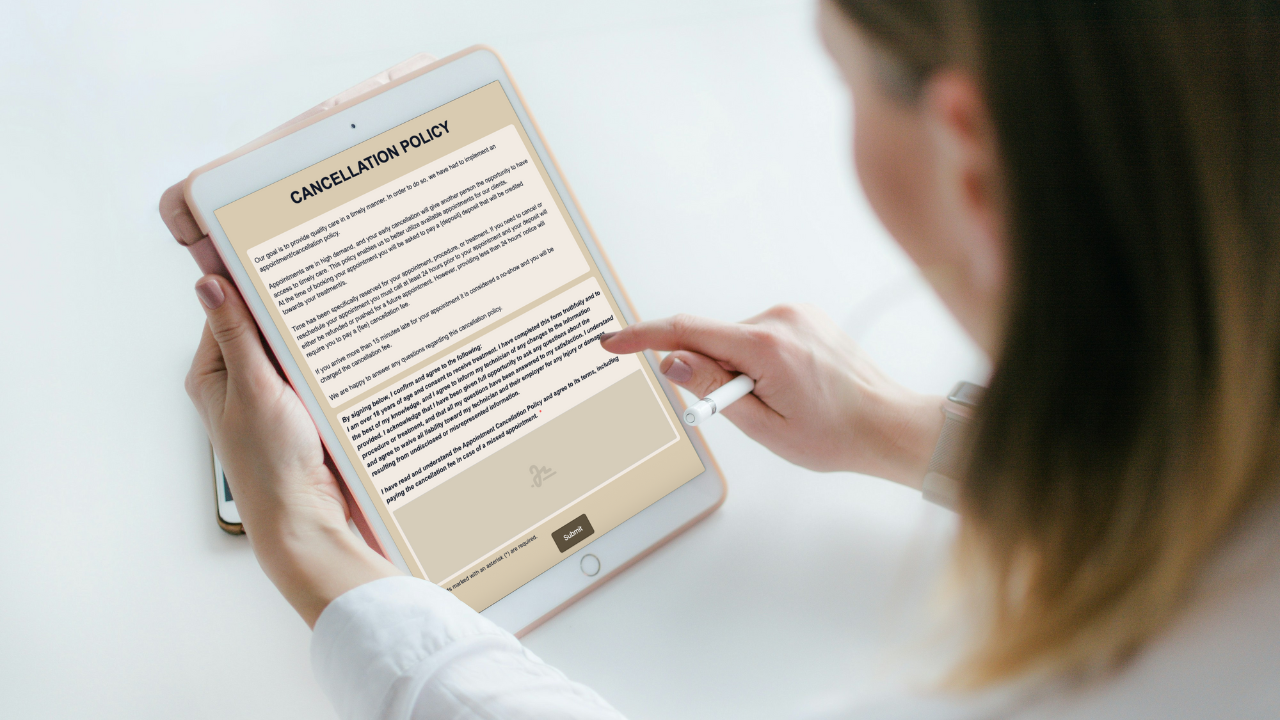
The fix is boring and powerful: a short, plain-English cancellation policy clients read and sign. No extra apps. No side quests. Just clear rules that protect your time.
Exactly how to set the fees in Glow Forms
Make sure the forms you select includes the Cancellation Policy form
Go to Options → Cancellations.
Enter two fee amounts with your currency (e.g., $50 for deposit and $50 cancellation).
Save. Those numbers automatically appear anywhere the policy is used in your forms—no manual edits.
Staff scripts (so every conversation is consistent)
At booking: “We take a {deposit} deposit that goes toward your service. Our policy is a quick read and sign.”
Inside 24 hours: “Because it’s within 24 hours, the {fee} fee applies. I can help you pick a new time.”
Running late: “Over 15 minutes counts as a no-show and the {fee} fee applies. Call if you’re unsure—we’ll do our best.”
Common mistakes (and the easy fix)
Policy lives only in your head. Put it in writing, get one signature, stop debating.
Amounts missing. If the numbers aren’t visible, they won’t stick—set them once in Options → Cancellations.
Legalese wall. Keep the wording short and human so clients actually finish.
No proof later. Signed policies live with the client record—pull them up in seconds if there’s a dispute.
A tiny Tuesday story
A brow studio set $50 for deposit and $50 for late/no-show in Options → Cancellations and dropped the block above into their intake. Next same-day cancel took 30 seconds to resolve—no back-and-forth, no drama. The policy did the talking.
Do this once. Your team stops guessing, clients know the rules, and your calendar stops bleeding.