Glow Forms vs PDFs & Google Forms: Consent & Aftercare
Ditch PDFs: Mobile-First Salon Forms That Don’t Fight You
Your client is balancing a clipboard on her knee, the pen skips on the signature line, and you’re already five minutes behind. Later, you’ll try to read her allergy note through a blurry phone photo of a PDF. We’ve all done it. It’s not it.
If you’re choosing between PDFs, Google Forms, and Glow Forms for consents and aftercare, here’s the straight answer from the floor, not a vendor deck.
The quick take
For mobile-first, branded, compliant-feeling forms that staff can actually find later: Glow Forms.
For free and basic surveys where design and records don’t matter: Google Forms.
For “please sign this and we’ll hope for the best” in a pinch: PDFs (but you’ll pay in time and stress).
Why PDFs fight you (every single day)
Phones hate them. Pinch, zoom, rotate, lose your place. Your client gives up or fills the wrong field.
Signatures get messy. Scans and screenshots aren’t reliable records.
Version chaos. Which template did we use last month? The one on Jade’s laptop or the one on Drive?
Zero structure. You can’t search “patch test date” across PDFs unless you’re a magician with filenames.
Where Google Forms helps—and where it breaks
Helps: free, quick to publish, okay for simple intake.
Breaks: generic look, jarring on-brand experience, limited signatures, no treatment record context, and clumsy branching once the questions get clinical. Also, stuffing sensitive info into a general spreadsheet is… not ideal.
What Glow Forms changes (and why it’s calmer)
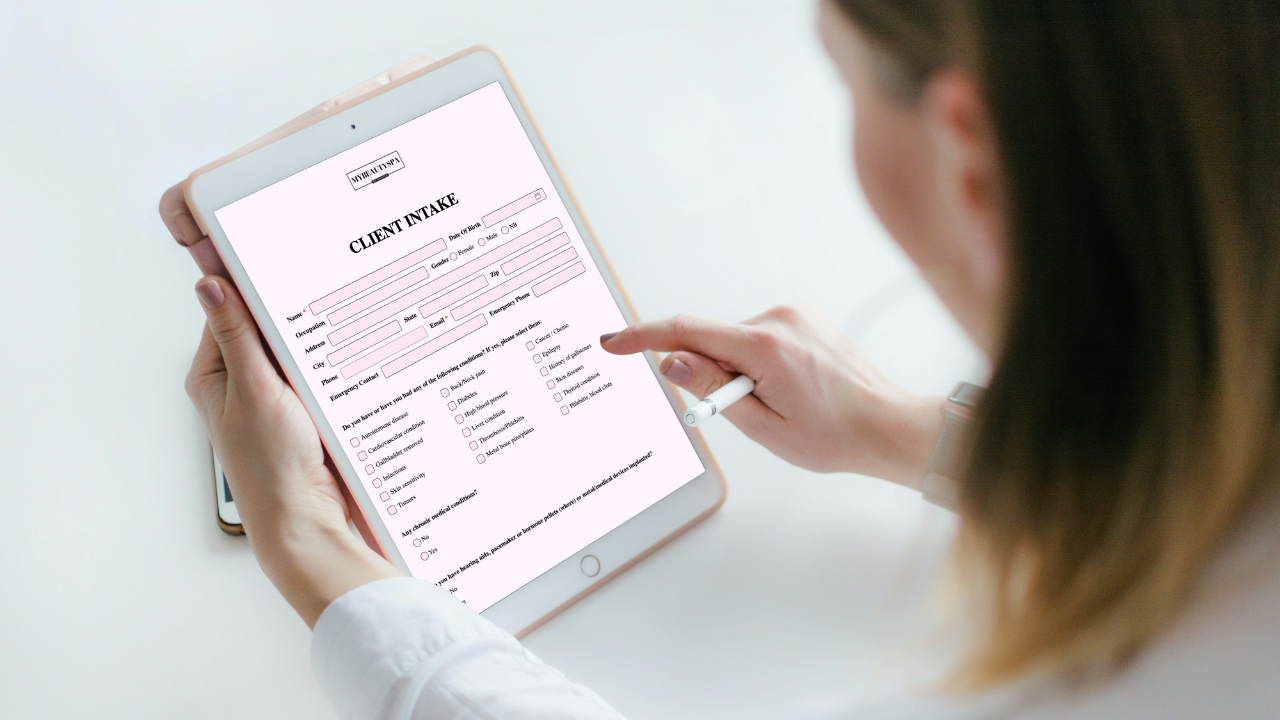
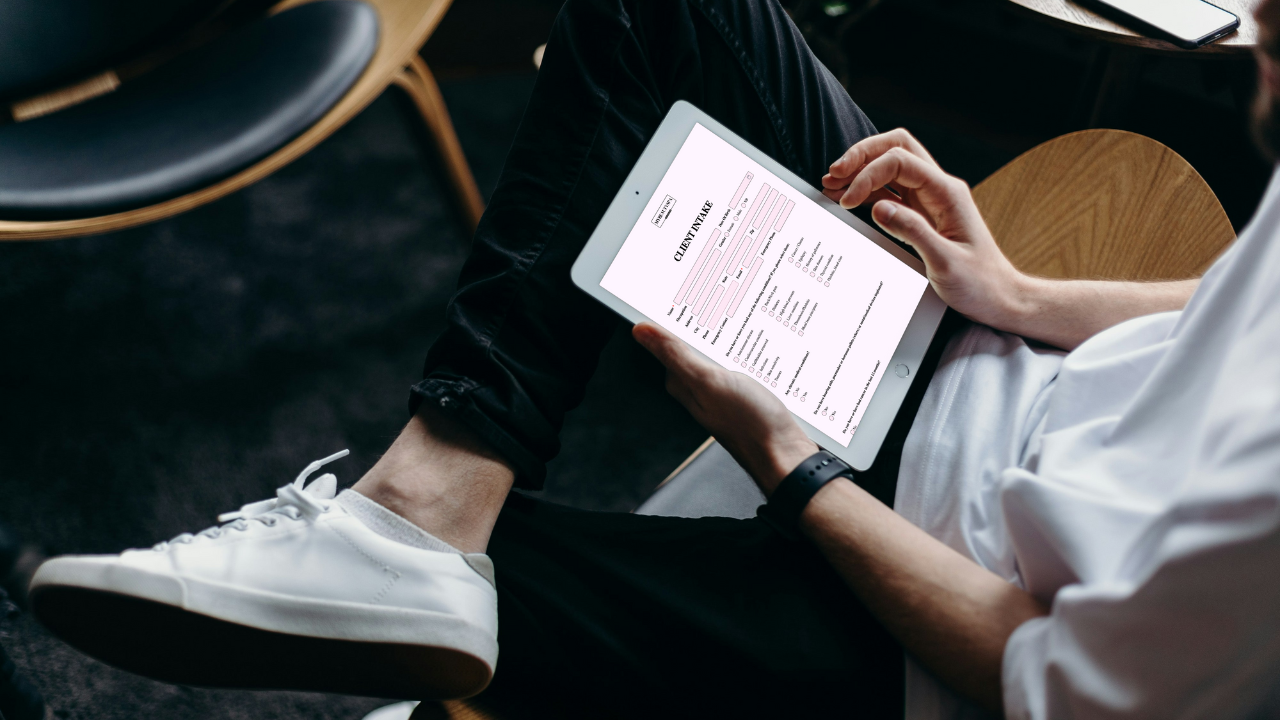
Phone-first experience. Clients tap a link or scan a QR code; the form fits the screen. No PDF gymnastics.
Beauty-specific templates. Consent, intake, medical history, patch test, treatment record, photo release, pre/post-care—ready to tweak.
Conditional logic that respects time. If they select “no allergies,” the allergy list quietly disappears.
Time-stamped signatures + versioning. Update policies without overwriting past records; keep a clean, defensible trail.
Branded, not bland. Logo and colors so it feels like your studio, not a school survey.
Searchable client records. Pull up “Ava J → last PMU touch-up → before photos” in seconds.
Built-in sharing. Direct links for pre-appointment; auto-generated QR codes for reception and treatment rooms.
Side-by-side: what actually happens on a Tuesday
Speed at check-in
PDFs: staff email it, client can’t type on phone, you print it anyway.
Google Forms: link works, but the design screams “school quiz.”
Glow Forms: scan the QR at the desk → 2 minutes later it’s signed and saved to the right client.
Aftercare you’ll know they read
PDFs: attachment lost in a crowded inbox.
Google Forms: not built for delivering post-care instructions well.
Glow Forms: send a branded aftercare link; it lives with the visit record. If they call, you’re looking at the exact version they saw.
Risk + documentation
PDFs: fuzzy signatures, mixed versions.
Google Forms: entries in a sheet with no context to treatment photos or staff notes.
Glow Forms: time-stamped consent, linked notes/photos, and clear version history.
Two tiny placement tweaks that fix half your problems
Put the QR code at eye level near reception or mirrors. Add five words: “Scan to check in faster.”
Avoid glossy lamination under spotlights—phone cameras hate glare.
Real-world micro-scenarios
Lash fill with allergies: Client toggles “latex sensitivity → yes.” The adhesive section appears with a short warning; you add a note and snap a photo of the packaging. That’s now part of her record.
PMU aftercare: At checkout, you text the aftercare link from the treatment record. Two weeks later she asks about flaking—you see exactly what she was told.
Walk-ins: The reception QR funnels first-timers to the intake and consent without a speech or a keyboard relay.
If you must stick with PDFs or Google Forms, at least do this
PDFs: Convert to a clean web page when possible, or use an e-sign tool that embeds on mobile. Name files consistently:
client-lastname_service_date.pdf.Google Forms: Turn on sections and simple branching; keep it under 20 questions; don’t ask for info you’ll never use. Export regularly and lock down permissions on the response sheet.
Setup that takes about 10 quiet minutes
Pick consent, intake, and aftercare templates in Glow Forms.
Add your logo and brand colors; trim any questions you don’t use.
Publish to get link + QR.
Drop the link into booking confirmations; print the QR for reception and treatment rooms.
Do one test run as a “fake client,” then go live.
Here’s where people usually screw it up: they keep old PDFs “just in case,” and the team quietly reverts to them. Remove the paper crutch. Put the QR where eyes land. The new flow sticks in a week.