Glow Forms vs Fresha: Best Mobile-First Salon Forms
3 min read
A client walks in, you hand them a clipboard, and the first thing they experience is… paperwork. Not your best intro.
If Fresha already handles your calendar and payments, solid. But when it comes to mobile-first forms—consents, medical history, patch tests, treatment notes—most teams end up duct-taping PDFs, email attachments, or generic form builders that feel off-brand. That’s the gap Glow Forms exists to close.
Here’s the straight take, no fluff.
If you want the simplest, branded, phone-friendly form flow: Glow Forms wins.
If you want an all-in-one booking system and your forms are basic: Fresha can be “good enough.”
If you want the best of both: keep bookings in Fresha, plug in Glow Forms for the forms layer. No platform divorce required.
Clients open a link or scan a QR code and the form fits their phone perfectly—no pinching, no PDF gymnastics.
Questions hide/show based on answers (no allergy section if they selected “No”).
You finish with a clean, time-stamped signature and a record you can actually find next month.
Beauty-specific templates: Consent, intake, treatment record, patch test, media release, pre/post care. Start fast, tweak wording.
Branded UX: Your logo and colors—no hospital vibe.
Built-in QR codes: Each form auto-generates a QR you can print for the front desk, mirrors, or treatment rooms.
Searchable client records: Allergy history, notes, photos—pulled up in seconds.
Versioned policies & signatures: Update forms without losing historic records.
Fast setup: Designed for non-tech owners; “click, type, save” level simple.
Calendar, marketplace, payments: If you need discovery and scheduling, Fresha’s strong here.
Lightweight forms are fine: If you only ask basic questions and don’t care about deep treatment records, you might be okay staying inside one tool.
One login for staff: Some teams prefer everything under one roof even if forms feel constrained.
Keep Fresha for bookings. Add Glow Forms for the intake/consent pipeline.
Drop the Glow Forms link into your Fresha confirmation messages.
Put the QR code at reception—new clients scan, fill, and sit.
Techs open the client’s Glow record before they start—contraindications, patch test date, last formula, notes.
If something goes wrong (it happens), you have clean, time-stamped documentation.
Client experience
Fresha-only: “Please fill this PDF” (slow, fiddly on phones).
Glow Forms add-on: Tap or scan → form fits the screen → done in under 2 minutes.
Brand perception
Fresha-only: Functional, but generic.
Glow Forms add-on: Your logo/colors everywhere; feels like a proper studio.
Operator sanity
Fresha-only: Forms may end up in email threads or a separate drive.
Glow Forms add-on: One searchable client record with signatures, notes, photos.
Risk + records
Fresha-only: Basic acknowledgments at best.
Glow Forms add-on: Versioned consents, time-stamped signatures, photo consent separated from treatment.
Pick templates in Glow Forms (consent, intake, aftercare).
Brand them—logo, colors, your tone.
Publish to get a shareable link + QR code.
Paste the link into your Fresha confirmations and reminders.
Print the QR for reception and treatment rooms. Done.
Put the QR at eye level, not waist height—scanning feels natural.
Avoid glossy lamination under spotlights (camera glare is real).
Add five words under the code: “Scan to check in faster.”
Keep a staff tablet hot-spotted as a safety net for spotty Wi-Fi.
For mobile-first salon forms, Glow Forms.
For booking + payments, Fresha.
For a realistic, low-stress stack that just works: use them together.
End of story.
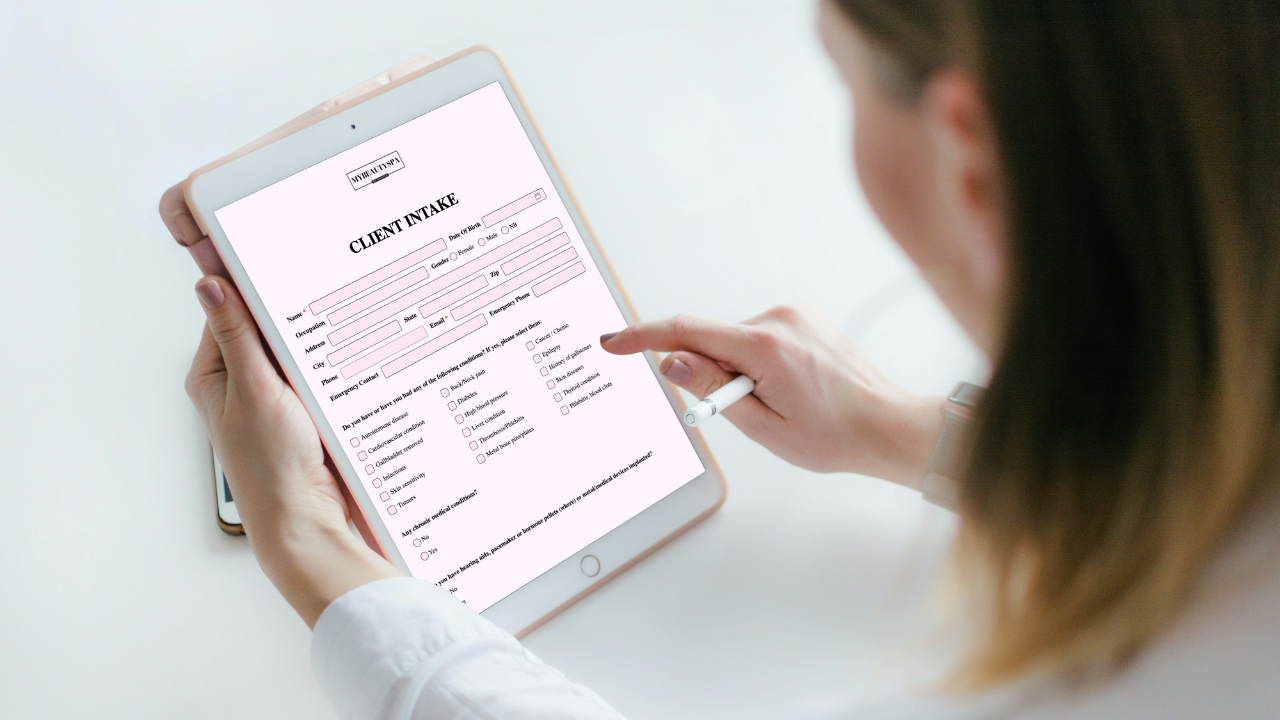
Keep Acuity for scheduling and add Glow Forms for branded consent, intake, and treatment records—clean, searchable client profiles without switching calendars.
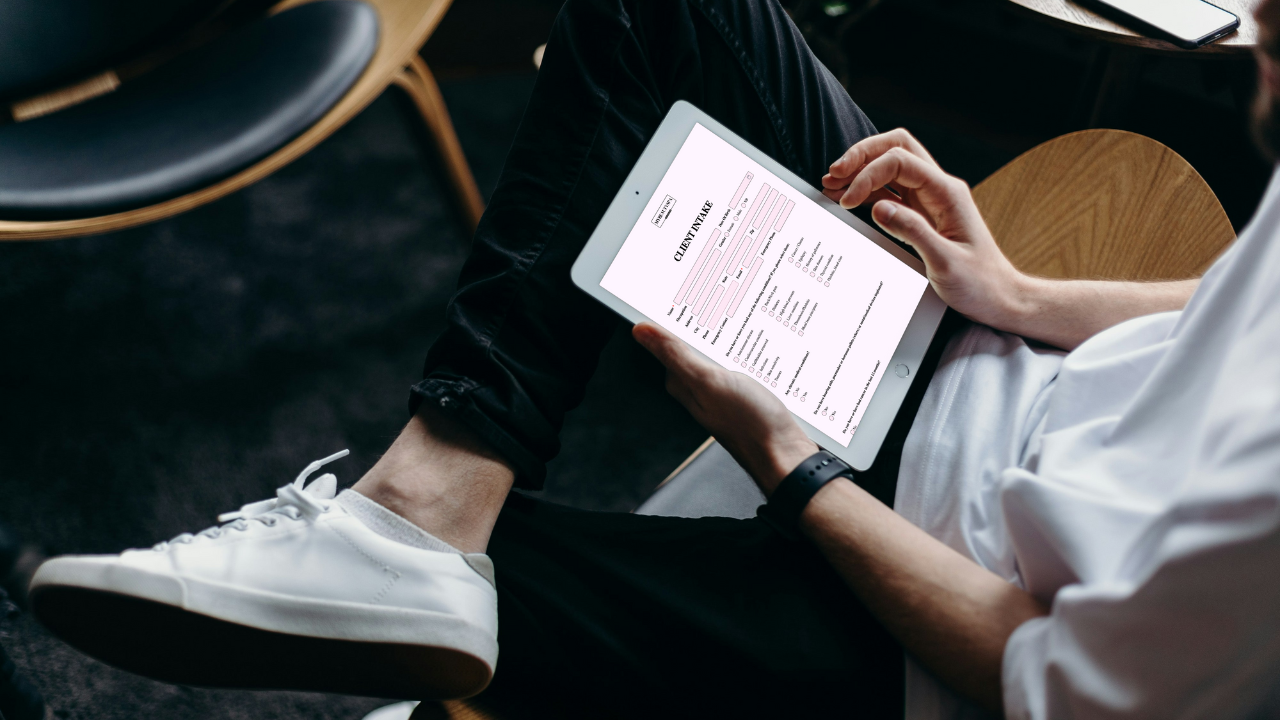
PMU, lashes, aesthetics: Glow Forms gives branded, searchable consent and treatment notes. Here’s how it stacks up against Jotform without changing your booking

Gifts don’t need bows and big budgets. Use small, thoughtful touches—welcome kits, milestone notes, minis at the mirror—that feel personal and spark rebooks.