Glow Forms vs Appointedd: keep booking, upgrade forms
A client arrives. Your Appointedd calendar is spotless. The intake… isn’t. You’re digging for PDFs with dye on a spoolie. That’s the gap Glow Forms closes.
You don’t need to switch booking tools. Keep Appointedd. Use Glow Forms as the tidy bridge between appointments and client records—so consents, photos, aftercare, and policies land in one place you can actually find.
What stays the same
Your Appointedd calendar, reminders, and resource management.
Your links and automations—no migration, no downtime.
What Glow Forms adds (the part booking doesn’t do)
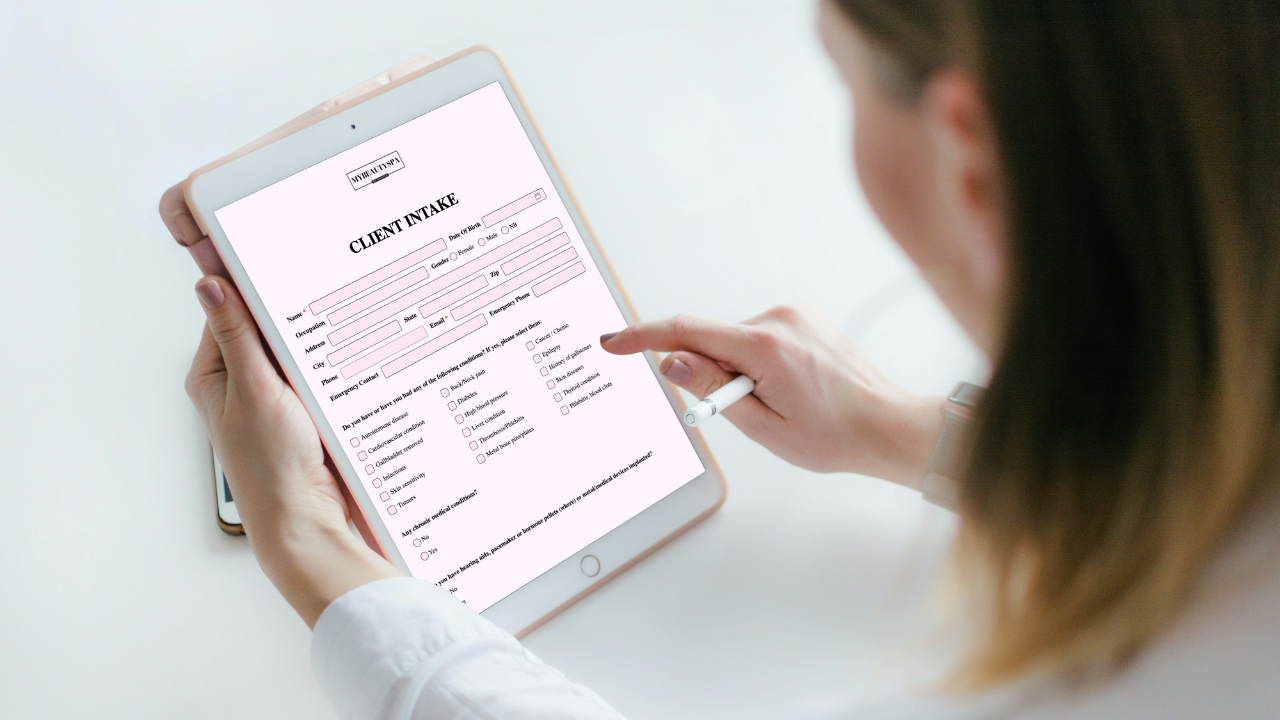
Branded forms per service (PMU, lashes, facials, peels). Short, readable, on brand.
Required health questions with time-stamped signatures.
Searchable client records: every submission, photo, and note in one timeline.
Before/after photos stored with products, settings, and aftercare—not in camera rolls.
Policy blocks (deposit/late/no-show) with your actual amounts.
Photo & video release you can pull up later when it’s time to post results.
The “keep Appointedd + add Glow Forms” setup (20 minutes)
Link your forms in Appointedd emails: confirmation and reminder get the same Glow Forms link. Add “Takes 2 minutes.”
Print one QR for the counter; latecomers scan and finish fast.
Use service-specific consents (brows ≠ peels). Make allergies/meds/pregnancy required.
Open the client record before the service; skim meds, last patch test, and notes in five seconds.
Add photos in the note and send aftercare. Done.
Side-by-side: where the upgrade shows
Check-in
Appointedd alone: paperwork happens at the desk.
Glow Forms: most arrive pre-filled; scan QR for backup.
Mid-service
Appointedd alone: “Did we ask about retinoids?” hunt.
Glow Forms: add notes, health flags in Client Records
Photos & proof
Appointedd alone: images sit on phones.
Glow Forms: before/after + aftercare live together.
Policies
Appointedd alone: policy text in emails gets skimmed.
Glow Forms: signed cancellation block with your fee amounts attached to the record.
Tiny Tuesday story
A brow studio kept Appointedd for scheduling and dropped a short Glow Forms consent link into confirmations. Week one, check-in fell under two minutes, and techs stopped chasing allergy details mid-service. Same calendar. Cleaner client records.
What people usually screw up
One mega form for every service (clients guess; staff correct later).
PDFs and photos living on phones.
Policy paragraphs with no signature.
Links only on the website, not in booking messages.
Quick checklist (copy/paste)
Keep Appointedd for booking
Add Glow Forms links to confirmation + reminder
One counter QR as safety net
Short branded forms per service; health items required
Everything filed in searchable client records
Let Appointedd run your calendar. Let Glow Forms run the paperwork. Together, you start on time, finish with proof, and your day feels a lot quieter.