
Ovatu Schedules; Glow Forms Delivers Proof That Sticks
3 min read
Your day runs on two rails: calendar and evidence.
Ovatu nails the calendar—colors, slots, reminders. But when you need history mid-service (“What adhesive last time?”), you’re scrolling a camera roll and digging for PDFs.
Glow Forms is the second rail. It doesn’t replace Ovatu; it gives your paperwork a home.
Ovatu: bookings, resources, reminders.
Glow Forms: the story of the appointment—consent, health info, photos, aftercare, signatures—filed into a clean client timeline.
Different jobs, fewer headaches.
Before
You open Ovatu, the day looks perfect. Client arrives, you hand them a clipboard, staff recites policies, and “Where’s the last patch test?” becomes a group project.
After
Your reminder includes a Glow Forms link. Client finishes on their phone the night before. At 9:55 you open the record: meds flagged, last patch test logged, Before photo slot ready. You start on time with receipts ready for later.
Branded, service-specific forms that read like your studio—not hospital paperwork.
Required health fields (allergies, meds, pregnancy, recent procedures) with time-stamped signatures.
Before/after photos saved inside the treatment note next to products and settings.
Policy block with your real numbers—set once, reused everywhere.
Add your Glow Forms link to Ovatu’s confirmation and reminder templates. Write: “Takes 2 minutes.”
Park a single QR card at the counter for stragglers.
Open the client record before each service; skim flags in five seconds.
Snap photos inside the note; send aftercare from the same record. No PDFs, no hunting.
Check-in
Ovatu alone: paperwork happens at the desk.
Glow Forms: most clients walk in done; QR is the safety net.
Mid-service
Ovatu alone: “Did we ask about retinoids?
Glow Forms: answers sit in the record, not in your memory.
Proof later
Ovatu alone: policy in an old email, photos in Messages.
Glow Forms: consent, policy, settings, photos, aftercare—time-stamped and exportable in one go.
We tried this at a skin studio: kept Ovatu, added two Glow Forms links (confirmation + reminder). Week one: check-in hovered around a minute, and “What did we use last time?” stopped being a conversation starter.
One mega form. Split by service; two minutes beats ten.
Vague health prompts. Ask specifically or delete.
Photos on phones. Put them in the note or they don’t exist.
Policy with no signature. Add the block so the numbers stick.
Keep Ovatu for booking
Drop Glow Forms links in confirmation + reminder
One counter QR
Service-specific, branded forms; health items required
Photos + aftercare inside the note
Everything lands in client records
Calendar stays. Paperwork grows up. That’s the combo that makes busy days feel quiet.
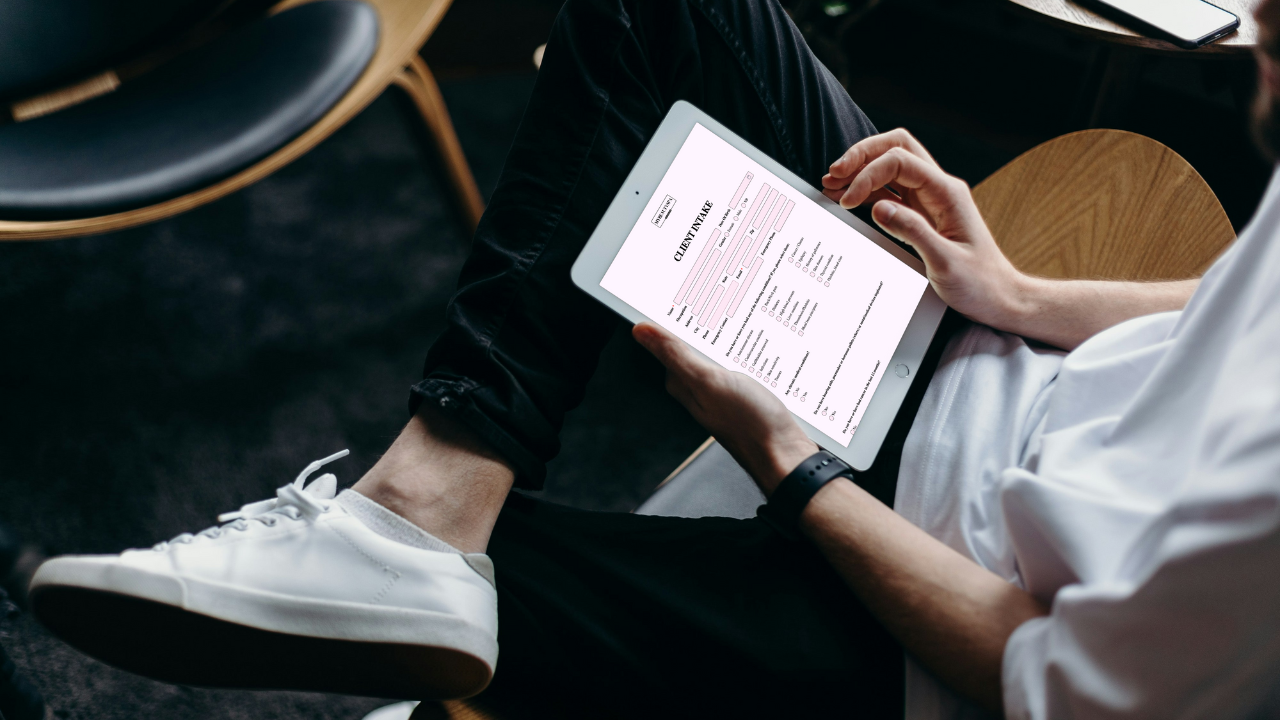
PMU, lashes, aesthetics: Glow Forms gives branded, searchable consent and treatment notes. Here’s how it stacks up against Jotform without changing your booking
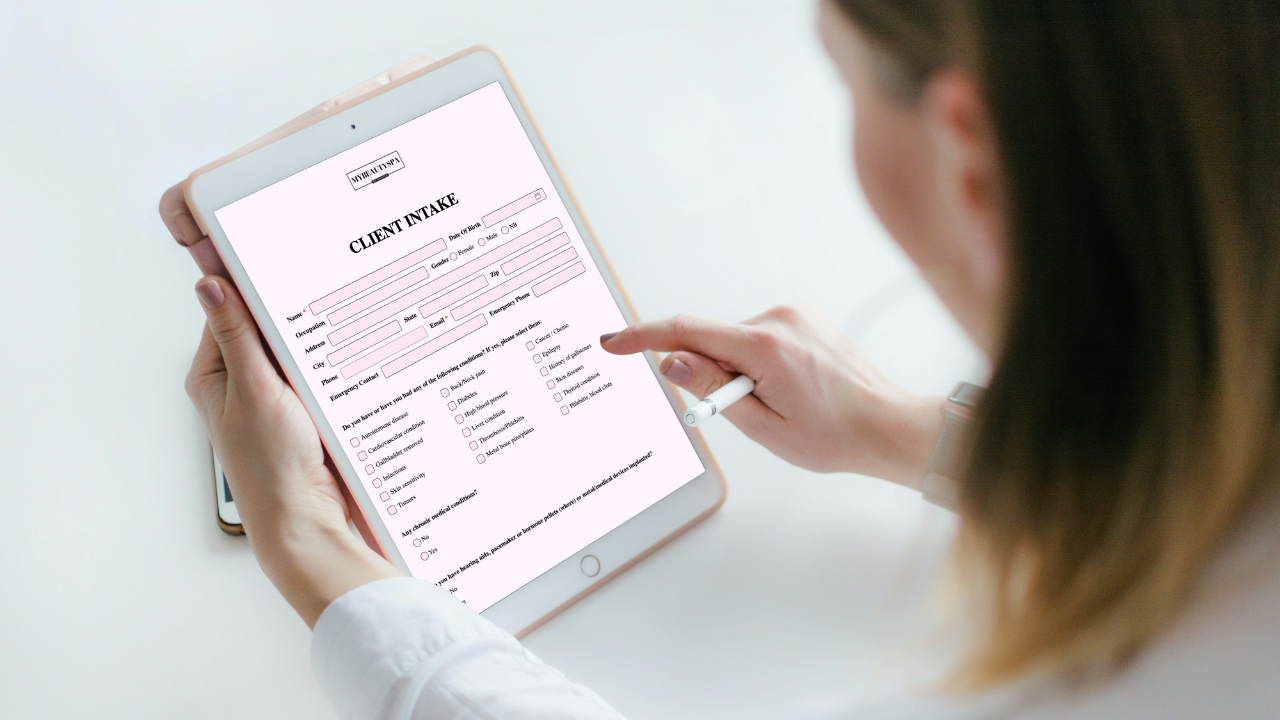
Keep Acuity for scheduling and add Glow Forms for branded consent, intake, and treatment records—clean, searchable client profiles without switching calendars.

Gifts don’t need bows and big budgets. Use small, thoughtful touches—welcome kits, milestone notes, minis at the mirror—that feel personal and spark rebooks.