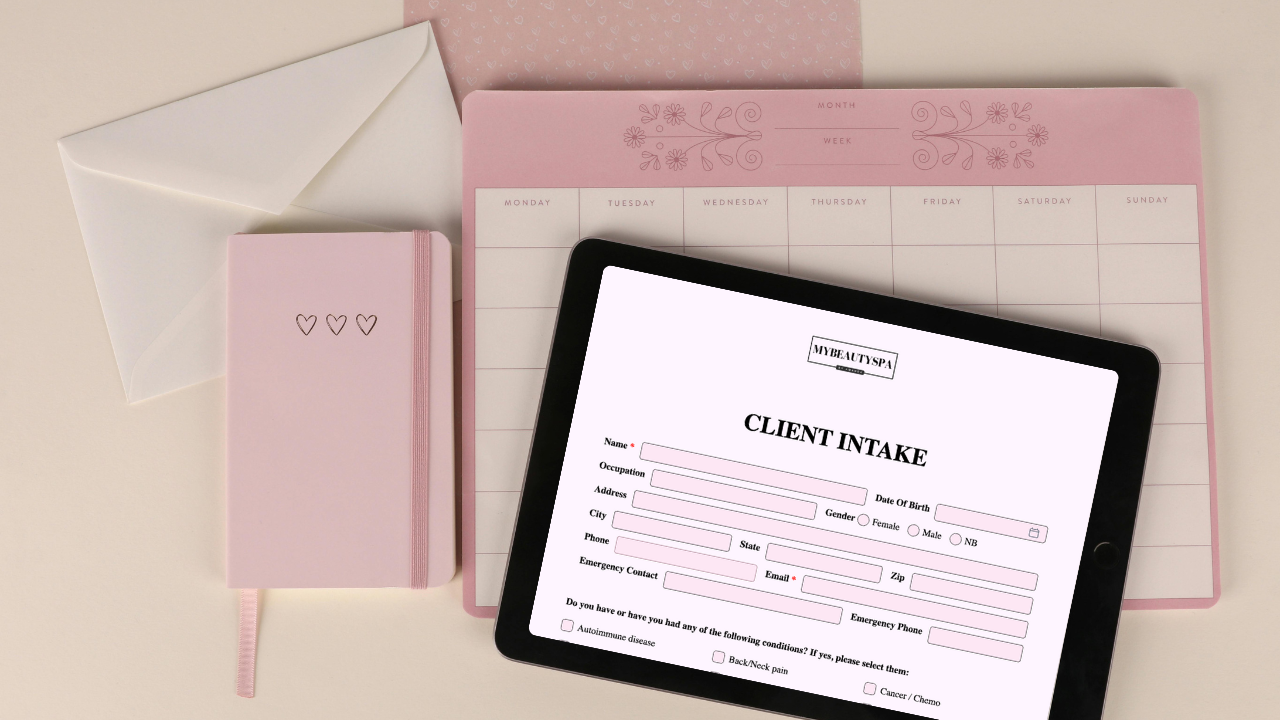
Forms That Hold Up: how Glow Forms makes consent bulletproof
You don’t need to build a tough consent from scratch—Glow Forms already bakes in the parts that hold up when someone asks, “What did I agree to?”
Here’s what’s built-in, plus the tiny bits you actually set.
What’s already baked in
Clear risk sections: concise bullets under the exact service name (not “misc treatment”).
Required health fields: allergies, medications, pregnancy, recent procedures—marked required, not optional.
Time-stamped digital signatures: who signed, what they saw, when—stored with the submission (not a stray PDF).
Photo & video release (separate from consent): optional, with usage choices and exclusions.
Patch-test + contraindication slots: date, product, site, result, next steps—filed beside the service.
Searchable client records: consents, notes, photos, policies in one timeline you can pull up mid-appointment.
Version history: update wording without overwriting signed records.
What you actually configure (5 minutes)
Pick the service template (PMU, lashes, peels, etc.) and trim to your voice.
Toggle/confirm required items for health and safety.
Add your policy block (late/no-show) and amounts once in Options → Cancellations.
Enable the Photo/Video Release if you want portfolio permission upfront.
Link it everywhere clients see it—confirmation, reminder, and one counter QR.
How this shows up in real life
Mid-service, you search the client and instantly see last patch test, meds, and signed risks.
If there’s a question later, you check the entire record—consent, photos, settings, aftercare—already time-stamped.
No email hunt. No “somewhere on my phone.” It’s in the record.
Tiny Tuesday story
A peel client reported irritation. The studio opened her Glow Forms record: service-specific consent with risks acknowledged, patch-test from last month, before/after photos, and signed form. The chat stayed calm because the evidence lived together.
Quick checklist (pin this)
Use the service template, not a catch-all
Keep health questions required and specific
Risks as bullets + signature directly below
Photo/Video Release on if you share results
Policy amounts set once in Options → Cancellations
Everything files into client records you can search fast
Glow Forms isn’t “a way to make consent.” It’s consent that’s already structured, signed, and findable—so you can get back to the actual service.