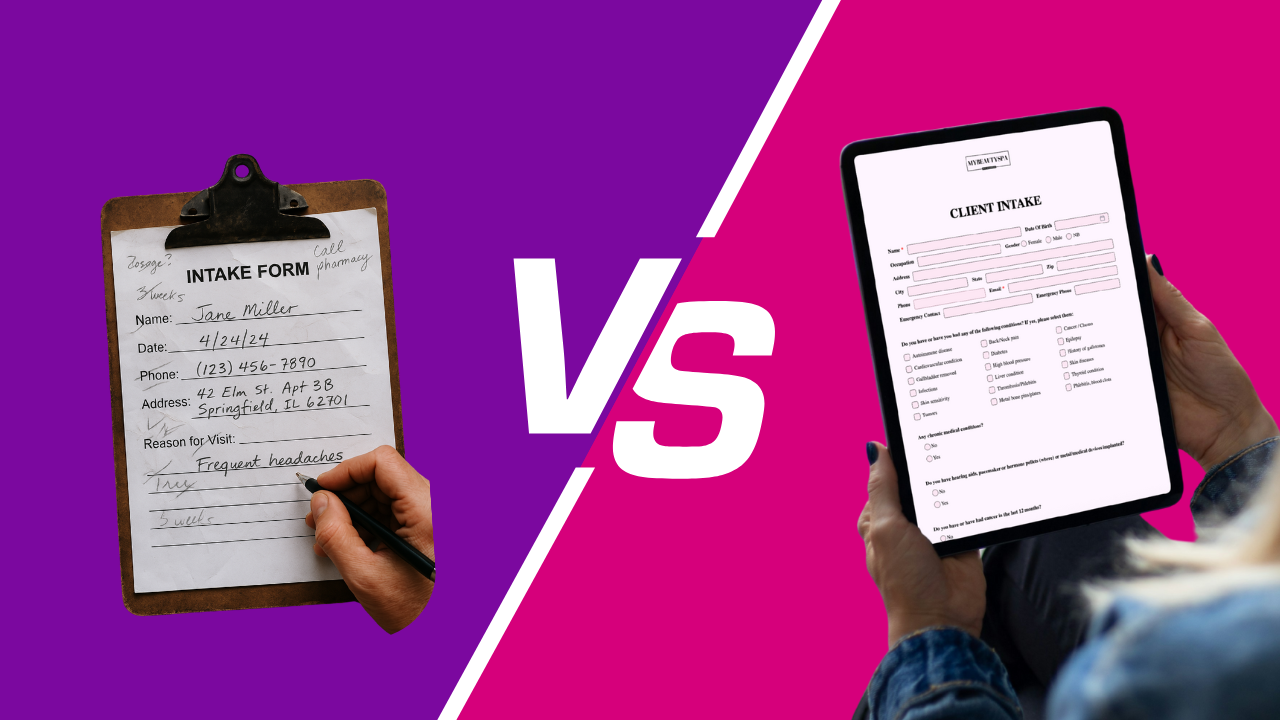
Digital vs. Paper Forms: What’s Best for Your Beauty Business?
3 min read
You’re mixing tint when a new client arrives, points at a clipboard, and asks, “This is for me?”
If your stomach drops, you already know the answer to paper vs. digital.
Let’s be honest: paper can work—until it doesn’t. Here’s the real comparison, the messy parts included, and what to actually do next.
Paper:
Pens disappear, pages smudge, handwriting is… interpretive.
Staff re-explains the same policies.
15-20 minutes evaporate per new client.
Digital (Glow Forms):
Link in the confirmation/reminder; most clients finish at home.
One counter QR catches the rest.
Check-in lands around 3-5 minutes because forms aren’t a surprise.
Paper: files live in drawers, scans, and staff phones. Photos sit in camera rolls with names like IMG_4928.
Digital: consents, treatment notes, before/after photos, and aftercare sit in one searchable timeline—time-stamped and tied to the client.
Paper: long paragraphs nobody reads; missing signatures; version control is “crossed-out text.”
Digital: bullets for risks, required health fields, digital signatures under the text they just read, and version history. Add a photo/video release once and stop guessing permissions.
Paper: “Did we ask about retinoids?” becomes a scavenger hunt.
Digital: you search a name; allergies, meds, last patch test pop up while the client settles in.
Paper: cheap per sheet; expensive in lost time, lost forms, and rework.
Digital: one subscription, less staff time, and no reprinting when policies change.
No Wi-Fi? Use phone hotspot; keep a printed QR with the link as backup.
Photos? Snap directly into the Before and After slots inside the treatment note—no gallery chaos.
Signatures? Finger or stylus; the time stamp is the proof you wanted from paper.
Booking
Paper: confirmation had no link; paperwork happened at the desk
Digital: same scheduler, plus a link that says “Takes 3 minutes”
Arrival
Paper: clipboard + pen; staff repeats policy
Digital: one QR backup; most arrive pre-filled
Mid-service
Paper: “Did we ask about retinoids?” hunt
Digital: allergies, meds, last patch test show in seconds
Photos
Paper: phone gallery, mislabeled
Digital: in the note with products/settings
Disputes
Paper: “I think we told you…”
Digital: time-stamped consent + aftercare in the record
We switched one brow studio from a catch-all paper packet to service-specific branded forms. Same services, same team. Week one: lines disappeared at the counter, and the owner pulled a signed aftercare in under ten seconds when a client messaged about redness. Calm beats chaos.
Pick service-specific Glow Forms templates (brows ≠ peels).
Make health items required
Drop the link into confirmations and reminders; print one QR for the counter.
Add Before/After slots to treatment notes; enable the photo/video release if you share results.
Set deposit/late/no-show amounts once in Options → Cancellations and stop retyping them.
Temporary pop-ups with zero signal and zero hotspot.
Emergency downtime where any record is better than none—scan it into the client timeline the same day.
Digital isn’t about “going paperless.” It’s about findable, provable client records and starting on time. If your front desk lives in a pen cup, it’s time.
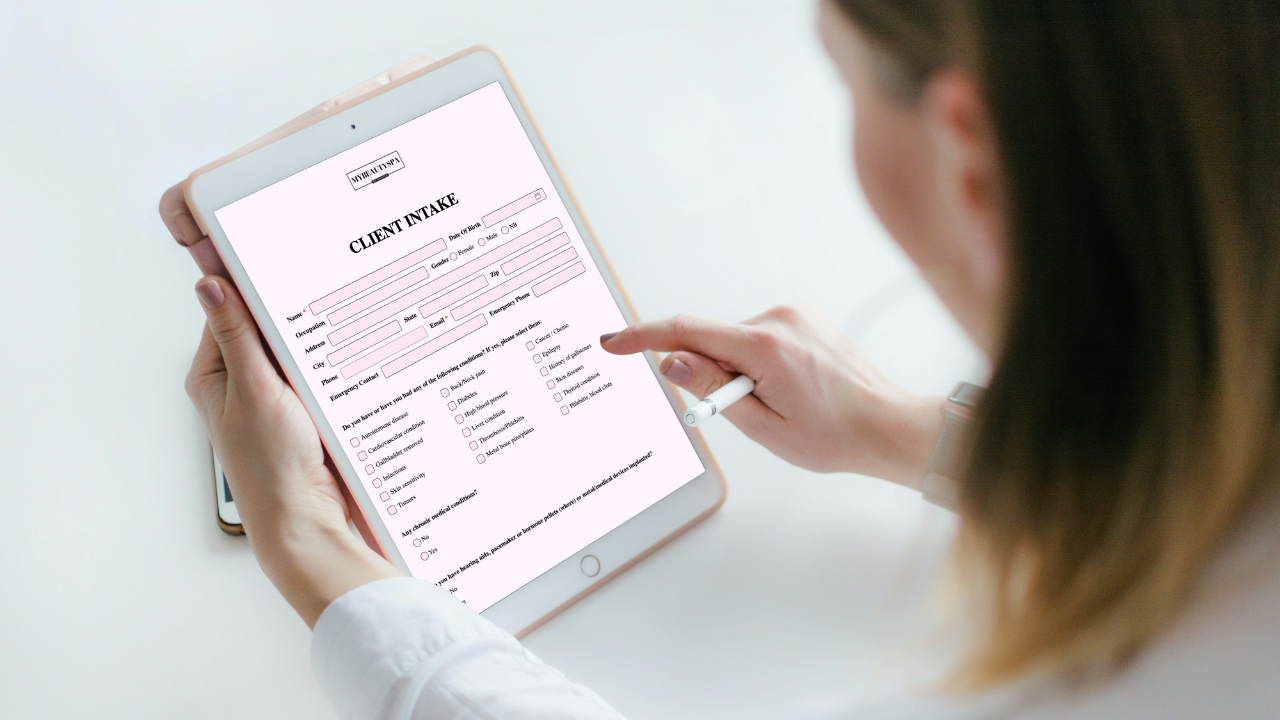
Keep Acuity for scheduling and add Glow Forms for branded consent, intake, and treatment records—clean, searchable client profiles without switching calendars.
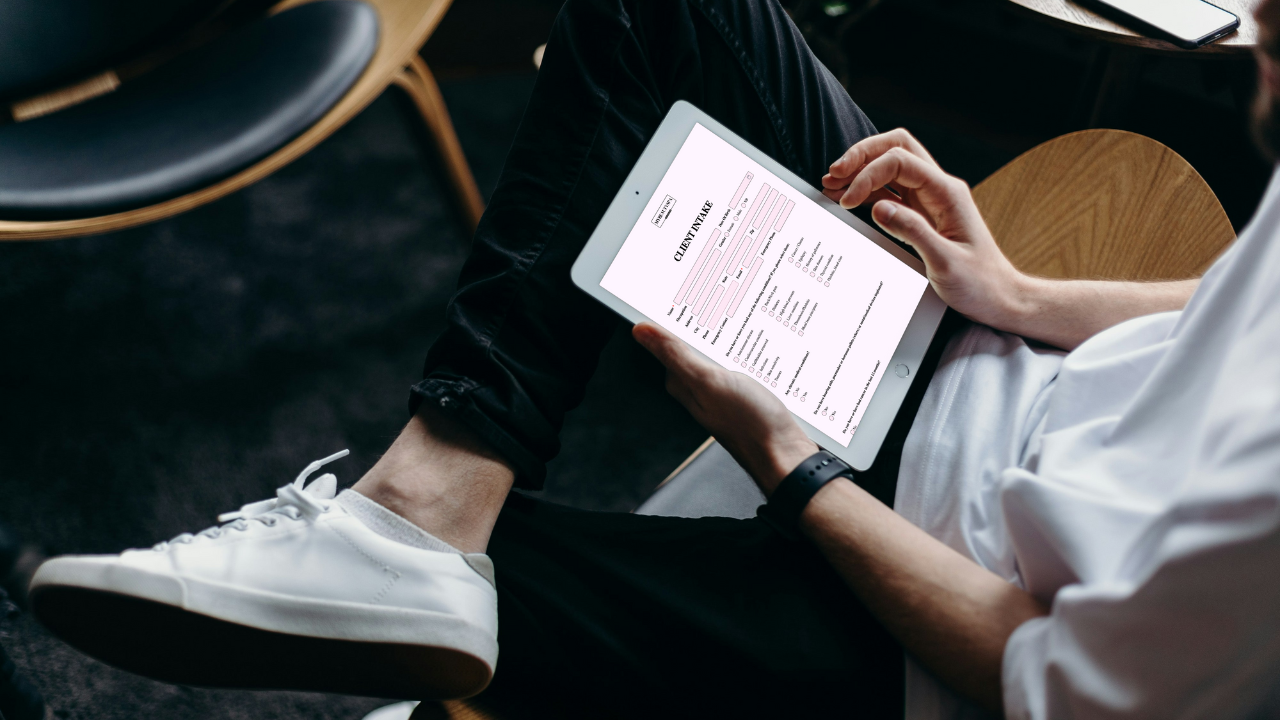
PMU, lashes, aesthetics: Glow Forms gives branded, searchable consent and treatment notes. Here’s how it stacks up against Jotform without changing your booking

Gifts don’t need bows and big budgets. Use small, thoughtful touches—welcome kits, milestone notes, minis at the mirror—that feel personal and spark rebooks.