Client Story: Sarah H. - From PDF chaos to clean Glow Forms
“I thought our forms were fine—until Saturdays felt like traffic.”
That’s how Sarah H., owner of a brow + skin studio, described life before Glow Forms. We asked her to walk us through a straight comparison.
Before: Paper & PDFs (what actually happened)
Check-in time: 15-20 minutes per new client. Printing, reprinting, and chasing pens.
Accuracy: clients skipped health questions; staff couldn’t read handwriting; allergies got buried.
Photos: lived on phones, not with the note. Finding “that lash set from May” meant scrolling a camera roll.
Policies: explained verbally, forgotten later.
Records: scattered—email attachments, desktop folders, and the dreaded “scan later” pile.
“I’d open the calendar and then start hunting. With dye on the spoolie. Not cute.”
After: Glow Forms (how it runs now)
Check-in time: 3-4 minutes for walk-ins; most clients finish at home from a direct link or email
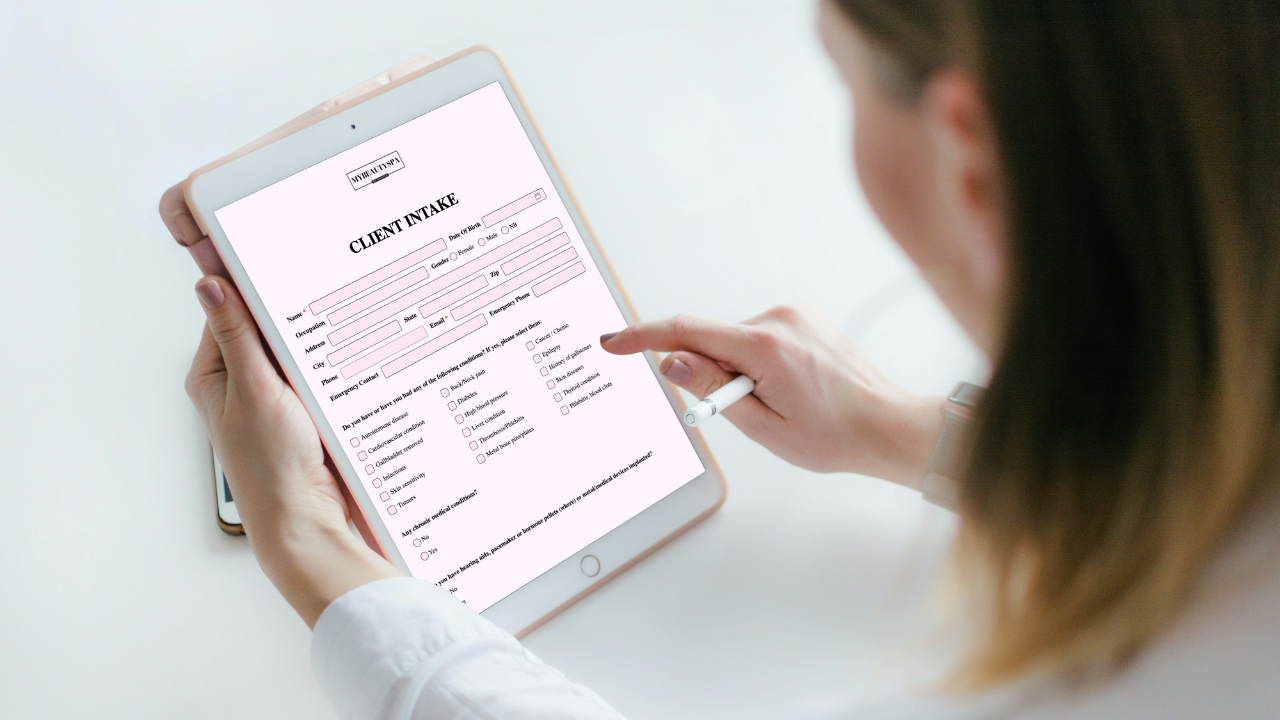
Branded forms: short, service-specific consents that look like her studio (logo, colors, readable text).
Client records: every submission files into one timeline—searchable by name, service, or date.
Photos with context: Before/After added inside the treatment note with product, setting, and time.
Policy clarity: a signed cancellation block with fee amounts set once in Options → Cancellations.
“Now I skim the record with coffee and start on time. No PDF dive, no guessing.”
What changed the day-to-day
Booking
Paper/PDF: Confirmation had no link; paperwork happened at desk
Glow Forms: Same scheduler, + form link that says “Takes 2 minutes”
Arrival
Paper/PDF: Clipboard + pen; staff repeats policy
Glow Forms: One QR backup; most arrive pre-filled
Mid-service
Paper/PDF: “Did we ask about retinoids?” hunt
Glow Forms: Allergies, meds, last patch test show in seconds
Photos
Paper/PDF: Phone gallery, mislabeled
Glow Forms: In the Client Record with products
Disputes
Paper/PDF: “I think we told you…”
Glow Forms: Time-stamped consent + aftercare in the record
Sarah’s exact setup (steal it)
Short, branded forms per service (Brow Lamination, Classic Facial, Waxing).
Health questions required
Links in confirmations and reminders; one counter QR as backup.
Treatment note with photo slots and product/setting fields.
Cancellation policy with deposit/fee amounts set once in Options → Cancellations.
The small wins that add up
Clients feel prepared because the finish line is obvious
Staff stops translating scribbles; answers are clean and legible.
Search finds the right thing during a service—not after closing.
“It’s calmer. We didn’t change the calendar - just the forms. That was enough.”
If your day looks like Sarah’s before column, you don’t need a rebuild. Keep booking as is. Let Glow Forms be the tidy bridge to reliable client records.