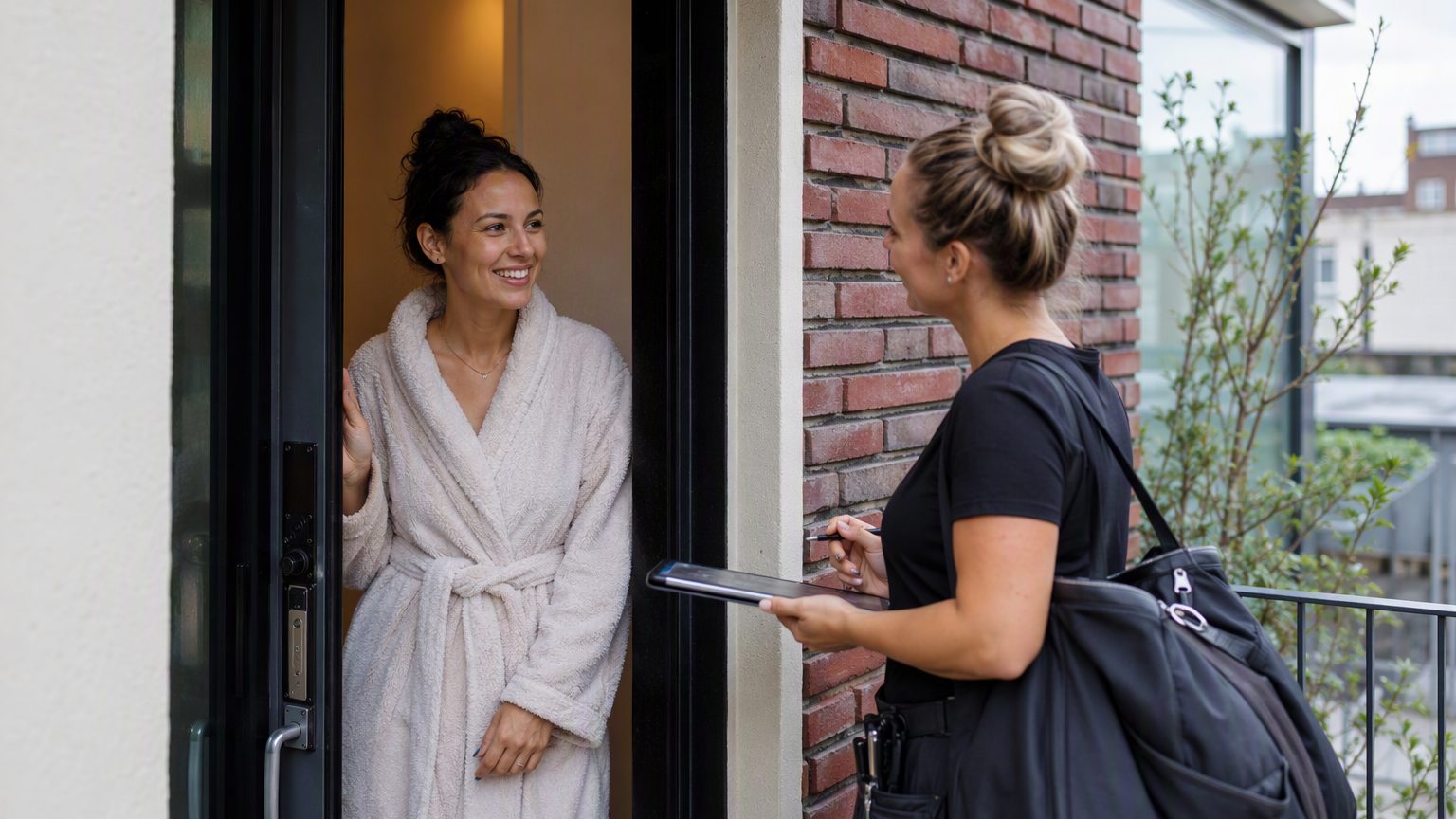
What to Put in a Beauty Client Waiver When You Offer Mobile Services
A beauty client waiver for mobile services needs to do more than a standard in-salon form. When you travel to a client’s home, hotel, office, or event space, the appointment depends on more variables: access, setup room, pets, children, lighting, sanitation, and timing. A strong waiver helps you set expectations, document consent, and collect the details you need before you leave for the appointment.
It also supports cleaner records. But it is not legal advice or a guarantee of compliance. Think of it as part of a smart, consistent intake process.
Why mobile beauty services need a different waiver
A salon visit happens in your environment. A mobile appointment happens in theirs. That changes both the service experience and the paperwork.
Your mobile beauty waiver should cover practical details that affect whether you can perform the service safely and smoothly: parking, building access, stairs, pets, smoking, children nearby, outlet access, handwashing, ventilation, and available workspace. These are not small details on appointment day. They can affect setup time, service quality, and whether the appointment can go ahead as planned.
The core contact and appointment details to collect
Start with the basics every beauty client intake form should include:
- Client full name, phone number, email, and preferred contact method
- Appointment date and service address
- Building access instructions, gate codes, parking details, and unit number
- Emergency contact name and phone number, if appropriate for the service
- Service requested and any add-ons
For mobile bookings, accuracy matters. If a client booked a brow service but added a lash treatment, your client consent form for beauty services should reflect that. A good best practice is to prefill known booking details so the form is quick to complete on a phone.
Service consent language every mobile waiver should include
Your mobile service consent form should clearly state what the client is agreeing to receive. Keep the language direct and easy to understand.
Include:
- A clear description of the service
- Consent confirming the client understands the nature of the appointment
- A note that they had the chance to ask questions before signing
- Acknowledgment that results can vary based on skin type, hair type, aftercare, and home conditions
- Confirmation that they will follow any pre-appointment and aftercare instructions
If certain items are especially important, such as patch test refusal or workspace requirements, you may want initials beside those points for extra clarity.
Health history and contraindication questions
A beauty client waiver should collect only the health information that is relevant to the service. Keep it practical, not overly broad.
Depending on the service, this may include:
- Allergies
- Skin sensitivities
- Current medications
- Recent treatments
- Pregnancy status, where relevant
- Past reactions to products or services
Use yes/no questions with room to explain. That works better than one large blank box and makes the form easier to complete on mobile. Also add a statement asking the client to update you if anything changes before the appointment. Tailor questions to the service category, whether you use a mobile esthetician waiver, lash consent form, or another intake document.
Home, venue, and environment acknowledgments
This is where a mobile-specific waiver needs to be stronger than a standard salon form.
State that the client is responsible for providing a safe, clean, workable area for the service. Depending on what you offer, that may include:
- Adequate lighting
- Outlet access
- Ventilation
- Nearby handwashing
- Space for your chair, table, or tools
Also cover pets, smoking, children, and other interruptions that could affect timing or service quality. Ask about stairs, elevators, gate codes, and limited-access buildings. If you work in hotels, bridal suites, offices, or event venues, note that the client is responsible for securing permission for on-site services where needed. This makes your at-home beauty service waiver much more useful in real life.
Travel, timing, and setup terms
Your mobile salon waiver should explain travel and time expectations in plain language.
Include:
- Your service area
- Any travel fees or minimums
- Arrival windows and setup time
- What happens if the client is late or not ready
- Whether delays caused by parking, security desks, or venue access reduce service time
- Rescheduling and cancellation terms, especially for same-day travel
The key is consistency. The waiver should match your booking policy so clients are not seeing different terms in different places.
Sanitation, equipment, and safety expectations
Let clients know that you bring your own tools and supplies and follow your normal sanitation process. Then spell out anything they need to provide, if applicable, such as a stable workspace, outlet access, or towels.
It is also reasonable to document that service may be paused or declined if the environment is unsanitary or unsafe. For group or event bookings, you can add notes about setup order and shared-space limitations. Keep this section grounded in real appointment-day conditions, not vague legal language.
Liability, patch tests, and calm wording
A good beauty client waiver for mobile services should acknowledge that personal care services can involve irritation, reactions, discomfort, or unsatisfactory results. Keep that language balanced and factual.
You can also state that the client has disclosed relevant conditions to the best of their knowledge. If your service includes patch tests or pre-service checks, note whether they were offered, completed, or declined.
Avoid promising perfect outcomes or using absolute legal language. If you want help reviewing wording, check with a qualified local professional.
Photo release, minors, and third-party bookings
Keep photo permissions separate from service consent. That reduces confusion and gives clients a real choice.
Use separate checkboxes for:
- Permission to take photos for client records
- Permission to use images in marketing
Clients should be able to decline marketing use without affecting the appointment. If minors are involved, parent or guardian authorization may be required where applicable.
Also remember that if a bridal organizer or assistant books on someone else’s behalf, each person receiving services may still need their own consent. Your beauty intake form should collect the consenting adult’s name and relationship when needed.
Signature and recordkeeping essentials
For mobile services, collect consent before you travel whenever possible. Do not wait until you arrive and start setting up.
Use:
- E-signature
- Date stamp
- Versioned forms
That way, you can show what the client agreed to and when. Store each signed beauty client intake form in a searchable record tied to the appointment and service history. If you update your waiver later, avoid overwriting past signed versions. Digital records make repeat mobile appointments much easier for both you and the client.
Common mistakes to avoid
Some of the biggest problems with a mobile beauty waiver are simple:
- Using one generic waiver for every service
- Hiding travel fees or setup expectations in fine print
- Combining photo release with mandatory service consent
- Asking too little about the home or venue setup
- Relying on paper forms that are hard to send, sign, and retrieve before the appointment
A waiver works best when it is clear, specific, and easy to complete on a phone.
Simple checklist: what your mobile service waiver should cover
Before you send your next client consent form for beauty services, make sure it covers:
- Client identity and contact information
- Service details and informed consent
- Relevant health history and contraindications
- Home or venue conditions and access instructions
- Travel, lateness, cancellation, and setup terms
- Photo permissions
- Minor consent where applicable
- Signature and date
A strong beauty client waiver for mobile work should cover both service consent and the realities of working in a client’s space. If you want an easier way to send forms ahead of time, collect signatures, and keep every waiver organized, GlowForms can help you manage mobile-friendly beauty intake without the paper chase.