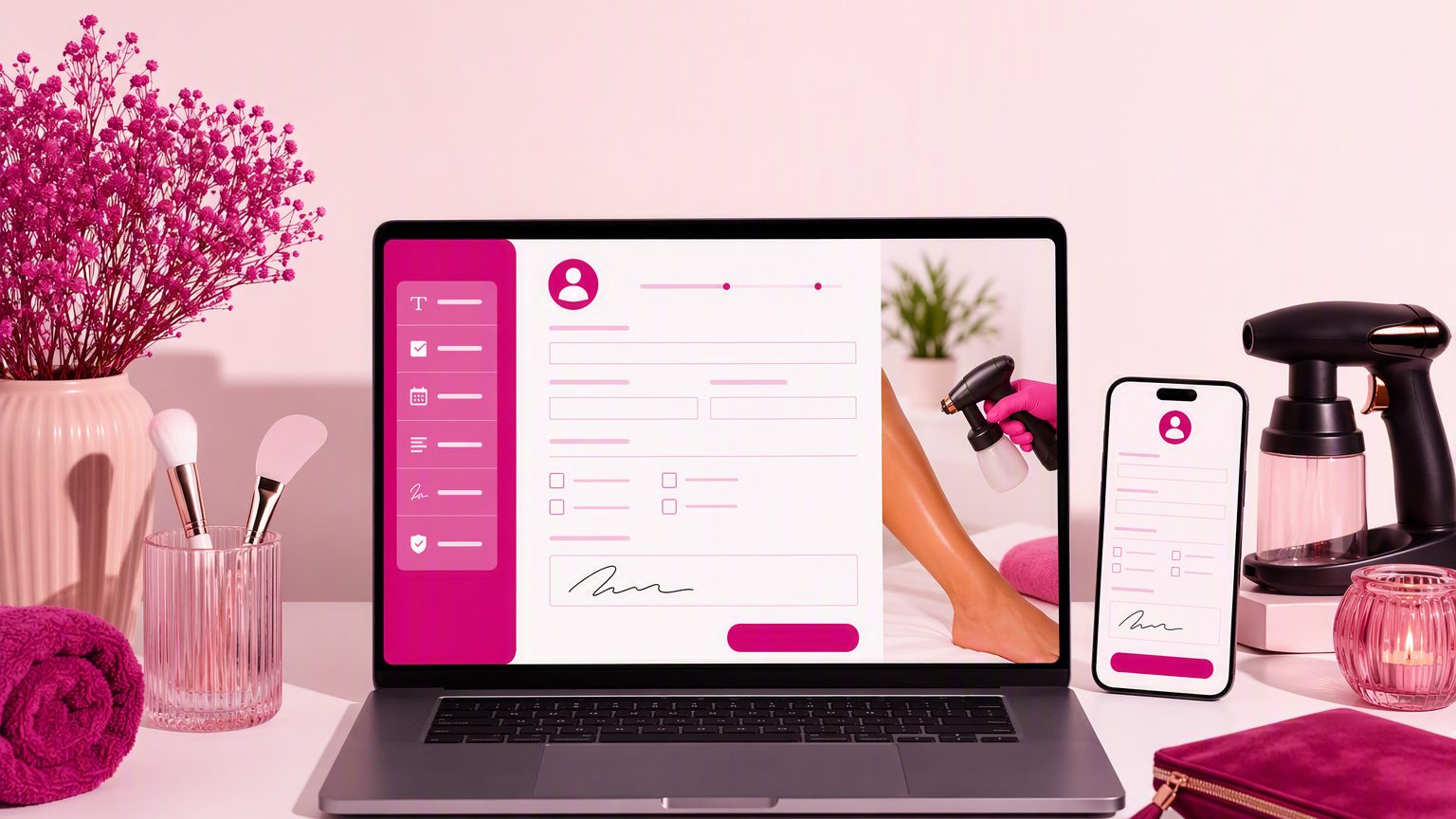
How to Create a Client Intake Form for Mobile Spray Tan and At-Home Beauty Appointments
7 min read
A strong client intake form for mobile spray tan appointments needs to do more than collect a name and phone number. When you travel to the client instead of working in a salon, you also need clear location details, setup information, prep acknowledgments, and consent before you arrive. The goal is simple: collect the right information ahead of time, reduce day-of back-and-forth, and create a smoother experience for both you and your client.
If you offer mobile spray tans, or other at-home beauty services like makeup, lashes, brows, or skincare, your intake process should match the reality of working in someone else’s space.
A good mobile spray tan intake form should support the full appointment workflow, not just the booking.
It should help you:
That last point matters more than many providers realize. If a repeat client books again, being able to quickly review previous preferences, sensitivities, and location notes can save time and help the appointment feel more personal. The same structure also works well for an at-home beauty appointment intake form across different services.
Begin with the essentials:
For mobile services, you also need better location fields than a standard in-salon form. Include:
A mobile beauty appointment form should help you arrive prepared, not leave you texting for directions five minutes before the appointment starts.
Mobile appointments run more smoothly when you know the setup conditions in advance. A few practical questions can prevent awkward surprises.
Include fields such as:
For spray tans, ask whether the client has a suitable area for tent or equipment setup if your process requires one.
Add a short-answer field for:
These details make your mobile beauty client intake form much more useful in real life. Instead of figuring things out on site, you can walk in ready to work.
Your intake form should ask only for information that truly helps you deliver the service consistently and document the appointment properly.
For spray tan services, that may include:
For other services, adjust the questions to fit the appointment. A lash artist does not need the same details as a spray tan provider. Keep it focused.
To make the spray tan client form easier to complete on a phone, use:
These questions should be framed as service-planning and documentation tools, not medical advice.
One of the best uses of an intake form is preventing avoidable problems before the client ever opens the door.
For a mobile spray tan service, your form can include prep acknowledgments such as:
For other at-home appointments, tailor prep prompts to the service. The key is to keep prep instructions separate from your legal or consent wording. Clients are more likely to read and understand short, clearly labeled sections than one long paragraph.
This is where a practical beauty intake form template can save time. Once you build the structure, you can reuse it across services with minor edits.
Every spray tan consent form or at-home beauty consent form should be easy to understand.
Depending on your services, include:
If you work with minors, parental or guardian consent requirements may apply depending on your services and location. It is worth reviewing your wording based on your business needs and local requirements.
Keep the language professional and clear. Your form should document understanding, not overwhelm the client.
Do not bundle everything into one checkbox.
If you use before-and-after photos, testimonials, or promotional messaging, give clients separate choices for each. For example:
This makes the form easier to understand and easier to reference later. A clean separation between service consent, media release, and communication permission is a better experience for everyone.
Most clients will complete your form on their phone. That means your digital intake forms for beauty businesses should be built for quick tapping, not long reading.
Keep the experience mobile-friendly by using:
Put the most important questions first. Avoid duplicate fields. When a form feels clear and easy, completion improves and your brand looks more polished.
A practical order for your mobile beauty client intake form might look like this:
This structure keeps the form easy to follow and easy to review later. It also helps if you offer multiple services and want a repeatable system. Over time, update the form based on recurring client questions or issues you keep running into on appointments.
When building a form, watch for these common problems:
A form should reduce friction, not create more of it.
Digital forms are especially useful when you travel to the client. You can send the form before the visit, review details before you leave, and show up with fewer unknowns.
That matters for mobile workflows because you are managing travel time, supplies, setup, and off-site service conditions. A digital at-home beauty appointment intake form also gives you searchable records, easier repeat visits, less manual paperwork, and a faster check-in experience.
A good client intake form for mobile spray tan appointments should cover contact information, location logistics, relevant service questions, prep instructions, and clear consent. When those pieces are in place, you get fewer surprises, better preparation, and more consistent client records.
If you want a simple way to create mobile-friendly forms, collect signatures, and keep everything organized in one place, try GlowForms.