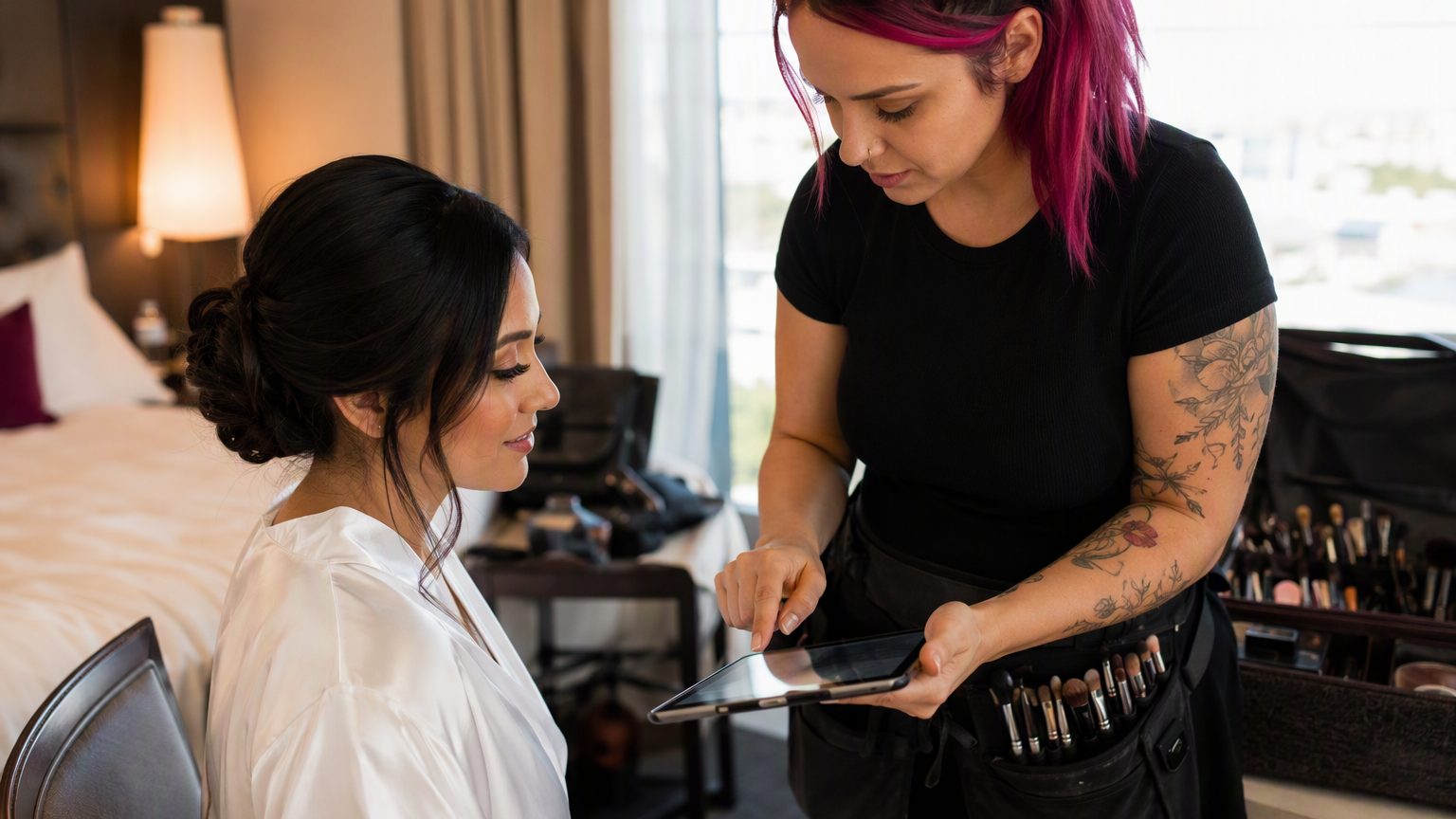
Digital Consent Forms for Mobile Makeup Artists and On-Location Beauty Teams
7 min read
If you travel to clients, your intake process has to travel well too. Mobile makeup artists and on-location beauty teams work in hotel rooms, homes, bridal suites, event venues, and production spaces where time, space, and setup can change fast. That is why digital consent forms for mobile makeup artists are more than a nice upgrade. They are a practical way to stay organized, prepare properly, and keep the day moving.
Paper forms are awkward when your business is always in motion. They can get left in a kit bag, wrinkled in transit, or handed to the wrong person during a busy event. If you are coordinating several artists across multiple appointments, paper creates extra friction at every step.
Digital client intake for makeup artists solves a simple but important problem: you can collect the right information before you arrive. Clients can complete forms on their phones, sign electronically, and send everything back before the appointment starts. That means fewer delays, fewer missing details, and a smoother first impression when you walk in ready to work.
For mobile beauty businesses, that is not just paperwork. It is part of operations.
This guide is for:
The advice applies whether you work solo or manage a small team. If you need to keep client records organized across different locations, dates, and bookings, a better intake system matters.
A strong mobile makeup artist consent form should match the service you actually provide. In most cases, that includes:
Collect the client’s full name, contact information, appointment date, and service location. For mobile beauty client intake, location matters because your team may be moving between several clients or venues in one day.
Include the booked service so the form fits the appointment. Ask about allergies, sensitivities, skin conditions, and past product reactions. If a patch test or product reaction acknowledgment is relevant, include that clearly.
Your beauty consent forms should include language confirming the client understands the nature of the service and can disclose relevant information. Add signature and date fields so the record is complete.
Keep photo and marketing release separate from service consent. That avoids confusion and gives clients a clear choice. If you work with minors, include a minor consent section and space for a parent or guardian signature where needed.
Exact wording should fit your services, business practices, and local requirements. If needed, get professional legal guidance for your forms.
On-location beauty team consent forms have to work in less predictable settings. You may be in a loud bridal suite with ten people moving around, or at an event venue with weak internet and a tight timeline. In those situations, passing around paper packets is not practical.
There is also a coordination issue. One person may handle booking, another may confirm arrival, and a different artist may perform the service. Digital records make it easier for the right team member to pull up the right client file without chasing paperwork.
This matters even more for weddings and group bookings. When multiple clients need forms, collecting them in advance helps keep the schedule on track.
Paper forms can get lost, damaged, or left behind. They are also harder to read and easier to submit half-finished. Missing signatures, blank fields, and messy handwriting create follow-up work you do not have time for on event days.
Electronic consent forms for beauty businesses give you one searchable place for records. They also help standardize your process. Every client gets the same core questions. Every artist works from the same intake template. And because many mobile beauty businesses do not have a fixed front desk, digital is often the simplest way to stay consistent.
A good client experience starts before you knock on the door or unload your kit. Sending client intake forms for makeup artists by text or email right after booking gives clients time to complete them when it is convenient.
That is especially helpful for bridal clients, event clients, and anyone juggling a busy schedule. A mobile-friendly form feels easier than paperwork handed over in the middle of a hectic morning.
Collecting information early also helps you prepare. You can review allergies, skin notes, shade preferences, timing needs, or location details before the appointment. That leads to a calmer, more professional setup on the day.
If you want clients to actually complete forms, keep the process simple.
Use forms that work well on phones and allow e-signatures without extra apps or downloads.
Do not wait until the night before. Send the form soon after booking so there is time to review answers and follow up if anything is unclear.
A clearly labeled signature field reduces drop-off. If the client cannot tell what to do, they are more likely to leave the form unfinished.
A signed makeup artist waiver form is only useful if you can find it later. Keep it attached to the full client record.
Standardized templates help every artist collect the same key information. That matters when your team is handling bridal parties, production work, or repeat event bookings.
Organize records by client name, event date, and service type so they are easy to search. Permission-based access also helps the right team members view what they need without sharing everything with everyone.
Searchable digital records are especially useful when a client books again. You can reuse saved information where appropriate, while still updating anything that has changed.
Keep forms practical. If they are too long or filled with technical language, clients may skim, guess, or abandon them.
A few common mistakes to avoid:
A bridal makeup consent form should reflect bridal work. A general beauty form may miss details that matter in that setting.
A straightforward system works best:
Review your forms whenever your business changes. That includes adding services, products, team members, or appointment types. It is also smart to check them before busy seasons like wedding season.
If clients regularly skip a question or ask the same thing, that is a sign your wording may need work. You may also need clearer language around minors, photo release, or location-specific situations.
Digital consent forms help mobile makeup artists and on-location beauty teams save time, stay organized, and create a smoother check-in process. They also help you show up prepared, whether you are working a single appointment or managing a full bridal schedule.
When your intake process feels polished, the whole client experience feels more professional. If you want a simple way to create mobile-friendly forms, collect signatures, and keep client records in one place, try GlowForms.