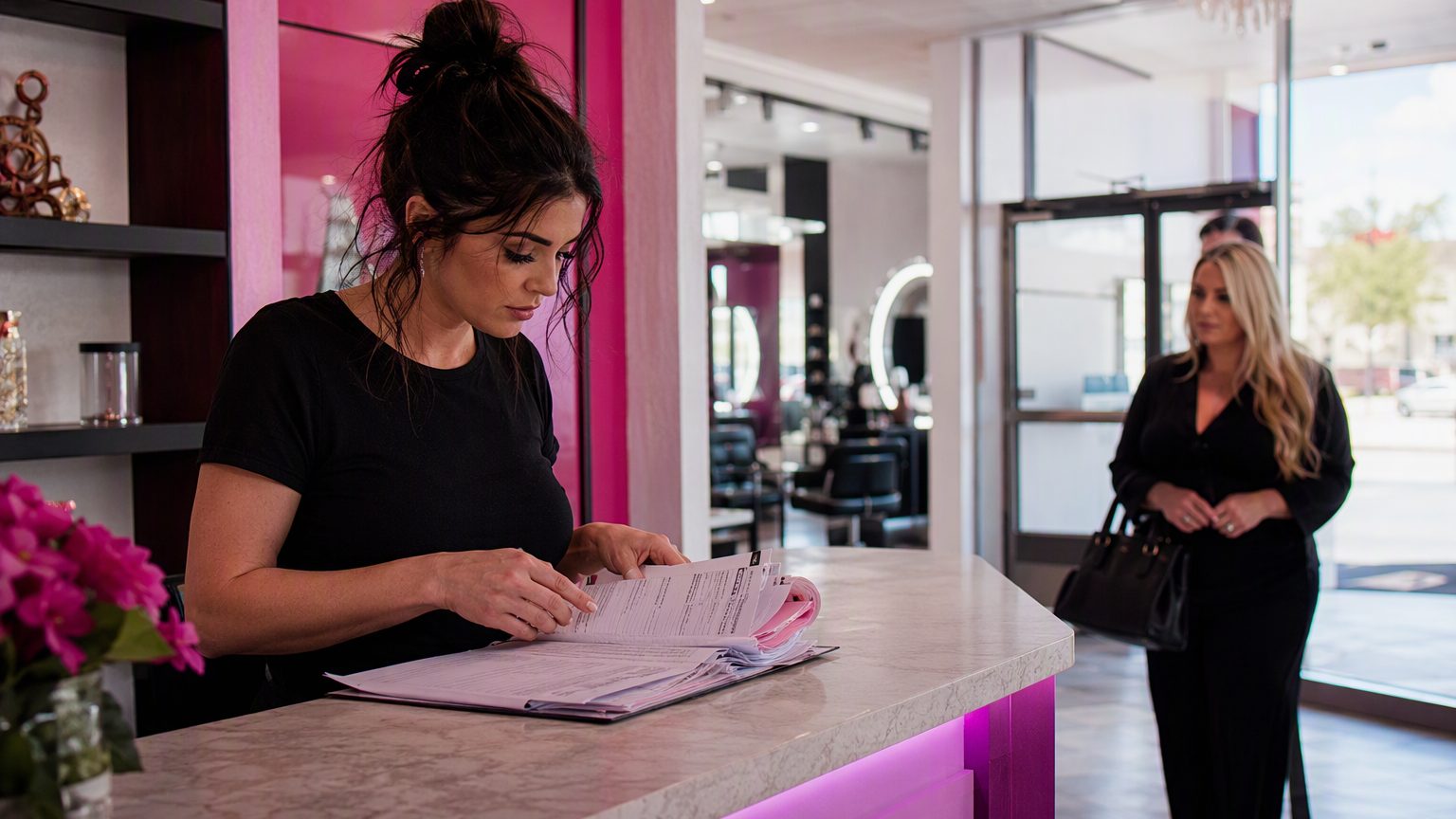
A 10-Minute Front Desk Form Audit for Salons Before the Holiday Rush
The holiday rush exposes every weak spot at the front desk. A form process that feels manageable in slower months can quickly turn into long waits, missed signatures, duplicate client profiles, and stressed staff once November and December fill up.
That is why a quick front desk form audit for salons matters. In 10 minutes, you can review your appointment intake, consent forms, client records, and check-in flow before peak traffic makes small issues expensive.
Why the holiday rush breaks weak front desk systems
Seasonal volume brings more than full books. It also means walk-ins, gift-card redemptions, last-minute service upgrades, and more first-time clients. Those situations tend to expose the same weak points:
- Incomplete pre-appointment forms at arrival
- Staff hunting for a signed waiver or consent
- Repeat clients filling out the same paperwork again
- Gift recipients with little or no client history on file
- Upgrade requests that need new disclosures before service starts
A strong front desk process should absorb those changes without slowing everyone down. If your team is retyping paper forms, chasing signatures, or asking the same intake questions every day, your system is costing time.
What good looks like during busy salon check-in
Use these benchmarks as your standard:
- 2–4 minutes for a returning client with current forms on file
- 5 minutes or less for a new client using digital intake forms for salons
- Front desk verifies completion and signatures before service starts
- Stylists can see allergy notes, consent status, and service history without asking the desk to dig for them
Picture a common holiday failure: a client arrives for color, then adds a brow tint. The booking is on time, but no patch test or updated consent is attached to the appointment. The front desk scrambles, the stylist waits, and the next client starts late. A simple audit catches that gap before it becomes a daily bottleneck.
Holiday rush checklist: your 10-minute audit
Use this pass/fail table as a fast review.
| Checkpoint | Pass | Fail |
|---|---|---|
| Forms match your current service menu | ☐ | ☐ |
| Intake questions are short and relevant | ☐ | ☐ |
| Consent forms are easy to find and sign | ☐ | ☐ |
| Mobile forms work well on phones | ☐ | ☐ |
| Front desk can retrieve client records instantly | ☐ | ☐ |
| Allergy, patch test, and chemical disclosures are current | ☐ | ☐ |
| Marketing opt-ins are separate from service consent | ☐ | ☐ |
| Minor and guardian signature steps are clear | ☐ | ☐ |
| Records are clean, searchable, and stored consistently | ☐ | ☐ |
| One person owns updates and weekly review | ☐ | ☐ |
If an item fails, fix the highest-risk issues first: missing consent, mobile usability, and record retrieval. If you fail 3 or more items, your holiday workflow is likely creating avoidable friction.
Mobile and digital intake forms for salons
Clients are usually completing forms on a phone, not a desktop. That makes mobile-friendly, digital intake forms for salons essential.
Review your forms on an actual phone and ask:
- Does the form load quickly?
- Is the text readable without zooming?
- Are signature fields easy to use?
- Can clients finish in a few minutes?
- Are there repeated questions or too many screens?
Good digital forms reduce check-in bottlenecks because clients complete appointment intake before arrival. They also improve accuracy by using required fields, dropdowns, and clear prompts instead of handwritten paper that staff must interpret later.
Implementation tips:
- Send the correct form link immediately after booking
- Add an automated reminder 24 hours before the appointment
- Prefill known details for returning clients when possible
- Use update prompts instead of a full intake packet for repeat visits
- Keep a backup tablet at the desk for unfinished forms
If your mobile completion rate is low, shorten the form first. Most salons only need contact details, relevant service history, allergies or sensitivities, patch test status, and a few practical preferences.
Salon consent forms: what you actually need
Consent should match the service, not live as one vague catch-all document. Review your salon consent forms to make sure they cover real service risk and are easy to access at check-in.
Common examples include:
- Chemical services: color, bleach, smoothing treatments, perms, relaxers
- Extensions: hair extensions, tape-ins, fusion services, extension maintenance
- Lash and brow services: tinting, lifts, lamination, lash extensions
- Minors: guardian approval and signature requirements
- Patch tests: documented status and timing when required
A good consent form should be specific, readable, and separate from marketing permissions. For example, a color client may need chemical disclosures and patch test confirmation, while a minor booking a brow service may need both service consent and a guardian signature.
If a consent form fails this audit, rewrite it by service category and connect it directly to the related booking type. That prevents front desk staff from guessing which waiver applies.
Salon front desk workflow: who owns what
Strong forms only work if responsibilities are clear. Your salon front desk workflow should define who sends forms, who reviews them, and who updates records.
A simple model:
- Booking system or front desk: sends intake and consent links at booking
- Front desk lead: reviews completion status before arrival and flags missing items
- Stylist or service provider: confirms service-specific details and new risks at consultation
- Manager or designated admin: updates forms, storage rules, and record standards
Without ownership, form tasks get pushed around until the client is already standing at the desk. If your team is unclear on roles, assign one owner for weekly form checks and one owner for record cleanup.
Paper vs. paperless intake
If you still use paper or a hybrid process, compare it honestly with a digital workflow.
Paper workflow pain points
- Forms are hard to read or incomplete
- Staff must scan, file, or re-enter data
- Pages get lost or attached to the wrong client
- Signatures are missed until service time
- Retrieval slows down during busy periods
Paperless workflow advantages
- Clients complete forms before arrival
- Required fields reduce missing information in key intake details
- Digital signatures are easier to capture and verify
- Records are easier to search and share internally
- Front desk staff spend less time on admin during peak hours
You do not need a perfect setup overnight. But if paper creates repeated delays, paperless intake is one of the highest-impact upgrades you can make before the holiday rush.
If this section fails your audit, start by digitizing the most time-sensitive forms first: new client intake, chemical consent, and minor waivers.
Keep salon client records accurate and searchable
Messy client records create avoidable delays. Staff should be able to find the latest signed consent, allergy notes, and service history in seconds.
Focus on four basics:
- Merge duplicates only when key identifiers clearly match
- Use one naming convention for all client profiles
- Make essential fields required for active records
- Store intake forms, patch test notes, and consents in one consistent place
Update records at every visit, even if the change seems small. Searchable records reduce repeat paperwork and help prevent duplicate profiles during busy periods.
If record retrieval fails this audit, clean up duplicate prevention rules and decide exactly where every signed document belongs.
What to fix first if you fail 3+ items
Do not fix everything at once. Start here:
- Missing or outdated chemical, lash/brow, extension, or minor consent
- Mobile form issues that block completion
- Record retrieval problems at check-in
- Duplicate or incomplete client profiles
- Paper steps that create front-desk backups
One more holiday-rush scenario: a returning client books extensions under a nickname, creating a second profile. The front desk cannot find the prior waiver, so the client fills out everything again while the lobby backs up. An audit catches the duplicate risk, weak search rules, and missing ownership before that becomes routine.
Wrap-up: run the audit before traffic peaks
A 10-minute audit can prevent much bigger problems once holiday demand hits. Focus on safe, service-specific consent, fast digital intake, clean client records, and a clear front desk workflow.
Run this checklist this week, before your busiest stretch starts. Pick one quick win, such as shortening mobile forms, and one structural fix, such as cleaning up client records or replacing a paper step. Small improvements now can make holiday check-in faster, cleaner, and far less stressful.