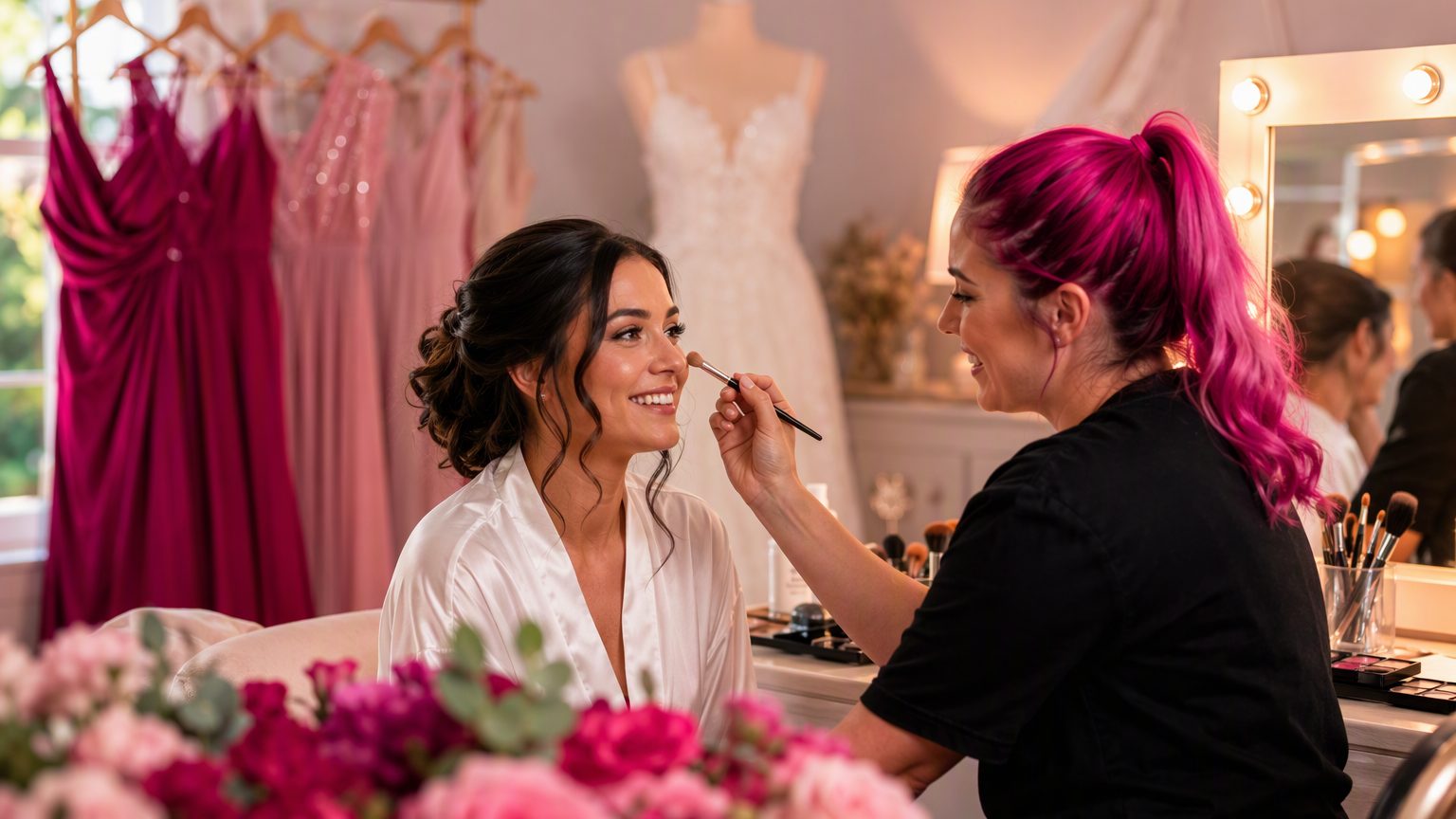
3 Beauty Forms to Review Before Wedding Season Bookings Start
Wedding season beauty forms matter more than most teams realize until the calendar fills up. Once bridal trials, larger parties, early-morning bookings, and first-time clients start stacking up, weak paperwork shows up fast. Check-in takes longer. Important details get buried in texts. Staff ends up chasing signatures or missing prep notes. Before bookings ramp up, it helps to review the three beauty forms that keep the season running smoothly: your intake form, your consent form, and your photo and marketing release form.
What makes wedding season different for beauty businesses
Wedding season brings a different kind of pressure than a regular week in the salon or studio. You may be handling bridal trials, wedding-day services, group appointments, add-on treatments, and clients who have never booked with you before. Timing gets tighter, and there is less room for confusion.
That is why clear, easy-to-complete salon client forms matter. Bridal clients often fill out paperwork between work, planning calls, and vendor meetings, usually from their phones. If your forms are not mobile-friendly, simple, and relevant to the service, completion rates drop and back-and-forth goes up.
This is not about adding more paperwork. It is about making sure your beauty business paperwork actually supports busy appointment days.
Beauty form #1: client intake form
Your beauty intake form should collect the basics before the appointment so your team is not piecing together details at check-in. It should be easy for a first-time bridal client to complete quickly and easy for you to review before the service starts.
What to review in your bridal client intake form
Start with the core information:
- Full contact details
- Preferred communication method
- Service history
- Allergies or sensitivities where relevant
- Medications or skin considerations where appropriate
- Emergency contact, if your business uses it
Then make sure the form reflects wedding-related services. If you offer bridal hair trials, event styling, lash prep, skin prep, tanning prep, or detailed timing needs, your form should ask about them clearly.
Add questions that help your team prepare
A strong bridal client intake form also supports operations. Useful questions may include:
- Who the service is for
- Event date
- Bridal party size
- Location, if you offer mobile services
- Notes about schedule constraints or timing
These details help you plan staffing, prep products, and avoid surprises on the event day. And if your records are digital and searchable, it is much easier to revisit trial notes before the wedding appointment.
Beauty form #2: consent form
Your beauty consent form should match the services you currently offer, not the services you offered two years ago. Wedding season is a good time to review it because service menus often expand with bundles, add-ons, and event-specific bookings.
What a beauty consent form should cover
Check that each consent form clearly includes:
- A description of the service
- Acknowledgment of risks and possible reactions
- Aftercare acknowledgment
- Contraindications or relevant medical history prompts where appropriate
- Signature and date fields
One old generic consent form for every service usually creates problems. If your team now offers combinations of services or seasonal add-ons, your forms should reflect that.
Watch for common wedding-season situations
Bridal bookings often include bundled services, extra treatments, or younger clients attending special events. Depending on the service and local rules, parent or guardian consent may be needed in some cases. If you are unsure whether your wording still fits your services, review it with qualified legal counsel. A digital forms platform can help you organize and collect signatures, but it does not provide legal advice.
Just as important, make sure signed consent is easy to retrieve on appointment day. During a busy morning, no one wants to dig through folders or paper files looking for one signature.
Beauty form #3: photo and marketing release form
Wedding season is also portfolio season. Artists want polished photos of bridal looks, before-and-after shots, and content for social media. That makes your photo release form for salon use worth a close review.
Documenting a service is not the same as marketing permission
A client may be comfortable with photos being kept in their file for reference, but not with those images being posted publicly. That is why photo permission should be specific.
Your form should make clear:
- What images may be used
- Where they may appear
- Whether the client can decline marketing use
- Signature confirmation
In many cases, separating photo consent from general intake makes the choice clearer.
Make the client choice explicit
A practical salon example: a bride may agree to service photos for her record, but not want anything posted before the wedding date. Your form should make that possible if your business policy allows. Clear options build trust and reduce awkward follow-up later.
Vague language bundled into unrelated terms creates confusion. A strong photo and marketing release form keeps expectations clear for both sides.
Quick checklist: signs your forms need updating before bookings increase
If any of these sound familiar, your digital beauty forms may need a refresh:
- Outdated branding, services, or terminology
- Missing signature or date fields
- Forms that are too long or ask duplicate questions
- No mobile-friendly intake forms
- Consent wording that no longer matches current services
- Photo permission language that is vague
- Client records that are hard to search on busy days
A simple wedding season salon checklist like this can save time later.
How to review and update forms without disrupting your schedule
You do not need a full admin day to improve your forms. Start with a simple process:
- Review your current forms
- Compare them to your current services
- Remove unnecessary or duplicate questions
- Test each form on a phone
- Confirm the signature flow works properly
It also helps to ask your team what information they actually need on appointment day. They will usually tell you quickly which questions are useful and which ones clients skip or misunderstand.
The best time to update salon client forms is before the seasonal rush, not in the middle of it. When your forms live in one digital system, updates are easier to make across the team and paper handling drops.
Common mistakes beauty pros make before bridal bookings
A few issues show up again and again:
- Using one generic form for every service
- Collecting too little detail during trial bookings
- Forgetting to review photo-release language before content season
- Leaving forms as PDFs that are awkward to complete on mobile
- Storing signed forms in ways that are difficult to search later
- Overcomplicating forms with legal-sounding language that creates friction
The goal is not to make forms feel heavy. It is to make them clear, complete, and easy to use.
Conclusion
Before wedding season gets busy, review the three forms that do the most work behind the scenes: your beauty intake form, your beauty consent form, and your photo and marketing release form. When these forms are up to date, clients can check in faster, expectations are clearer, and your records stay organized even during packed weeks.
If you want to update your wedding season beauty forms and keep signed client records in one searchable place, try GlowForms.